





Common Issues with Refurbished iPhones: A UK Buyer’s Guide

28/06/2026

10 Mins
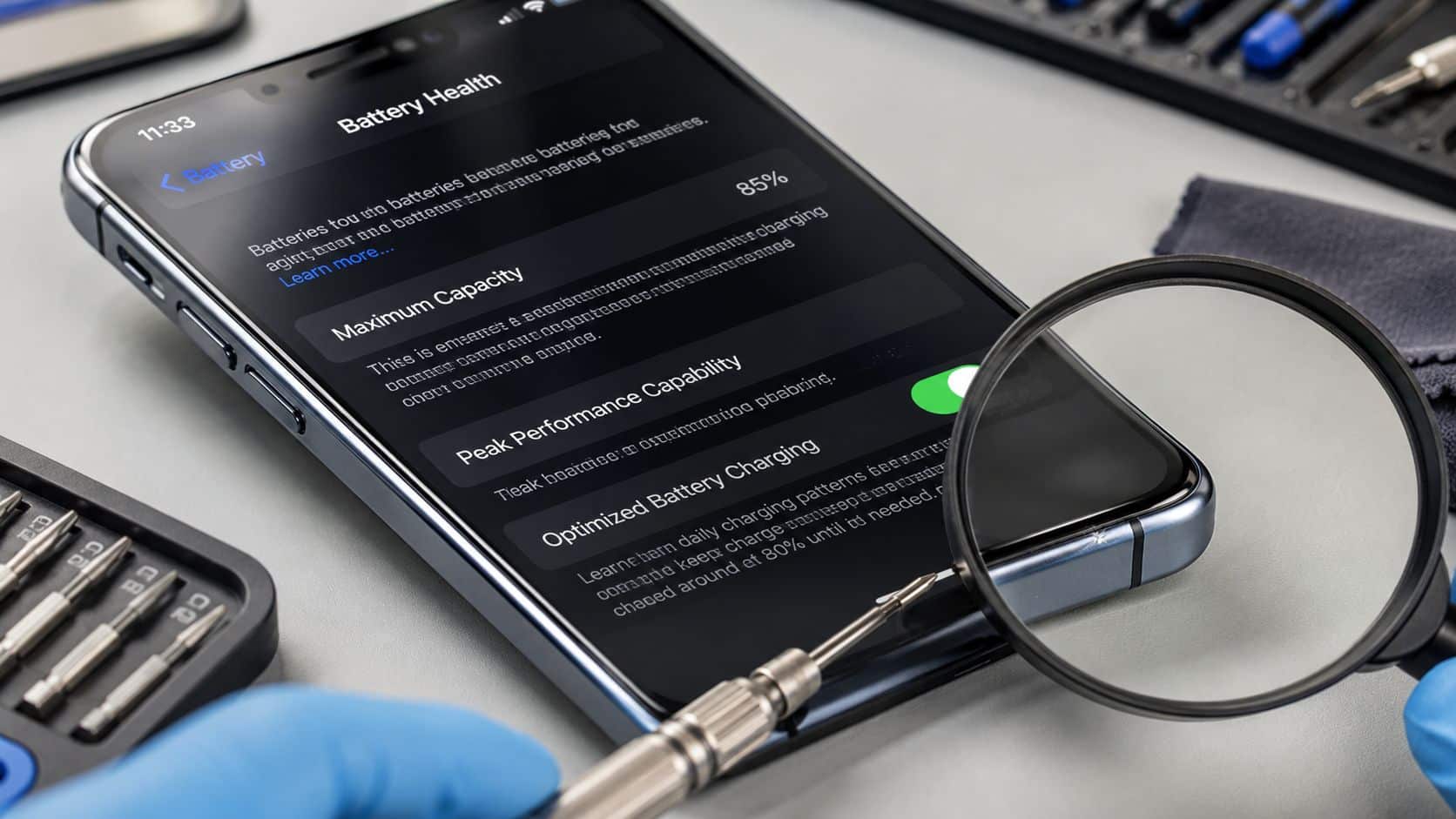
Are you checking the grade, but not checking what’s actually been repaired? That’s where many people go wrong with common issues with refurbished iPhones. The usual trouble spots are battery wear, hidden body or screen damage, and poor-quality replacement parts that look fine at first glance.
A refurbished iPhone can still be a very good buy. You just need to judge functional quality, not only cosmetic condition.
What Are the Most Common Issues with Refurbished iPhones?
The most common issues with refurbished iPhones are **battery health problems**, **body or screen damage that hides a harder impact**, and **non-genuine parts** that affect reliability. Those are the faults that most often change day-to-day use, even when a phone looks tidy in photos.
The important point is this. A clean grade description doesn’t always tell you whether the phone has had a good repair, a rushed repair, or no proper testing at all. Cosmetic grading only describes appearance. It doesn’t guarantee a strong battery, proper Face ID, good microphones, or an original-quality display.
If you want a practical buying checklist, start with a proper refurbished iPhone buyer’s guide. It helps you separate harmless wear from faults that usually lead to returns, repairs, or disappointment.
Practical rule: A scratched iPhone can still be a good buy. A “like new” one with a weak battery or poor screen repair usually isn’t.
The Short Version Key Checks Before You Buy
If you only do a handful of checks, do these. They catch most of the expensive surprises.
- Check battery health first: Go to Settings > Battery > Battery Health & Charging. Anything tired will show up in daily use long before a small scratch ever matters.
- Don’t trust grade wording on its own: A 2021 Euroconsumers study found that while most refurbished iPhones passed basic tests, nearly one in five models graded “as good as new” had serious defects like internal oxidation from water damage or faulty screens, and one device failed completely after only a few hours of use.
- Inspect the frame closely: Look along the edges for bending, gaps between screen and frame, and signs the phone has been opened badly. A scuff is one thing. A lifted screen or twisted chassis is another.
- Test the screen with a plain background: Open a white image and a dark image. Watch for dead areas, touch issues, odd colour tone, or poor brightness.
- Check parts history if the phone supports it: On newer iOS versions, go to Settings > General > About and look for Parts and Service History.
- Make sure it’s unlocked: If a listing doesn’t clearly say unlocked or SIM-free, treat that as a warning sign for UK network use.
- Read the returns policy before paying: A decent test window matters because some faults only show up after charging, calling, or using mobile data for a day or two.
Most buying mistakes happen because people judge a refurbished iPhone the same way they’d judge a used watch or jacket. Phones don’t work like that. Internal condition matters more than light cosmetic wear.
The Big Three Problems Battery Body and Screen
These are the faults that show up most often on the bench and in customer complaints. They also explain most of the difference between a genuinely decent refurbished iPhone and a cheap one that becomes a nuisance after a week.
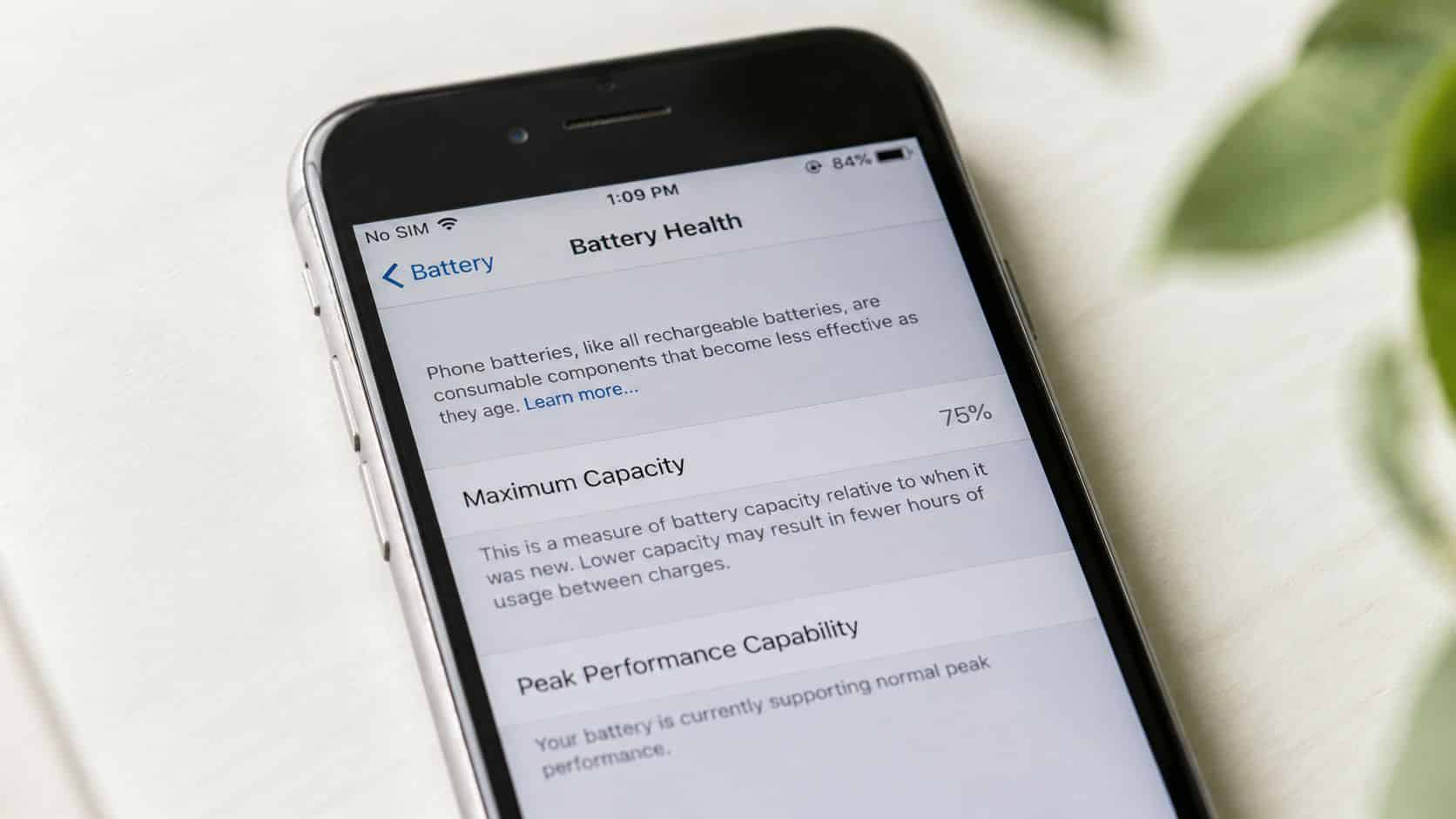
Battery health is more than a percentage
Poor battery performance is the most prevalent technical issue in refurbished iPhones. When battery health drops below **80%**, iOS may restrict CPU speed to reduce unexpected shutdowns, which can leave the phone feeling noticeably slower, as noted in this battery and performance explanation.
That’s why battery health is one of the first things to check. In practical terms, **80% is the minimum acceptable point**, while **90% or higher is ideal** for stronger day-to-day use, especially if you rely on maps, video, messaging and mobile data across a full day. That’s explained well in Used Mobiles 4 U’s iPhone battery guide.
A healthy original battery and a quality replacement battery are not the same thing on every phone, though. Some cheaper repairs use cells that report an acceptable figure at first but don’t hold charge well under real use, particularly when the phone gets warm or the screen brightness is high.
Body condition can hide bigger trouble
Light marks on the casing usually don’t matter. Deep dents near the corners, a screen sitting proud of the frame, or a back housing that doesn’t line up properly matter a lot more.
Those signs often point to a hard drop or a poor-quality previous repair. A bent chassis can put pressure on the display, affect the seal, and make later repairs more awkward. Even if the iPhone powers on and works, you may end up with charging issues, weak adhesive, or a screen that starts lifting later.
- Look down the side rails: The phone should sit straight with no twist.
- Check around the charging port: Heavy wear there can suggest years of rough use or prior liquid exposure.
- Press gently around the screen edge: Any creak, movement, or gap is a warning.
Cosmetic grade should tell you how the phone looks. It should not be used as a shortcut for how well it works.
Screen faults are often obvious once you know what to look for
A replacement screen can be perfectly fine if it’s been fitted properly and performs as it should. The trouble starts when low-grade panels are used just to get a phone sold cheaply.
Common signs include dull colours, poor viewing angles, uneven brightness, touch lag, or a display that feels slightly hollow when tapped. On some repaired iPhones, True Tone may be missing, or the screen may sit slightly proud because the frame isn’t flat underneath.
For buyers, the simplest test is still one of the best. Open a bright screen, then a dark one, turn brightness up, and swipe around the full panel. If parts of the screen don’t respond evenly, if black areas look patchy, or if the display has an obvious blue or yellow cast, walk away unless the seller is fully open about what’s been replaced.
Hidden Dangers Water Damage Fake Parts and Locks
A refurbished iPhone can look excellent and still have problems underneath. Some of the worst faults are the ones buyers don’t see until the phone heats up, loses signal, stops charging properly, or throws up warnings in iOS.
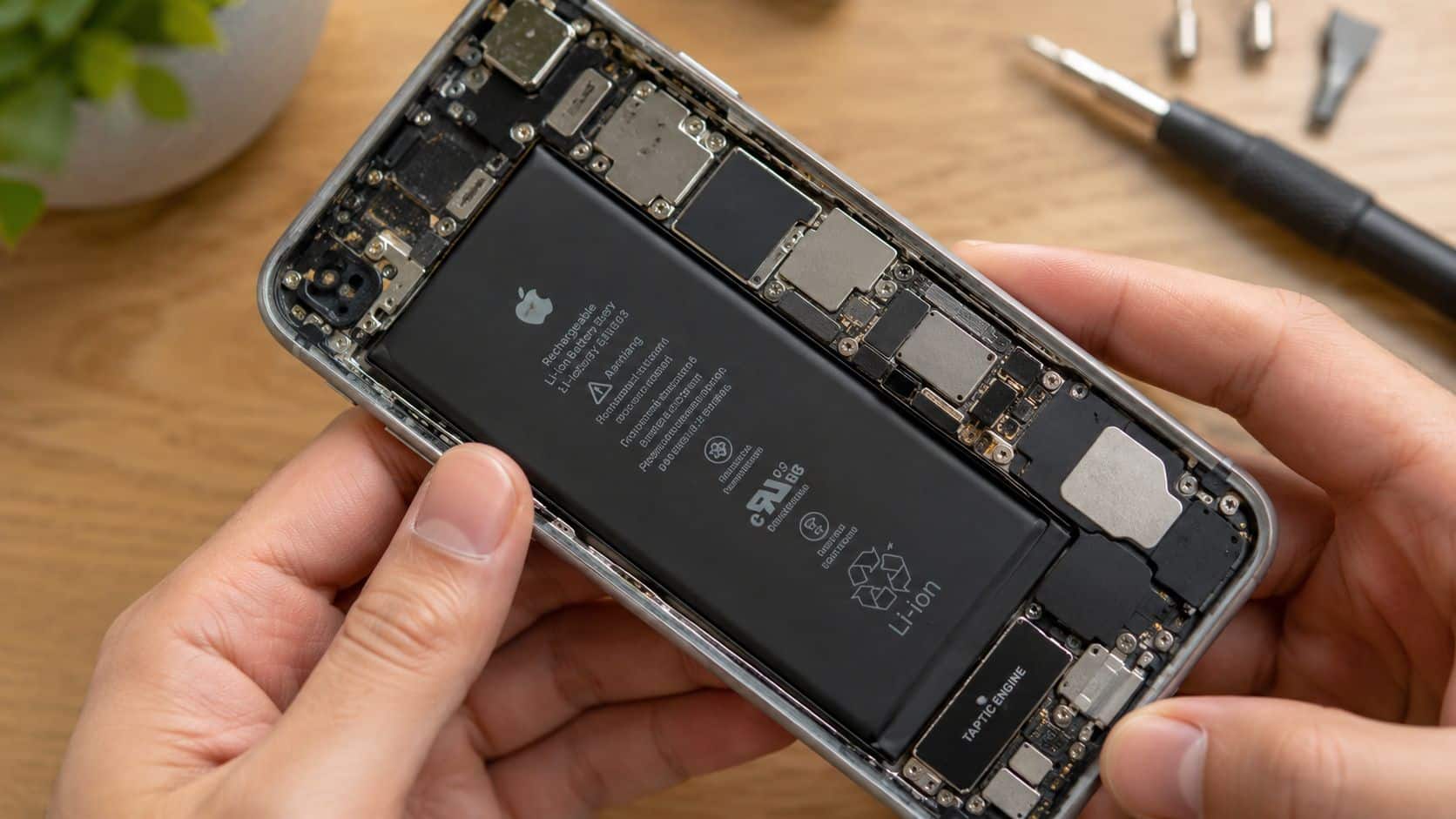
Water damage doesn’t always announce itself
One of the biggest mistakes is assuming a phone is fine because it switches on and the cameras work. Internal moisture damage can sit quietly for a while. Corrosion often shows up later as charging faults, random battery drain, poor speaker output, camera fogging, or intermittent touchscreen trouble.
Refurbished phones also shouldn’t be treated like factory-sealed water-resistant devices. Once a phone has been opened for repair, that original seal isn’t something I’d tell any customer to rely on for rain, sinks, or pockets full of condensation.
- Inspect the lenses: Any haze or mist inside is a bad sign.
- Check the charging port: Greenish residue, unusual dullness, or corrosion marks deserve caution.
- Watch for erratic behaviour: A phone that gets warm when doing very little can have hidden internal trouble.
Battery health can be misleading when the part itself is poor
The battery percentage alone doesn’t tell the full story. The Battery Health transparency gap highlighted here is real. Many UK buyers run into trouble because listings don’t clearly disclose non-OEM batteries, and Apple’s Parts and Service History in iOS 15.2 and later only gives a partial picture, especially on older models.
That matters because a battery can look acceptable in settings but still perform badly in real use if the cell quality is poor. On supported models, check Settings > General > About for Parts and Service History. If you see an unknown or replaced part, don’t panic. Just make sure the seller is honest about it and that the phone has been tested properly under load, not only switched on for a photo.
Bench note: A cheap replacement battery often behaves worst at the times customers care about most. Cold mornings, video calls, sat-nav use and low remaining charge.
Locks can turn a bargain into a paperweight
There are two different lock problems buyers confuse all the time. A carrier lock stops you using the network you want. An Activation Lock can stop you using the phone at all.
Network unlocking failures and SIM “Not Supported” errors are a known issue with some imported or badly processed refurbished iPhones in the UK. If the device hasn’t been properly unlocked from its original carrier, you can end up unable to use it on networks such as EE, O2 or Vodafone. That’s why it’s worth buying only when the seller clearly states unlocked status, as explained in this guide to unlocked refurbished iPhones in the UK.
Activation Lock is the harder stop. If the previous owner’s Apple ID is still tied to the phone, don’t buy it. There isn’t a clever workaround that makes that a safe purchase.
Our Experience Refurbishing This Model at Used Mobiles 4U
One thing we regularly notice is that buyers often focus too much on whether an iPhone is Like New or Good, and not enough on what’s going on inside it. In reality, the grade mainly tells you about cosmetic wear. The bigger question is whether the phone has been checked properly for battery condition, charging stability, Face ID, cameras, microphones, speakers, and network performance.
Our technicians often see iPhone 11 and iPhone 12 models arrive with tired original batteries, worn charging ports, and signs of previous screen work. On these models in particular, battery condition makes a big difference to how the phone feels in daily use. A phone can seem fast enough on the bench, then struggle once a customer starts using 4G or 5G, location services, video and Bluetooth across a normal day.
What we commonly see
- Battery wear on older favourites: iPhone 11 units often show the sort of ageing that affects all-day reliability before anything else does.
- Poor prior repairs: We regularly find phones that have had a quick screen or battery swap with parts that don’t match the standard most buyers expect.
- Heavy-use signs around ports and speakers: These areas often tell you more about a phone’s life than the back glass does.
- Grade confusion: A Good condition phone can be a better buy than a prettier one if the internal condition is stronger and the checks have been done properly.
A common example we see is a customer comparing a very cheap marketplace iPhone against a properly tested retail unit and assuming the only difference is cosmetic. It often isn’t. A significant number of refurbished phones sold on peer-to-peer platforms are non-certified, with **over 40%** of buyers reporting functional failures within a year due to non-OEM parts, as discussed in this peer-to-peer refurbished phone discussion.
That’s why technicians check far more than power-on status. The proper process includes battery assessment, charging behaviour, call quality, microphones, cameras, Face ID where fitted, Wi-Fi, Bluetooth, buttons, vibration, and signs of liquid or previous poor repair. The difference between a rushed refurb and a proper one is usually visible once you know where to look, but many buyers only find it after the return window has started ticking down.
If you want to see what a formal testing route looks like, the Used Mobiles 4U Refurbishment Process gives a useful overview. That matters more than polished listing photos ever will.
Good refurbishment isn’t about making a phone look untouched. It’s about making sure the parts that matter will keep working.
Your Final Checklist and Our Verdict
If you’ve bought a refurbished iPhone already, test it properly in the first few days. Don’t just switch it on, admire the screen, and assume all is well.
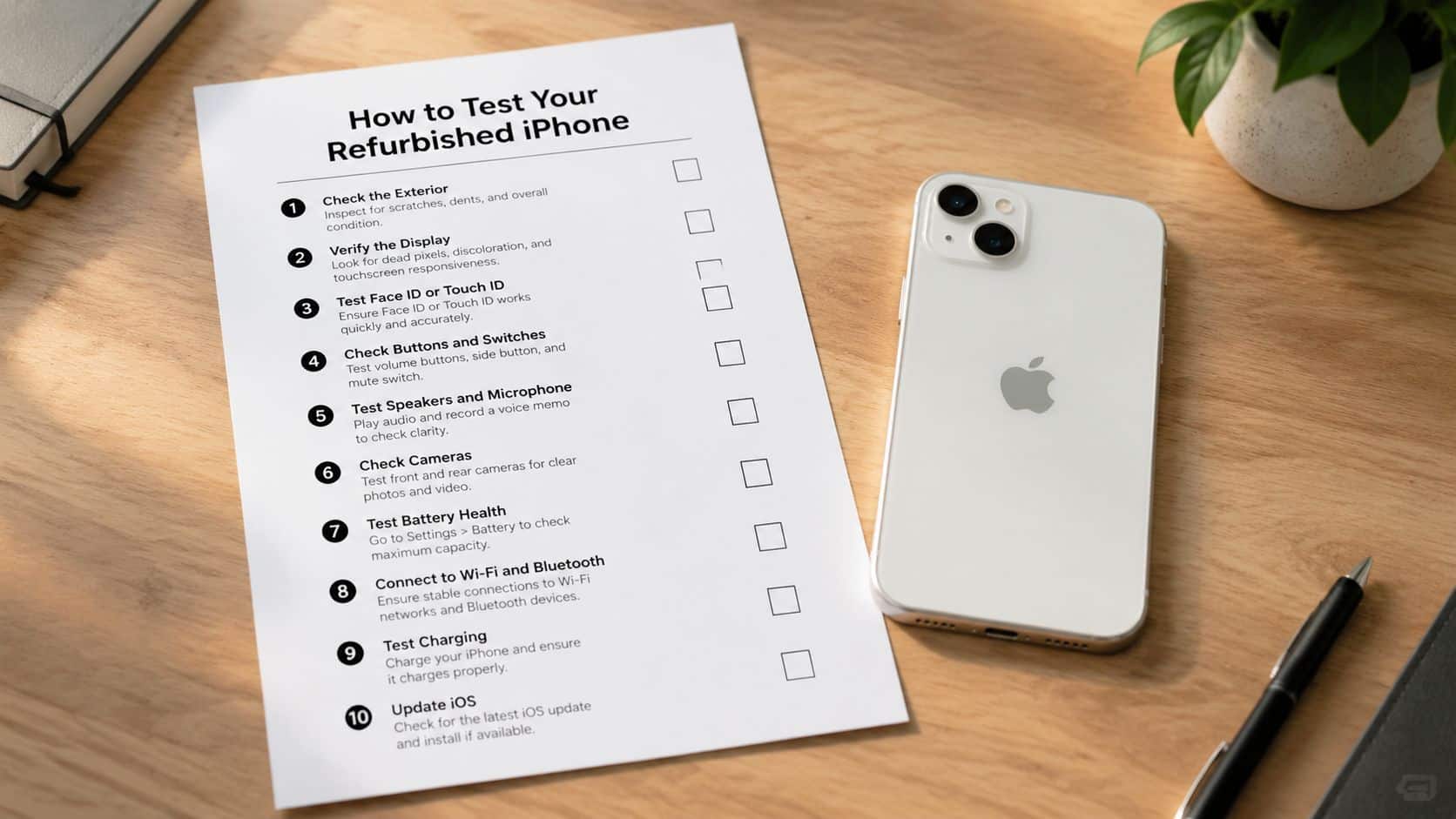
How to test your refurbished iPhone, quick steps
- Back up first: If you’ve already started using the phone, make a backup before changing settings or resetting anything.
- Check battery health: Go to Settings > Battery > Battery Health & Charging and confirm the figure matches what you were told.
- Check parts history: Go to Settings > General > About and look for Parts and Service History if the model supports it.
- Test network and SIM use: Make a call, send a text, try mobile data, and confirm the phone is working properly on your UK network.
- Test cameras and sound: Record a short video with front and rear cameras, then play it back to check microphones and speakers.
- Inspect the display carefully: Turn brightness up, use a white background and a dark background, and test touch response across the whole panel.
- Charge it from low battery: Watch for excess heat, charging drop-outs, or strange battery jumps.
Our verdict
Common issues with refurbished iPhones are real, but they’re manageable if you buy carefully. For most people, a refurbished iPhone is worth it. It suits buyers who want value, parents buying a first iPhone, and anyone who’d rather spend sensibly than pay full new price for a sealed box.
It’s less suitable for someone who wants absolute factory-fresh condition, full original water resistance confidence, or zero tolerance for any cosmetic wear. Those buyers are usually happier going new.
The best approach is simple. Buy based on testing, battery condition, unlock status, clear grading and proper after-sales support, not just the lowest price. If you’re still comparing options, this guide to the best place to buy refurbished iPhones is a sensible next step.
Written by James Waterston, 24 years in the mobile phone industry from customer service through to Sales Director of a global repair and recycling company. Now running Used Mobiles 4U for over 8 years.
LinkedIn: James Waterston
Meta description: Common issues with refurbished iPhones include weak batteries, hidden damage and poor parts. Learn what to check before you buy in the UK.
If you want a properly tested device with clear grading, UK support and warranty cover, have a look at Used Mobiles 4 U. We stock refurbished iPhones and other phones that are checked for the faults that usually catch buyers out, so you can buy with a lot more confidence.
Looking for a refurbished phone?
Shop professionally tested refurbished iPhones and Samsung phones with 18 month warranty, 30 day returns and free UK delivery.
Browse Refurbished Phones






