





Expert Guide: How to Clean and Maintain iPhone in 2026

27/06/2026

9 Mins

If your iPhone is covered in fingerprints, won’t charge properly, or feels grubby around the case edges, start simple. Turn it off, unplug it, wipe it with a soft lint-free cloth that’s only slightly damp, and keep harsh cleaners, metal tools and compressed air well away from it.
That sounds basic, but it’s the difference between routine upkeep and an avoidable repair. A lot of phones that look “worn out” are really just dirty in the wrong places.
Keeping Your iPhone in Top Condition
The best way to clean and maintain iPhone hardware is gently and regularly. Use the right cloth, keep moisture controlled, and clear dirt before it gets pushed into ports, speaker mesh or around the case lip.
This matters for more than appearance. Common iPhone repairs in the UK can get expensive fast. Screen replacements can range from £30 for older models to over £380 for newer ones, and back glass replacement can approach £600, which is why preventative care makes financial sense as much as cosmetic sense. Those figures are outlined in this UK iPhone repair cost breakdown.
A clean iPhone also holds its value better when you come to sell or trade it in. If you want a broader routine for day-to-day device care, Used Mobiles 4 U’s phone upkeep guide is a sensible place to start.
Practical rule: Clean little and often. Most damage happens when people leave grime to build up, then attack it too aggressively.
The Short Version What to Do and What to Avoid
- Do use a microfiber cloth. A soft, lint-free cloth is the safest default for the screen, frame and rear glass.
- Do power the phone off first. It lowers the chance of accidental inputs and makes it easier to see smears and dirt.
- Do remove the case regularly. Dirt trapped between the case and phone causes scuffing and holds heat.
- Do clean ports carefully. If lint is visible, work slowly with a non-metal tool rather than forcing it deeper.
- Do treat water resistance sensibly. A used device may not have the same seal integrity it had when new, so this refurbished iPhone water resistance guide is worth reading before you assume your phone can shrug off moisture.
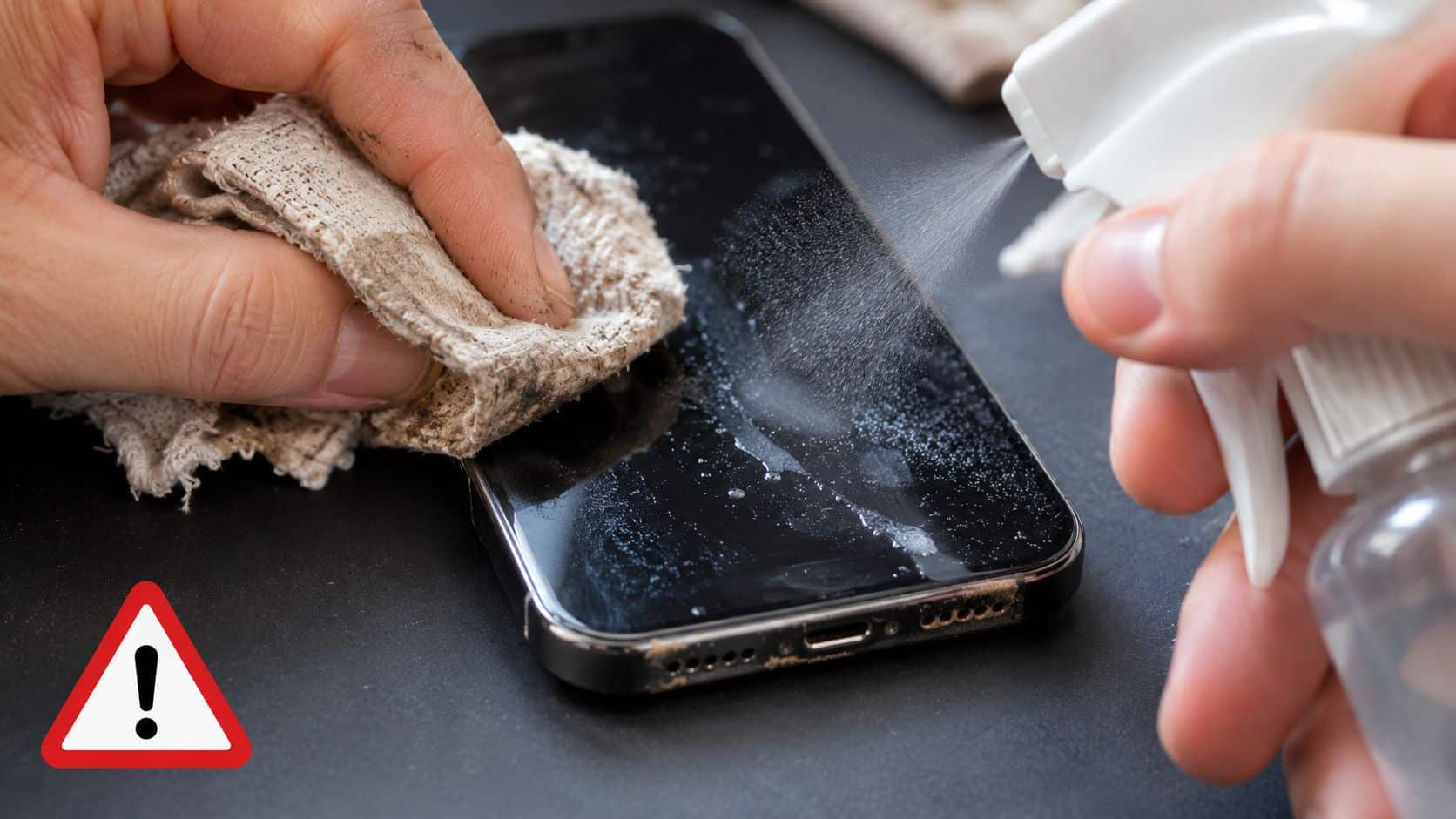
- Don’t spray cleaner directly onto the phone. Put moisture on the cloth, not into the speaker, port or button gaps.
- Don’t use bleach. It’s too aggressive for the exterior finish and screen coating.
- Don’t use compressed air. It can force debris further inside and cause damage where you can’t see it.
- Don’t poke the charging port with metal. SIM tools, pins and paperclips cause more trouble than they solve.
- Don’t assume every “gentle” household cleaner is screen-safe. Older refurbished iPhones are often less forgiving than newer handsets.
How to Clean Your iPhone Hardware Safely
If you want to know how to clean and maintain iPhone hardware properly, the safest method is a dry or slightly damp microfiber cloth for the outside, and very cautious cleaning around ports and speaker grilles. Slow is better than force.
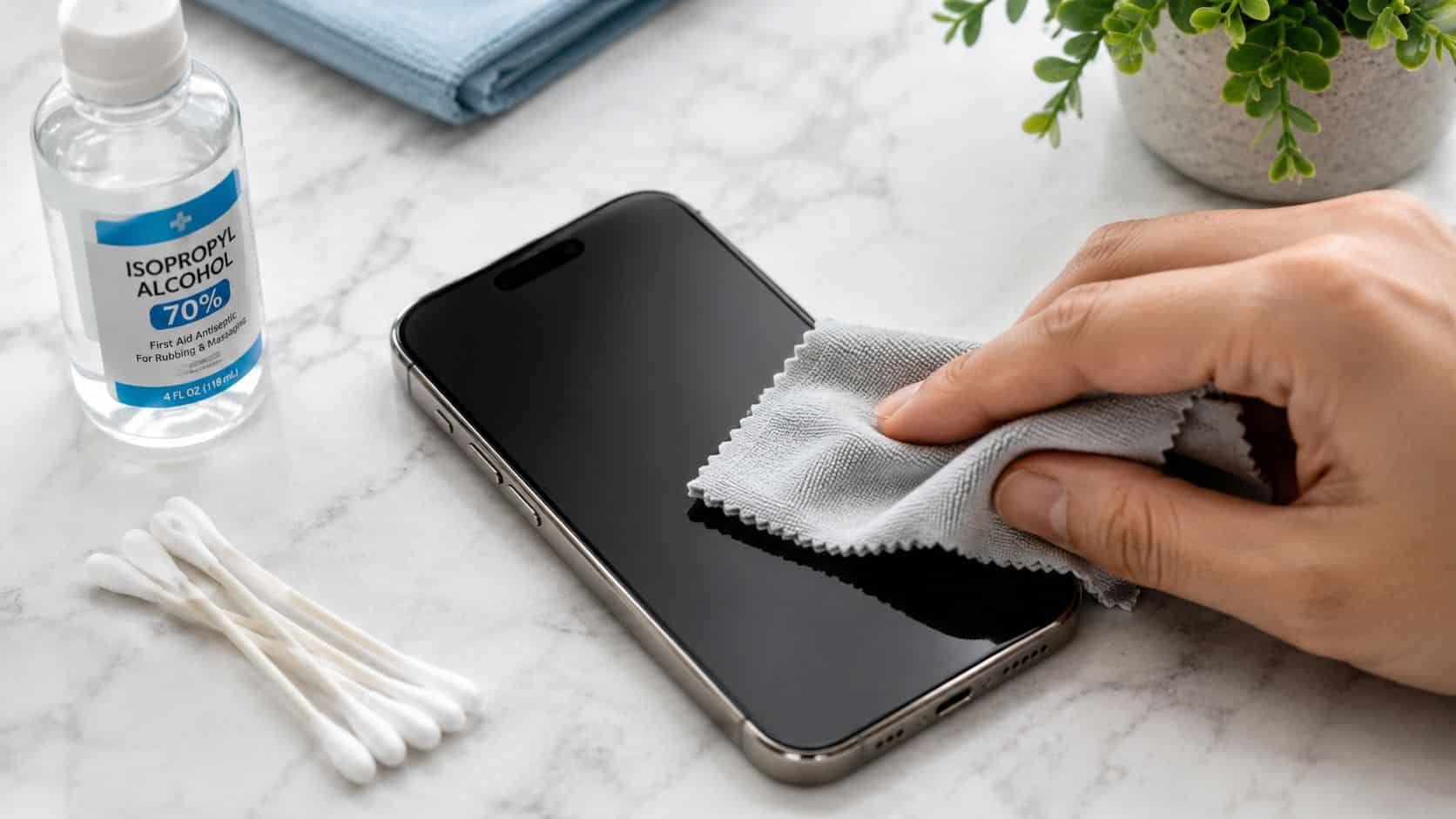
How to Clean Your iPhone Quick Steps
- Back up first if the phone is already playing up. If it has charging issues, random restarts or moisture concerns, don’t risk making things worse before your data is safe.
- Turn the iPhone off. Then unplug all cables and remove the case.
- Wipe the exterior with a lint-free cloth. If needed, lightly dampen it with water. Don’t drench it.
- Disinfect only with approved wipes. Apple allows 70% isopropyl alcohol wipes, 75% ethyl alcohol wipes and Clorox Disinfecting Wipes on exterior surfaces in its cleaning guidance at Apple’s official iPhone cleaning page.
- Clean the port carefully. Use a wooden toothpick or other non-metal tool with a light touch.
- Brush speaker and earpiece mesh gently. A soft dry toothbrush works better than a wet cloth here.
- Refit the case only when everything is fully dry. Trapping moisture under a case is asking for trouble.
Cleaning the screen and body
For the screen, less product is better. Apple’s own advice is straightforward: use a soft, slightly damp, lint-free cloth. If you want to disinfect the exterior, approved alcohol wipes are fine, but bleach and compressed air are not. Those are the kinds of shortcuts that damage coatings and create repair-bench problems later.
Wipe in small circles, then finish with a dry part of the cloth. If the phone has a camera lip, clean around it rather than dragging debris across the lens glass.
Most screens don’t need a cleaner. They need the right cloth and a bit of patience.
Cleaning the charging port without making it worse
The charging port is where people often do accidental damage. Pocket lint compacts into the base of the port, then the cable stops seating properly. The temptation is to jab at it with something sharp. That’s exactly what bends pins or scars the inner housing.
A wooden toothpick is safer than metal because it’s less likely to gouge the internals. Work under good light, scrape gently, and lift lint out rather than stabbing downward. If charging still feels inconsistent after that, it helps to read a proper repair-led guide on how to diagnose iPhone charging port issues before assuming the port itself has failed.
If you want a separate step-by-step routine for phones in general, this Used Mobiles 4 U cleaning guide covers the basics well.
Speaker grilles and case edges
Speaker mesh traps dust more easily than most people realise. A soft toothbrush used dry is usually enough to loosen debris. Brush lightly across the grille rather than digging into it.
Case edges need attention too. Remove the case and wipe both the inside of the case and the phone frame. That hidden grime is one of the main reasons devices start to look older than they really are.
What We Commonly See Common Cleaning Mistakes
Most cleaning damage doesn’t come from neglect alone. It comes from trying to fix neglect quickly. The phone gets sprayed, scrubbed, blown out with compressed air, or picked at with whatever sharp object is nearest.
What buyers usually ask us
- “Can I use screen spray?” Sometimes, but that doesn’t mean you should. On older iPhones, plain water on a microfiber cloth is usually the safer option.
- “Will a pin damage the charging port?” Yes, it can. We see ports that were fine until someone tried to dig lint out with metal.
- “Is an eco cleaner safer?” Not automatically. “Eco” and “screen-safe” aren’t the same thing.
- “Can I blast the speakers clean?” Compressed air is a poor idea on phones. Gentle brushing is far safer.
The cleaner mistake older refurbished iPhones suffer from
One point generic cleaning guides often miss is the screen coating on older iPhones. Many refurbished iPhone 11 and iPhone 12 handsets are still excellent buys, but their oleophobic coating may already be more delicate than when they were new.
That’s where supposedly mild household or eco-friendly cleaners can do harm. Many contain surfactants that strip the delicate oleophobic coating on older screens, which can leave them more scratch-prone and much more prone to smudging, as explained in this screen cleaning advice from Consumer Reports.
Older screens reward gentler care, not stronger products.
Small mistakes that turn into workshop jobs
A common example we see is someone with an iPhone that has stopped charging properly after months of pocket lint buildup. They try a SIM pin, get a brief improvement, then the cable starts feeling loose or only works at an angle. At that point the dirt may not be the only problem.
Another one is over-wetting the cloth. People think “slightly damp” means “nearly dripping”, then moisture reaches the speaker mesh, mute switch area or charging port. Even if the phone survives, residue can linger and create annoying faults later.
Dirty cloths are another overlooked issue. If the cloth has grit in it from a desk, handbag or car dashboard, you’re not cleaning the screen. You’re rubbing abrasive debris over it.
Our Experience Refurbishing This Model at Used Mobiles 4U
When we refurbish iPhones, cleaning isn’t treated as a cosmetic final step. It’s part of diagnosing how the phone has been used and what may be wearing out underneath.
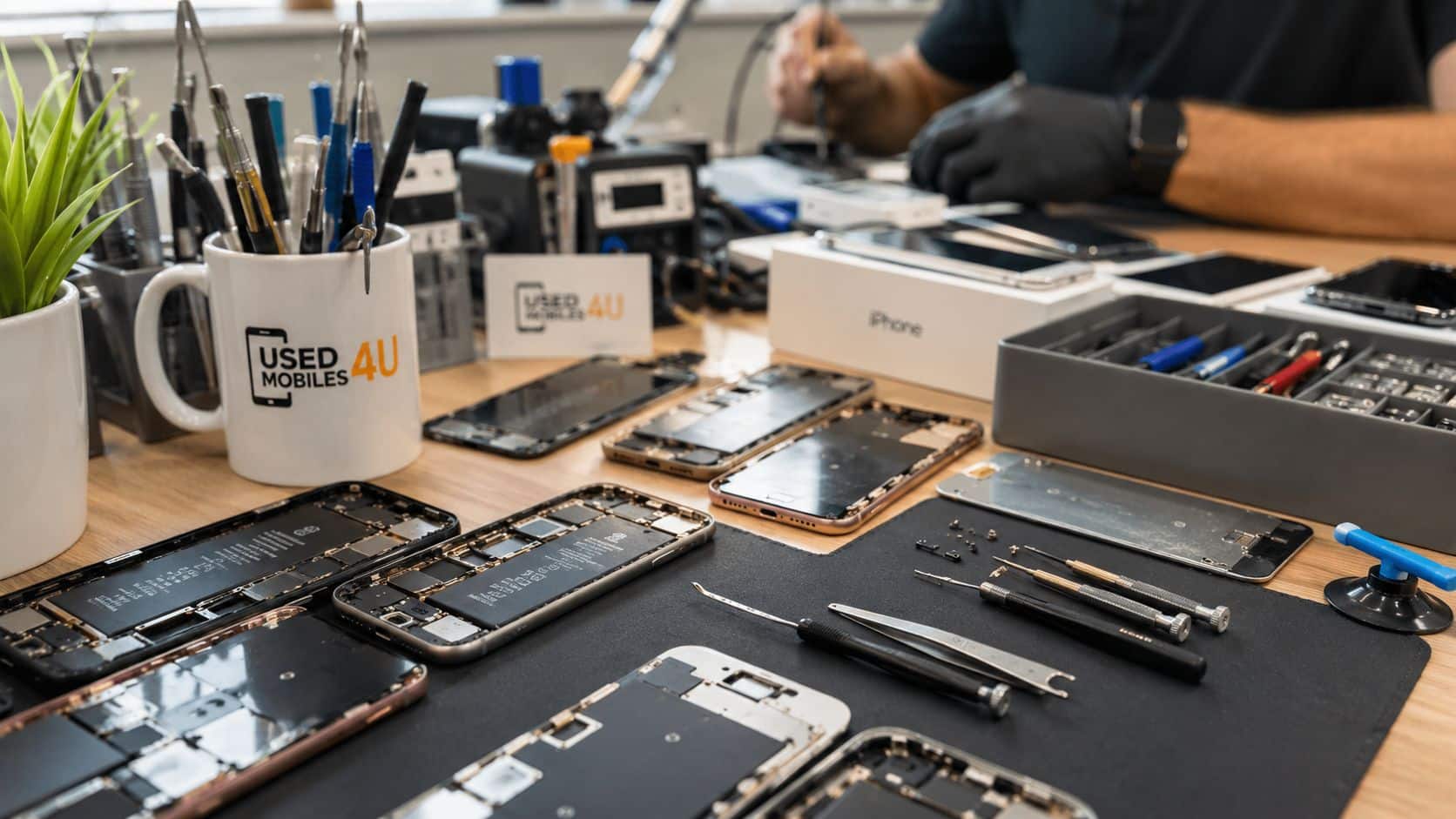
One thing we regularly notice is that the dirtiest phones aren’t always the roughest phones overall. Some have excellent screens and cameras, but the charging port is packed with lint, the earpiece is muffled, and the case has trapped grime around the edges for months. Others look clean on first glance but show wear around the port or a tired battery because heat has been building up unnoticed.
What we check before resale
- Battery health and charging behaviour. A phone that charges erratically may just need cleaning, or it may point to deeper wear.
- Speaker and microphone clarity. Dust and compacted debris often explain dull sound.
- Camera, Face ID and button response. Dirt around cut-outs and switches can mask faults at first.
- Grade differences. Like New, Excellent and Good often come down to cosmetic wear, but poor maintenance leaves clues in every grade.
- Signs of heavy use. Scuffed corners, polished charging ports, scratched lens surrounds and ingrained case marks all tell a story.
The hidden problem most owners miss
Our technicians often see micro-case grime trapped between the iPhone and the case. It doesn’t look dramatic, but it acts like insulation. During charging, that trapped layer can hold heat against the phone instead of letting it escape. Apple warns that using devices above 35°C can permanently reduce battery lifespan in its battery temperature guidance at Apple’s battery support page.
That’s why we always tell people to remove the case regularly and clean both surfaces. It’s a simple habit, but it matters, especially on refurbished iPhones where preserving battery health makes a real difference to everyday use.
For anyone curious about what happens before a phone goes back on sale, the Used Mobiles 4U Refurbishment Process gives a clear picture of the checks involved.
Bench note: If a phone feels hot whenever it charges, don’t just blame the battery. Check the case, grime buildup, charging cable fit and whether the port is obstructed.
Software Maintenance for a Faster Longer Life
Physical cleaning helps, but software upkeep matters too. A phone with no free storage, an old iOS version and poor charging habits will feel older than it needs to.
Simple checks that make a difference
- Keep iOS updated. Updates fix bugs, improve security and often smooth out odd battery or app behaviour.
- Check battery health. On supported iPhones, go to Settings > Battery > Battery Health and look for signs the battery is ageing.
- Use Optimised Battery Charging. It helps reduce unnecessary battery stress during daily charging.
- Clear out storage. Too many large videos, duplicate photos and unused apps can slow everyday use.
- Back up regularly. iCloud or a computer backup gives you options if the phone develops a fault.
Temperature matters more than many owners realise. iPhone performance is considered optimal between 1°C and 35°C, and exposing the device to very hot or very cold conditions can cause performance problems and permanent battery damage, as noted in this iPhone maintenance advice.
In practical terms, don’t leave it on a sunny dashboard, under a pillow while charging, or in a freezing car overnight. Daily habits like that shorten a battery’s useful life much faster than most people expect.
Our Verdict on How to Clean and Maintain Your iPhone
Proper iPhone care isn’t difficult. It just needs the right habits. Use a soft cloth, keep moisture under control, remove the case regularly, and don’t improvise with metal tools or strong cleaners when dirt builds up.
If your phone is working normally, routine maintenance is well worth it. If it has loose charging, muffled audio, overheating or a screen coating that already feels worn, don’t keep pushing your luck with DIY fixes. Gentle cleaning is smart. Aggressive cleaning gets expensive.
The same logic applies to laptops and desktops as well. If you also use a computer daily, these improve computer performance tips are a useful reminder that good maintenance nearly always beats a rushed repair.
For most people, how to clean and maintain iPhone comes down to consistency, not specialist kit. It’s worth doing if you want your phone to last, hold value and stay reliable. If you’d rather start with a professionally checked device, browse a properly tested refurbished iPhone from a seller that’s clear about grading, battery health, warranty and support.
Meta description: Learn how to clean and maintain iPhone safely with practical UK advice on screens, ports, battery care and the common mistakes that damage refurbished phones.
Written by James Waterston, 24 years in the mobile phone industry from customer service through to Sales Director of a global repair and recycling company. Now running Used Mobiles 4U for over 8 years.
LinkedIn: James Waterston on LinkedIn
If you’re looking for a properly tested replacement handset, or you want to buy and sell with a UK company that understands refurbished tech inside out, have a look at Used Mobiles 4 U. You’ll find clear grading, warranty cover, secure data wiping and a strong range of refurbished iPhones and other smartphones without the usual guesswork.
Looking for a refurbished phone?
Shop professionally tested refurbished iPhones and Samsung phones with 18 month warranty, 30 day returns and free UK delivery.
Browse Refurbished Phones






