





How to Reset a Refurbished iPhone: A Complete Guide

22/06/2026

10 Mins
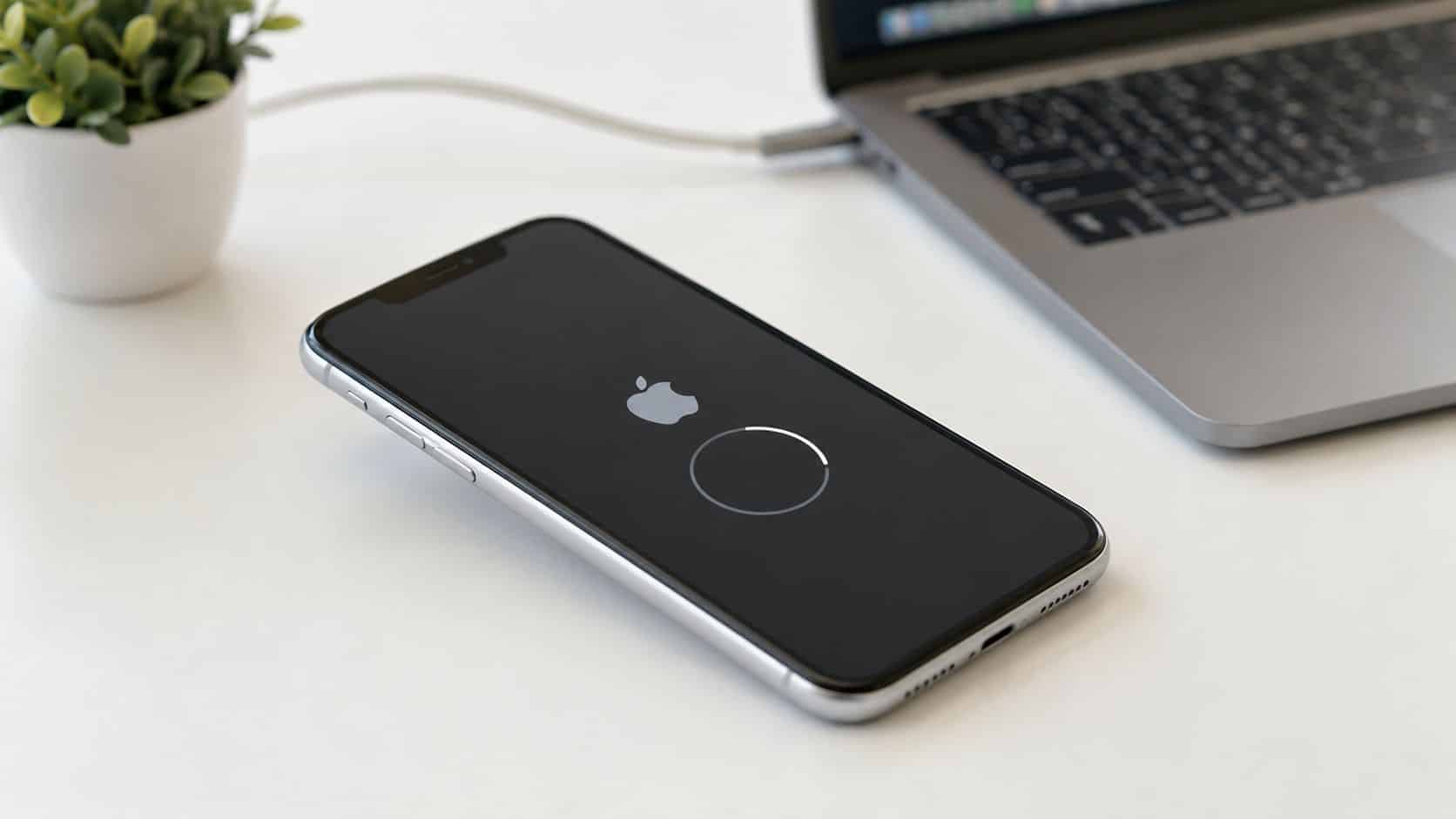
If you’ve just bought a refurbished iPhone and you’re staring at the screen wondering if it needs wiping, the short answer is simple. If it shows the Hello screen, it’s already erased and ready to set up. If it shows a lock screen, home screen, or asks for someone else’s details, stop and check things properly before you reset anything.
A full reset wipes the phone for a new user. That’s very different from a restart, which only reboots the handset and doesn’t remove any data.
In Plain English
- Hello screen: Already reset and ready to use.
- Lock screen: Still linked to the previous setup and may need their passcode or Apple Account details.
- Best reset method: Use the iPhone’s own erase menu if you can access Settings.
- Main risk: Erasing without properly signing out first can leave the phone tied to the old owner.
- If Activation Lock appears after purchase: Return it to the seller. Don’t waste time trying to bypass it.
What You Must Check Before Resetting
If you want to know how to reset a refurbished iPhone safely, the checks before the wipe matter just as much as the wipe itself. Most problems we see don’t come from the erase menu. They come from people rushing past account removal, Find My, or eSIM choices.
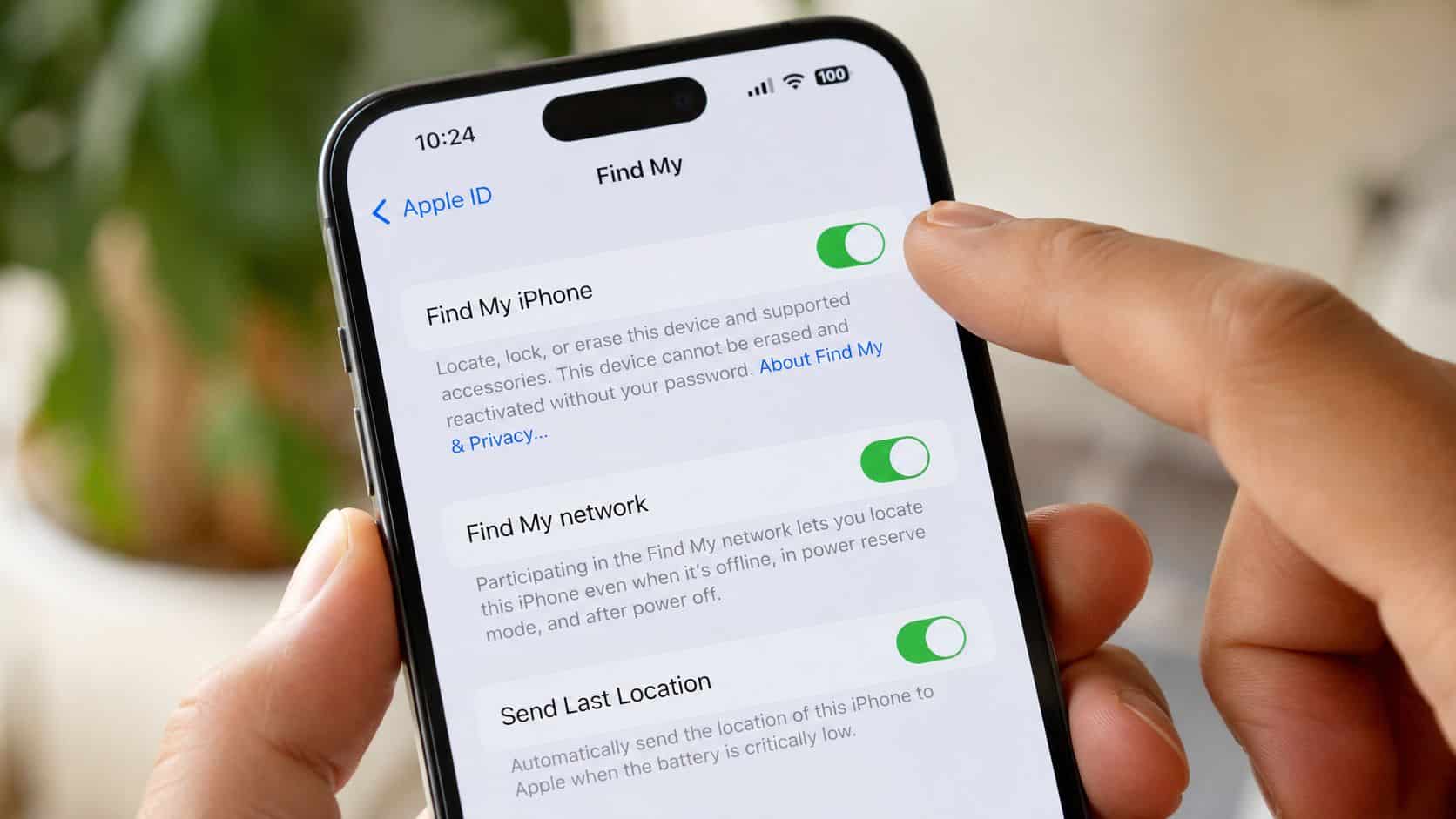
Before selling or trading in, the practical sequence is to back up first, sign out of iCloud, and remove the device from trusted devices so you don’t run into Activation Lock trouble afterwards. That’s the part people miss most often, and it’s why a phone can be wiped locally but still remain tied to the previous account via Apple ID sign-out steps before erasing.
Checks we’d never skip on the bench
- Back up anything you need: A factory reset is a wipe, not a tidy-up. Photos, messages, app data and settings are gone unless you’ve saved them first.
- Make sure you know whose phone it is: If it’s your own iPhone, fine. If it’s a used phone you’ve just bought and it still looks set up for someone else, be careful. That can become an account problem, not just a reset job.
- Sign out properly: Don’t assume the erase alone handles this. The account needs to be removed cleanly first.
- Check Find My status: If Find My is still active under the old owner, you can end up with a phone that wipes but still can’t be activated by the next person.
- Think about the SIM side: A physical SIM is easy enough to remove. eSIM needs more thought, especially if the line is still meant to stay live.
Practical rule: If the phone isn’t clearly yours in the software, don’t start wiping and hoping for the best.
Used phone warning signs
A common example we see is someone buying a “refurbished” iPhone privately, then finding it opens to a lock screen instead of the Hello screen. That usually means the phone hasn’t been prepared properly for resale.
If you’re worried the handset may not have been cleared correctly, it’s worth reading our guide on how to avoid stolen refurbished iPhones before you go further.
How to Reset a Refurbished iPhone The Right Way
The proper reset method depends on what state the phone is in. If you can open Settings, use the built-in erase option. If the phone is disabled or you can’t get into Settings at all, you’re into recovery mode territory instead.
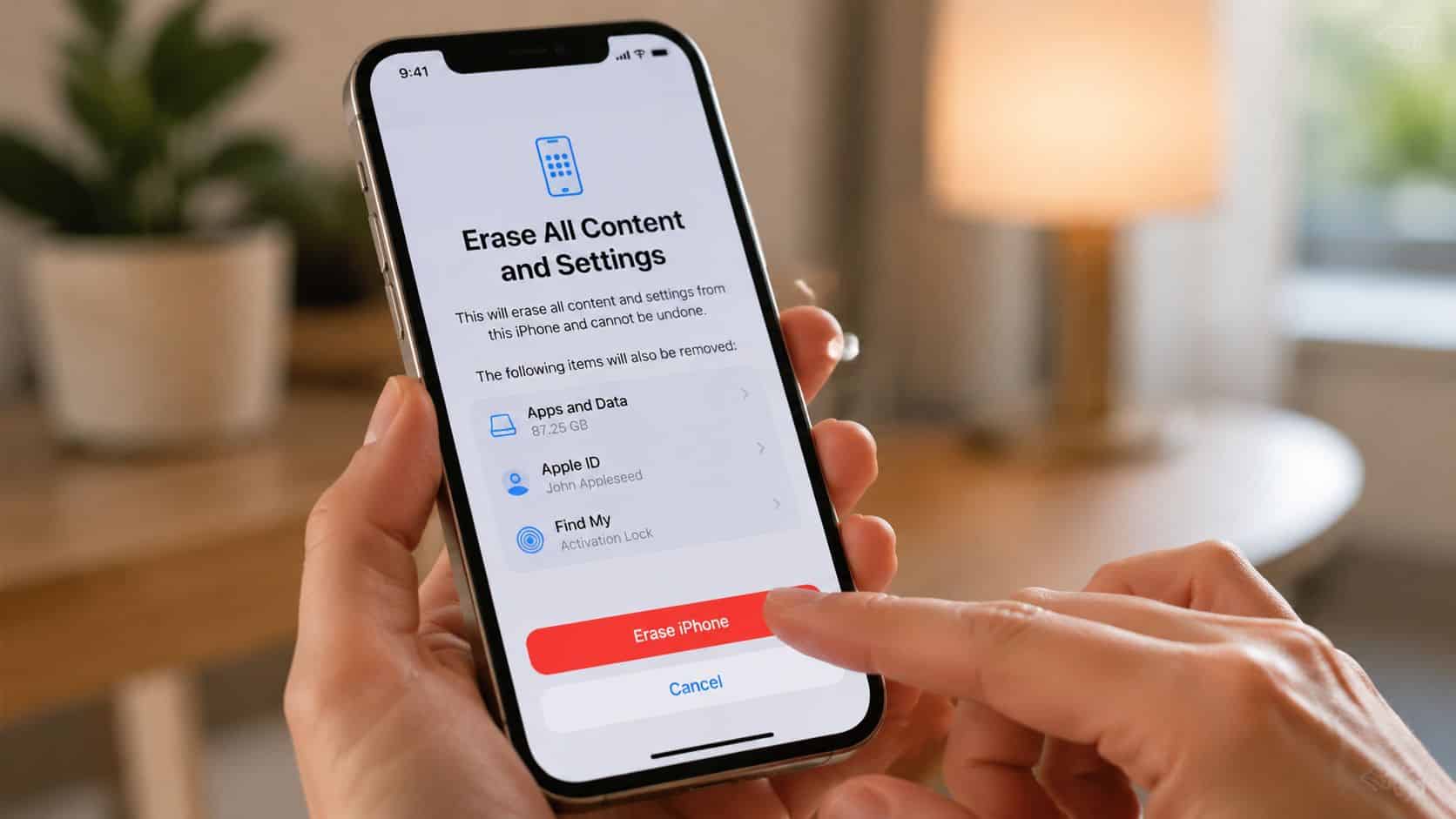
How to reset a refurbished iPhone quick steps
- Back up your data if there’s anything you want to keep.
- Open Settings on the iPhone.
- Go to General.
- Tap Transfer or Reset iPhone.
- Tap Erase All Content and Settings.
- Enter the device passcode when prompted.
- Choose what to do with eSIM if the phone uses one.
- Wait for the erase to finish until the phone returns to the setup screen.
Apple’s standard workflow is Settings > General > Transfer or Reset [device] > Erase All Content and Settings. If the iPhone uses eSIM, you can choose to keep it or delete it, and deleting it means you’ll need to contact your carrier later to reactivate the plan, as shown in Apple’s erase guidance.
If you want a shorter version of the same path, we’ve also set it out here on how to reset an iPhone to factory settings.
When this is the best method
This is the cleanest option when the phone is working normally and you can get into the menus. It’s the route we prefer because it wipes the device in the way Apple expects, and it leaves the handset at the proper post-erase state for handover.
For a resale or hand-me-down phone, this is what “done properly” looks like. You don’t want to hand someone a phone that’s only half-cleared, still logged into old services, or carrying mobile plan confusion because the eSIM prompt was ignored.
If the phone gives you the choice to keep or delete eSIM, stop and read it. That isn’t a throwaway screen.
What a restart does and doesn’t do
A restart is useful if the iPhone has frozen, an app is misbehaving, or the touchscreen has gone odd. It does not erase data, remove accounts, or prepare the phone for sale.
That’s where some people get caught out. They reboot the phone, see it working again, and assume it’s ready for a new owner. It isn’t.
If the iPhone is locked, disabled or inaccessible
When Settings isn’t available, the fallback is a recovery mode restore from a computer. Connect the iPhone by cable, open Finder on a Mac or iTunes on a Windows PC, put the iPhone into recovery mode using the correct button sequence for that model, then choose Restore when prompted.
Apple’s support flow notes that the computer will install the latest iOS during the restore. From a refurbisher’s point of view, that matters because it brings the handset onto a current, supportable software baseline instead of leaving it in an unknown state.
- Use recovery mode if: the phone is disabled, stuck, or you can’t reach the reset menu.
- Expect data loss: if there’s no backup, restoring wipes what’s on the device.
- Charge first: don’t start this on a flat battery and expect a smooth result.
- Be realistic: if the device is still tied to someone else’s account, recovery mode won’t magically solve that.
Remote erase is situational
Remote wiping has its place if you still control the phone through your Apple account and the handset is no longer physically with you. It’s useful in genuine handover mistakes or loss situations.
For most refurbished iPhone resets, though, the on-device erase is the better route because you can actually see the result on the screen and confirm the phone reaches setup properly.
What We Check Before Resale at Used Mobiles 4U
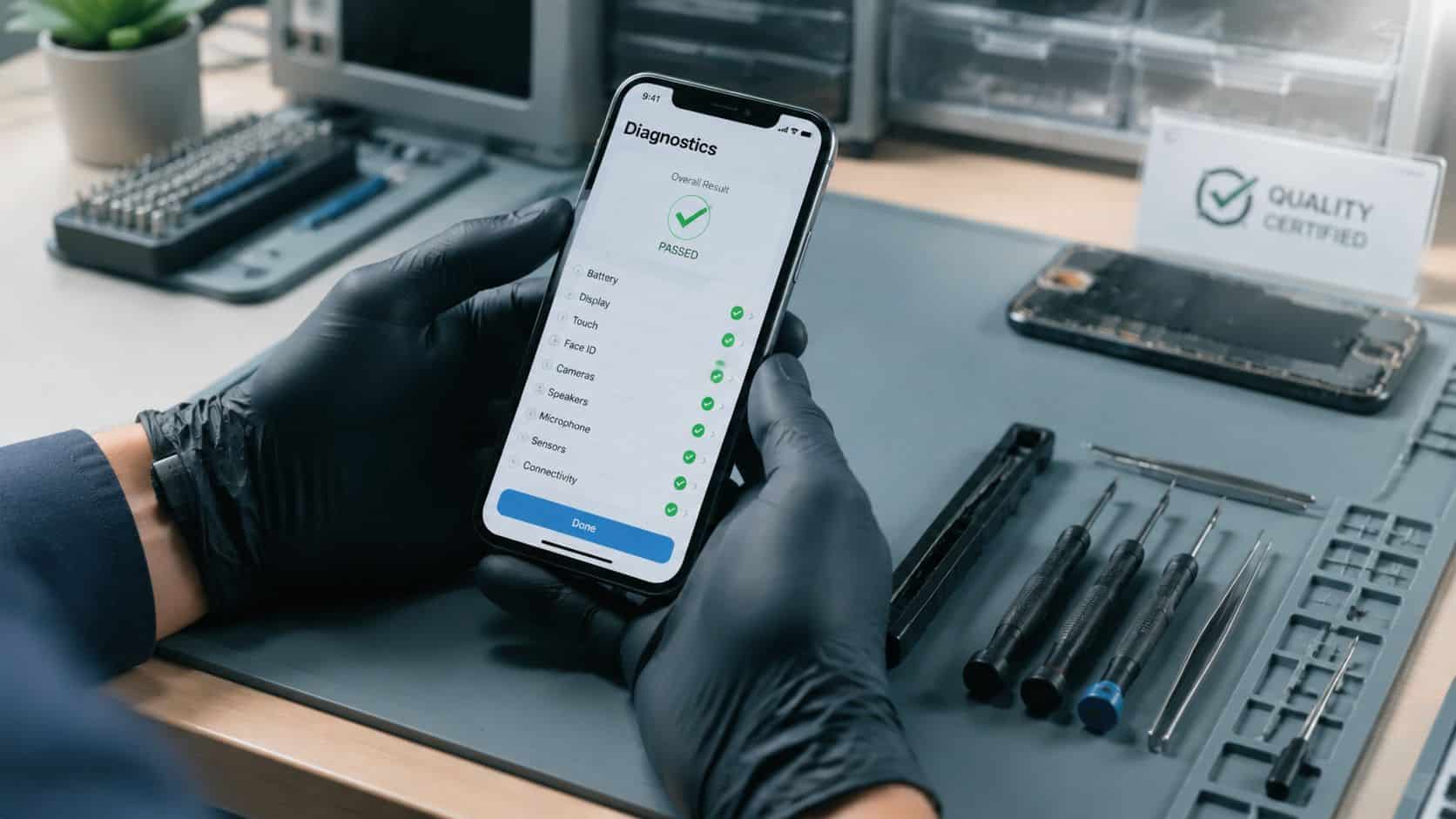
A reset is only one part of preparing a used iPhone properly. On the bench, wiping the data is the easy bit. The important part is confirming the phone is clean, functional, and stable after the erase.
One thing we regularly notice is that some faults only show themselves after a fresh setup. A phone might look fine when it lands in, but once it’s wiped, updated and tested again, weak charging, camera issues, Face ID faults or battery instability become much easier to spot.
Our Experience Refurbishing This Model at Used Mobiles 4U
Our technicians often see the same patterns across used iPhones. Battery wear is one of the biggest differences between a private sale and a properly prepared refurbished phone. A handset can power on and still not be something we’d want to send out until the battery condition, charging behaviour and general stability are checked.
We also see plenty of cosmetic differences that matter in the real world. Lighter grades usually come down to minor marks, while heavier-use phones can show frame wear, deeper screen scratching or signs they’ve had a hard life in a case with trapped grit. None of that necessarily affects function, but it does affect value and whether repair or replacement makes more sense.
Parts history matters too. We look closely at screens, cameras, charging ports, buttons, speakers and microphones because a fresh erase doesn’t tell you if the hardware is actually sound. If a phone has had a rough repair in the past, it often shows up in testing rather than in the reset process itself.
We’d rather reject a phone than send out one that only looks fine for the first ten minutes.
What We Check Before Resale
- Account status: The phone must be free from old user ties before it’s suitable for resale.
- Battery behaviour: We check not just whether it holds charge, but whether it charges properly and behaves consistently in use.
- Core functions: Face ID, cameras, charging, speakers, microphones and buttons all need to work as expected.
- Post-wipe stability: A reset can expose issues hidden by cluttered software, so testing after the wipe matters.
- Grading honesty: We separate cosmetic wear from genuine faults. Scratches and dents aren’t the same thing as a failing part.
A common example we see is a phone that arrives looking fine, then reveals a charging issue only after a full software restore and retest. That’s exactly why professional refurbishment is broader than pressing Erase.
If you buy and resell tech regularly, stock condition and resale timing matter just as much as the wipe itself. Broader market ideas like ScanFlip AI for reselling profit can be useful if you’re comparing which categories move well, but for phones specifically, the preparation standard still decides whether a sale goes smoothly or comes back as a problem.
For a fuller look behind the scenes, our Used Mobiles 4U Refurbishment Process explains how tested devices are prepared before resale.
Troubleshooting Common Reset Problems
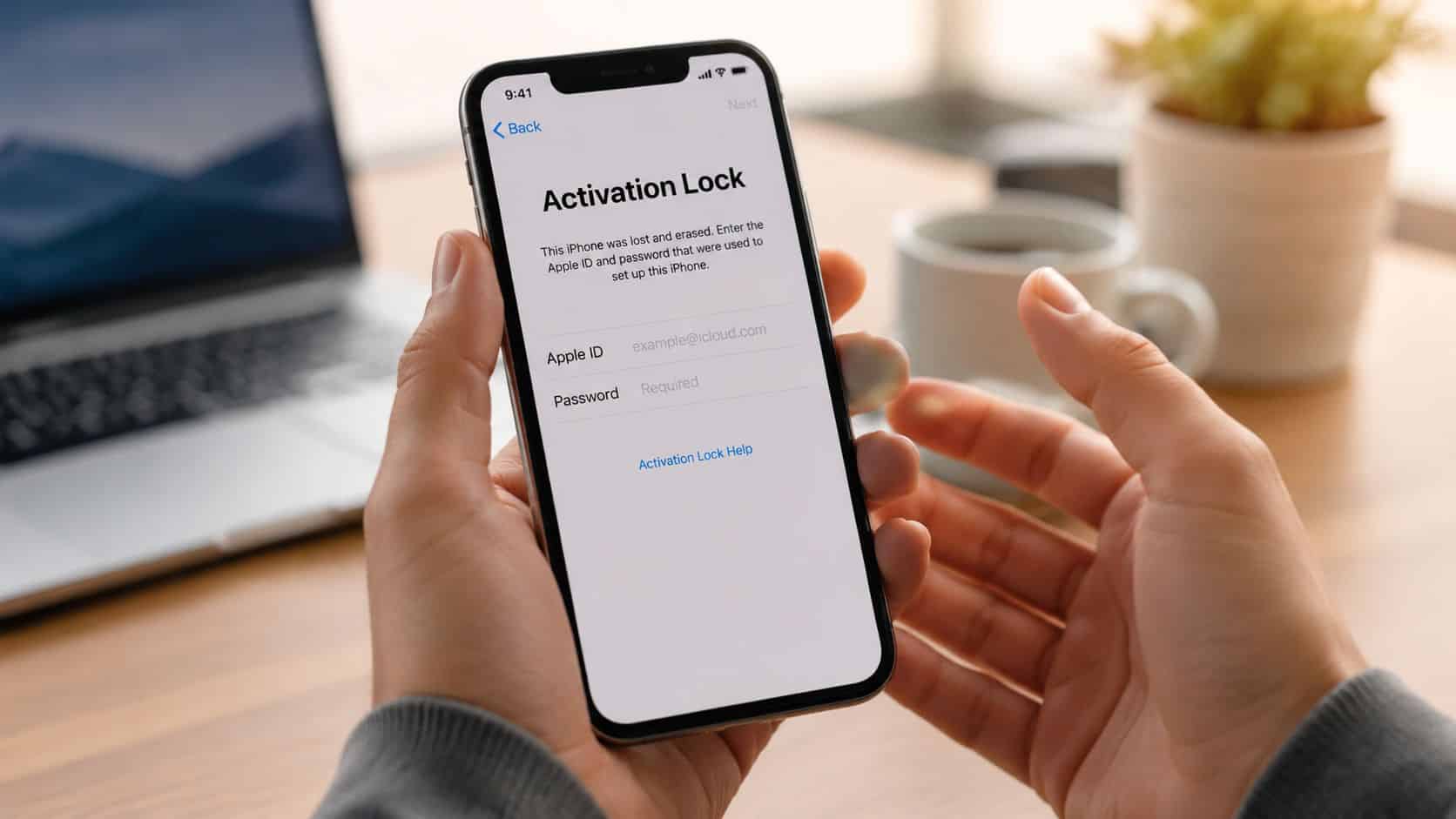
The biggest reset problem isn’t usually the reset itself. It’s what appears after it. If the phone asks for a previous owner’s Apple ID and password, you’re dealing with Activation Lock, not a simple setup glitch.
If you hit Activation Lock
This is where people waste the most time. If a refurbished phone wasn’t reset correctly before purchase and it’s stuck on Activation Lock, the right move is to return it to the seller rather than trying to bypass it, as reflected in Apple support discussion around Activation Lock returns.
That’s the practical answer in the workshop too. If the seller didn’t remove the account properly, that’s a seller problem. It isn’t something you should be expected to hack around.
What works: Contacting the seller straight away and asking for a proper resolution.
What doesn’t: Searching for bypass tricks, dubious software, or paid “unlock” services.
If the phone is disabled or you forgot the passcode
If it’s your own handset and you’ve lost access, recovery mode restore is usually the proper next step. If you need the basics first, our step-by-step iPhone unlock guide helps you work out whether you’re dealing with a passcode issue or something more serious.
If it’s a recently purchased used iPhone and you don’t know the passcode because it still belongs to someone else in software terms, treat that as a return issue, not a repair challenge.
If the erase freezes or the iPhone gets stuck
- Start simple: Make sure the battery isn’t low and give the handset time if the progress bar is still moving.
- Try a restart if it’s frozen: That can help with a stalled process, though it won’t complete the wipe by itself.
- Move to recovery mode when needed: If the phone won’t boot properly or won’t finish the erase, restore it from a computer.
- Watch for repeat issues: If the same phone keeps freezing during restore, there may be an underlying hardware fault rather than just bad software.
What UK buyers should do
A common example we see is someone receiving a “refurbished” iPhone from an online marketplace, only to find a passcode screen or account prompt waiting for them. In that situation, don’t keep trying random reset methods for hours. Contact the seller while the issue is fresh, keep screenshots, and ask for a proper resolution.
From a retailer’s side, a refurbished iPhone should arrive ready to activate, not ready to argue about who owns it. If it doesn’t, that’s a red flag.
Do You Even Need to Reset Your Refurbished iPhone?
Most of the time, no. If you’ve bought from a proper refurbisher, the phone should already be erased and waiting at the setup screen.
The key distinction is straightforward. A device showing the Hello screen is already erased and ready for setup. A device showing a lock screen still contains the previous owner’s data and may need their passcode and Apple ID to reset properly, as explained in guidance on the Hello screen versus a lock screen.
What buyers usually ask us
- “Do I need to reset it before I use it?” Not if it arrives on the Hello screen.
- “Should a refurbished iPhone come logged in?” No. It should be clean and ready to activate.
- “What if it asks for someone else’s details?” Stop and contact the seller.
- “When is resetting my responsibility?” When you’re selling your own phone, trading it in, or fixing access to a handset you already own.
The honest verdict is this. Learning how to reset a refurbished iPhone is worth it if you’re preparing your own handset for sale, trade-in or a fresh start. But if you’ve just bought a refurbished iPhone and it needs rescuing from someone else’s account, that’s not normal setup. It’s a sign to step back, not push on.
If you want a refurbished iPhone that arrives properly wiped, tested and ready for setup, have a look at Used Mobiles 4 U. We focus on clearly graded, SIM-free devices with UK support, warranty cover and secure data wiping handled before the phone reaches you.
Meta description: Learn how to reset a refurbished iPhone safely, avoid Activation Lock, handle eSIM properly, and know when a used iPhone should already be wiped.
Written by James Waterston, 24 years in the mobile phone industry from customer service through to Sales Director of a global repair and recycling company. Now running Used Mobiles 4U for over 8 years.
LinkedIn: James Waterston
Looking for a refurbished phone?
Shop professionally tested refurbished iPhones and Samsung phones with 18 month warranty, 30 day returns and free UK delivery.
Browse Refurbished Phones






