





iPhone Storage Options: A Practical UK Guide for 2026

03/07/2026

11 Mins
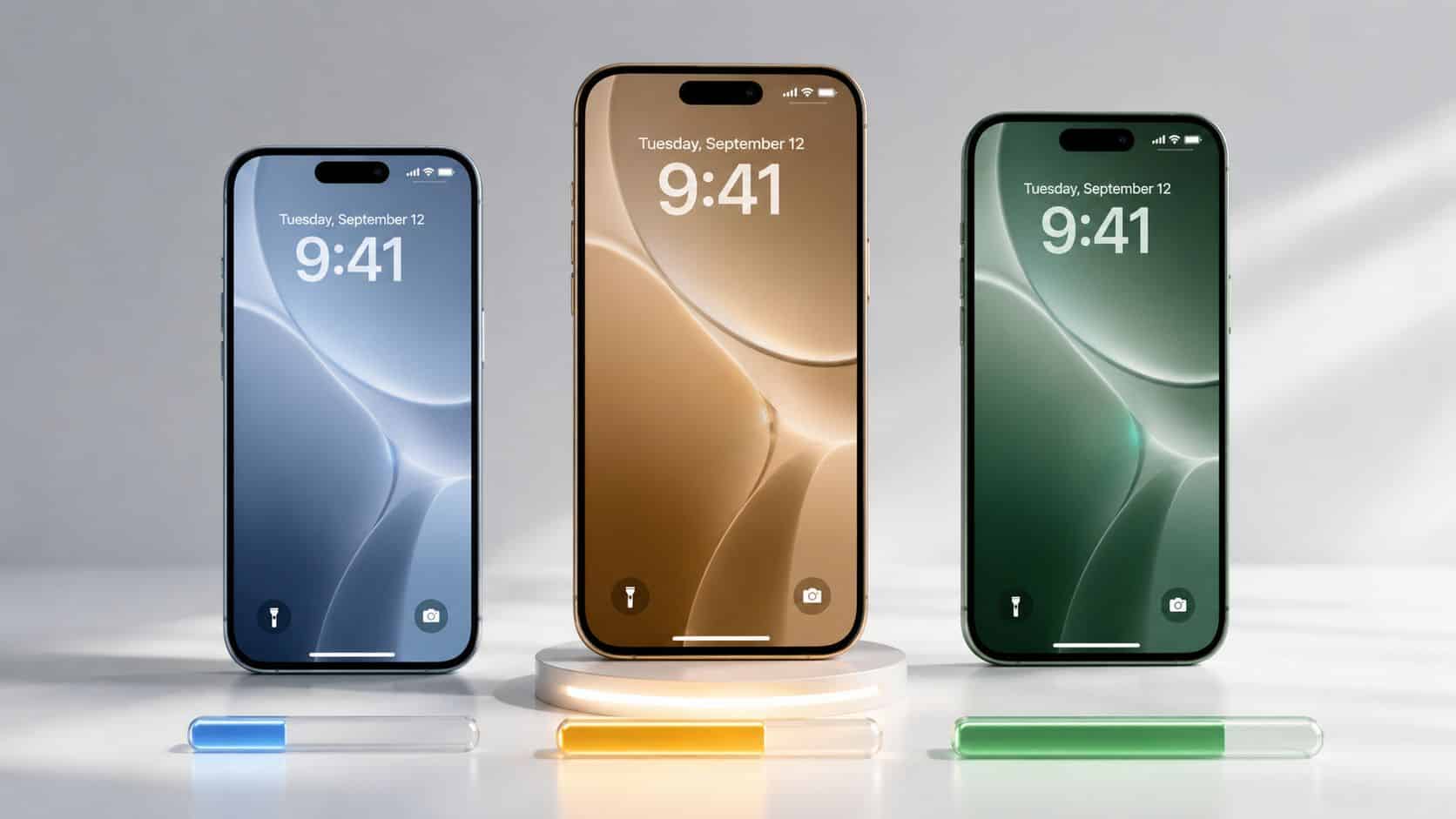
The biggest iPhone storage mistake isn’t buying too much. It’s buying too little, then paying for it every month in hassle, cloud fees, or an earlier upgrade than you wanted.
UK buyers have been here before. Based on data from Telefonica/O2, 91% of iPhones in the UK were once equipped with 16GB or less, and 22% of users ran out of space at least once a month, which is exactly why we push people to think harder about storage before choosing from today’s refurbished iPhones rather than after they’ve filled one up.
Choosing Your iPhone Storage Is the Most Important Decision You’ll Make
If you get the colour wrong, you live with it. If you get the grade slightly wrong, you notice a few marks. If you get the storage wrong, the whole phone becomes annoying to own.
That’s why storage matters more than most buyers think. We regularly see people focus on model year first, then battery, then cosmetics, and leave storage until the end. In practice, that order is backwards for a lot of customers. A tidy phone with too little space often feels worse to use than an older one with enough room for photos, apps, downloads and updates.
Why the cheap option often costs more later
The old 16GB era is still the best warning sign. UK buyers largely picked the cheapest version, and that choice looked sensible at the till but turned into a storage headache later on. The lesson still applies now. Saving a bit upfront on a lower-capacity phone can leave you juggling app deletions, failed backups, full-camera warnings and monthly cloud charges.
Practical rule: Storage is one of the few iPhone choices you can’t fix later. You can replace a battery. You can fit a new screen. You can’t add more internal storage to the phone you already bought.
For most people, the best storage choice isn’t the absolute cheapest one and it isn’t the maximum either. It’s the one that still feels comfortable after a year or two of normal use.
The Short Version What We’d Recommend
If you want the quick answer on iPhone storage options, this is it. For most UK buyers in 2026, 256GB is the safest choice. It’s described as the recommended “comfortable middle ground” for the refurbished market because it handles years of photos, video and offline media without constant clearing-out, as noted in this 2026 iPhone storage guide.
What We’d Recommend
- Light users
Choose 128GB if you mostly stream, don’t keep loads of videos on the phone, and you’re careful with what you install. This suits people who use messages, banking, maps, social apps and casual photos. - The average person
Choose 256GB. This is the one we’d point most customers towards because it gives breathing room without drifting into overkill. - Power users
Choose 512GB if your phone is full of games, downloaded TV, large photo libraries, or lots of work files. It’s also a sensible step up if you film heavily and hate managing storage. - Parents buying for a child or teen
Don’t assume a lower storage version is enough just because it’s a first phone. Games, videos, school apps and photos stack up quickly. We’d still lean towards 256GB if budget allows. - Business users
For email and calling, 128GB is often fine. For people who keep files locally, travel a lot, or use the phone for photos and work apps, 256GB is the safer long-term buy.
Our default advice in the shop is simple. If you’re hesitating between 128GB and 256GB, and the price gap on a refurbished model is sensible, buy the 256GB one.
iPhone Storage Sizes in the Real World
Storage numbers on a listing don’t mean much until you tie them to daily use. That’s where a lot of buyers get stuck. They know 128GB sounds bigger than older iPhones, but they don’t know if it’s enough for them.
The baseline has clearly moved. The iPhone 15 range made 128GB the minimum storage, which fits a wider market shift after average smartphone storage reached 100GB in 2020. On new Pro models, moving up to 512GB can add £200 to £300, which is one reason refurbished higher-storage models often make better sense for value-focused buyers, as covered in this look at iPhone 15 storage options.
What 128GB feels like
128GB is now the floor, not the luxury option. For a light user, it’s workable. If you stream music and films instead of downloading them, don’t shoot long videos, and clear unused apps now and then, it can be enough.
Where it starts to feel tight is modern everyday behaviour. Phones now hold bigger apps, better photos, more message attachments, and more downloaded content than they did a few years ago. If you want your phone to feel easy rather than managed, 128GB can become a compromise quite quickly.
Why 256GB is the sweet spot
256GB is where most people stop worrying about space. You can keep a proper photo library, a decent run of videos, some offline Netflix or Spotify content, and a normal app load without checking storage every other week.
It’s also usually the smartest balance in the used market. We’ve found buyers are often better off stretching to the next storage tier rather than stretching to a newer model with less space. If you’re comparing models, our view of the best refurbished iPhones follows that same logic.
Peace of mind matters. A phone with enough storage usually stays in better daily use because you’re not constantly deciding what to delete next.
Who should look at 512GB or 1TB
512GB isn’t for everyone, but it’s far from pointless. It suits buyers who keep large media libraries, film regularly, travel with offline content, or want the phone to last years without any storage babysitting.
At the top end, 1TB is mainly for specialist use. On iPhone 15 Pro and Pro Max, 1TB is the maximum internal capacity, and it’s particularly relevant for people recording 4K ProRes video who need sustained write speeds above 1,500MB/s. For that kind of workflow, 512GB can stop feeling generous very quickly, which is why serious creators tend to know when they genuinely need the bigger tier, as explained in this iPhone storage breakdown.
Local Storage vs iCloud A Costly Mistake
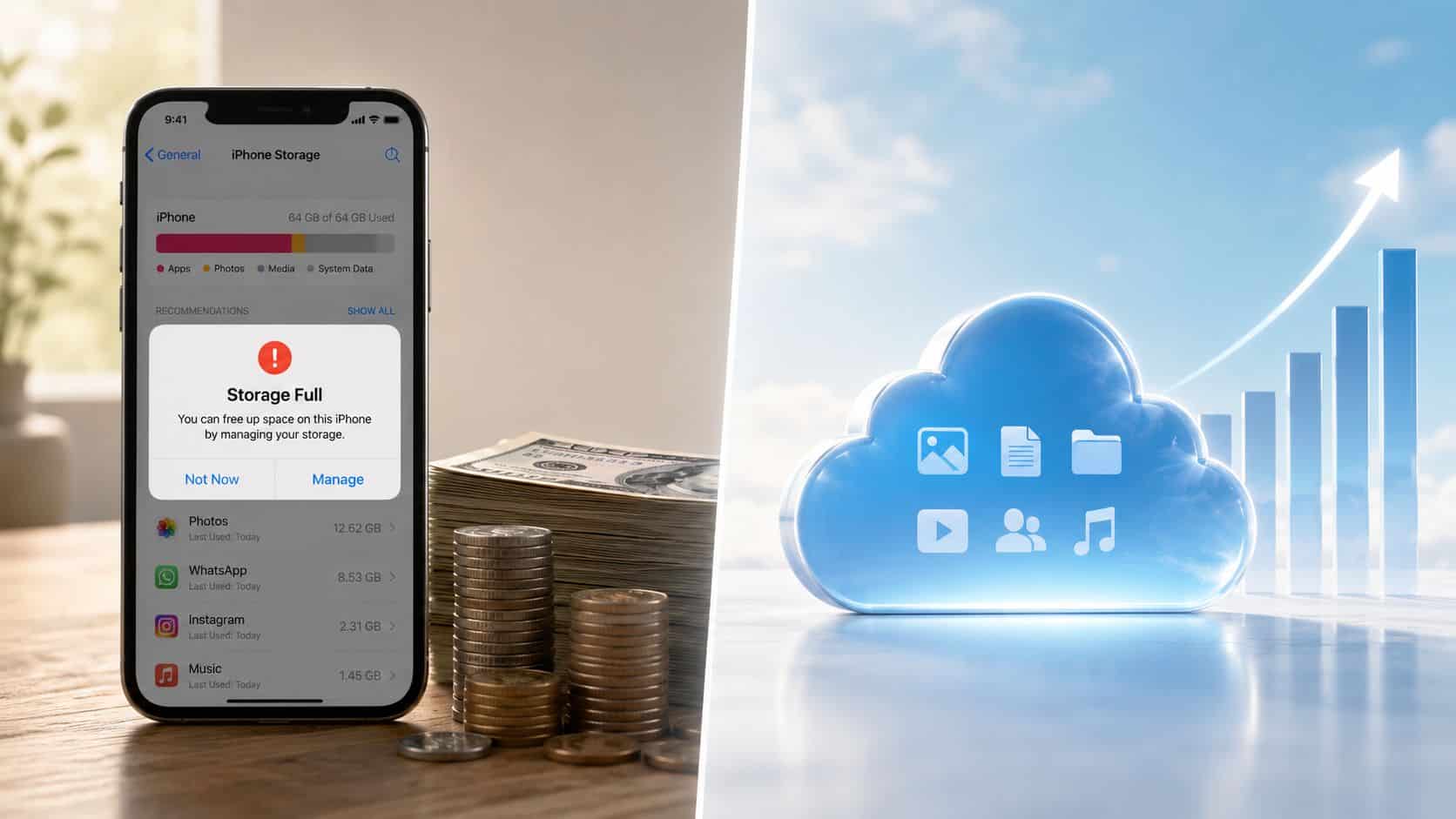
A lot of people try to solve a storage problem after buying the phone. That usually means cloud subscriptions. Sometimes that works. Sometimes it just turns a one-off buying decision into a recurring bill.
That trade-off deserves more attention than it gets. In the UK, a class action claim says Apple has been “ripping people off” with iCloud fees since 2018, potentially affecting 40 million users. You can read the wording in Which?’s post on the UK iCloud charges claim. Whatever the legal outcome, the wider point is fair. Ongoing cloud costs can quietly overtake the value of simply buying enough phone storage in the first place.
What works and what doesn’t
Cloud storage is useful for backup, syncing and sharing. It’s not a magic fix for a phone that’s fundamentally too small for how you use it. People often assume that paying monthly means the phone will stop filling up. In reality, large apps, local caches, downloaded files, messages and camera content can still leave the phone cramped.
A common example we see is someone buying a lower-capacity iPhone because it looks like the bargain option, then adding cloud storage, then still having to clear space before holidays or after family events. At that point, the cheaper phone wasn’t really the cheaper choice.
- Buy more local storage upfront
This is usually the better long-term move if you keep your phone for years and want fewer storage warnings. - Use cloud backup for protection
Backups are sensible. Depending on cloud storage as your main answer to limited internal storage often isn’t. - Clear out junk before paying monthly
A lot of full phones are carrying duplicate videos, old message attachments and unused apps. Our Used Mobiles 4 U storage tips can help you free space before you commit to another paid service.
External storage is now more useful on newer iPhones
If you shoot a lot of video, USB-C changes the conversation. On iPhone 15 and newer models with USB-C, an external 1TB MagSafe SSD with 2,000MB/s read speeds can support direct ProRes 4K recording without filling internal storage. Older Lightning iPhones need a £39 Apple adapter and are held back by USB 2.0 transfer limits, which makes large video work far less practical, as shown in this guide to external iPhone storage with USB-C.
If you want a wider look at secure cloud storage options, that’s worth reading alongside the local-storage argument. The key is using cloud because it suits your workflow, not because your phone never had enough space to begin with.
For most buyers, cloud storage should support the phone, not rescue it.
How to Check and Manage Your iPhone Storage
If your iPhone feels cramped now, check what’s actually taking up space before you decide to replace it. Plenty of phones just need a clean-out, not a new owner.
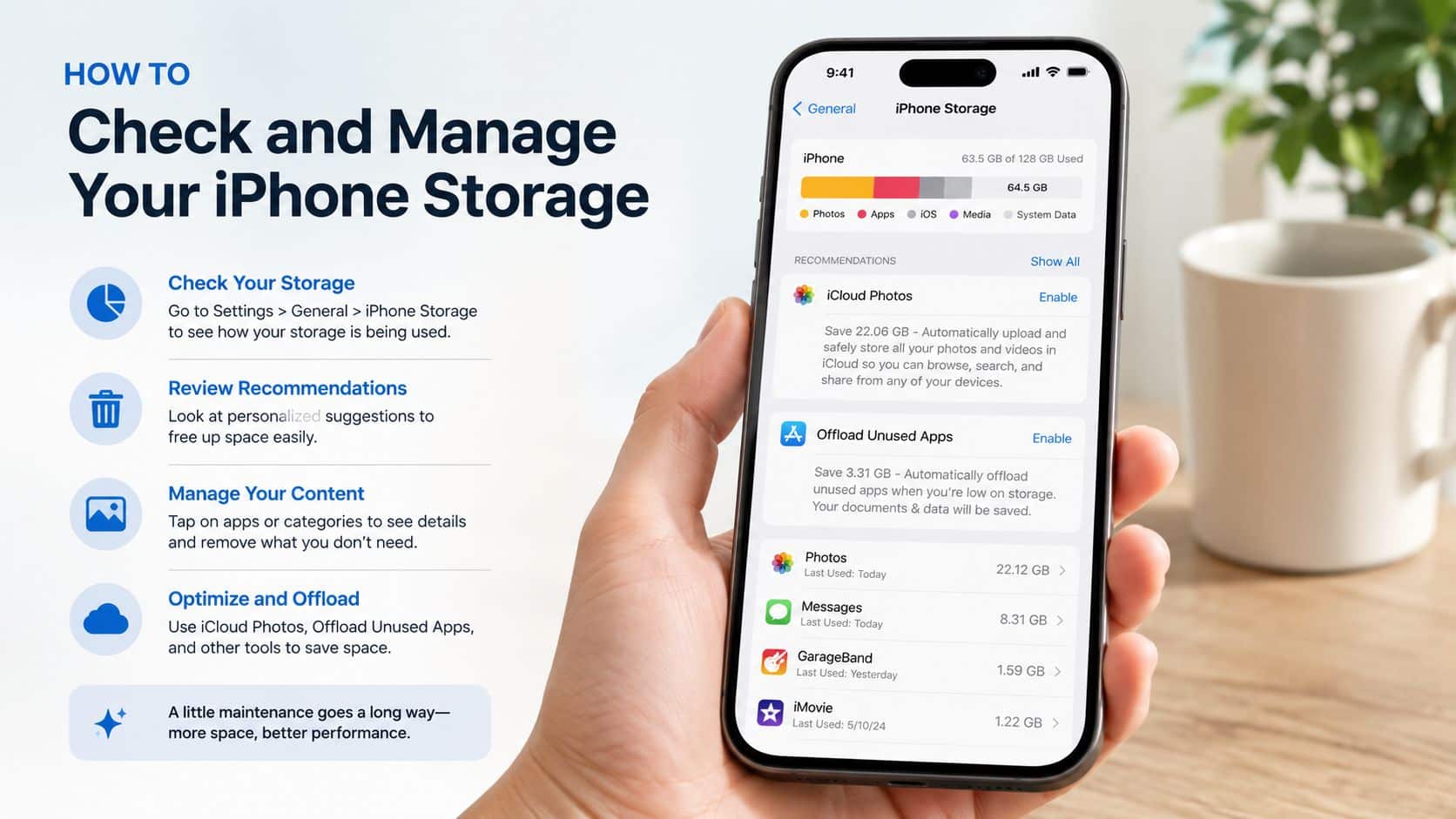
How to Check and Manage Your iPhone Storage Quick Steps
- Back up first. Use iCloud or a computer before deleting anything important. Photos and messages are the usual ones people regret removing.
- Open Settings. Go to Settings > General > iPhone Storage.
- Wait a moment. Let the phone calculate what’s using space. The coloured bar at the top gives you the broad picture.
- Review the biggest categories. Look first at Photos, Messages, Apps and Media.
- Check large apps. Tap apps you barely use and choose the option to offload or delete if appropriate.
- Review videos and downloads. Long clips, offline playlists and saved films are common storage hogs.
- Empty what you don’t need. Old attachments, duplicate images and forgotten downloads add up quickly.
What the storage bar actually tells you
The storage bar is useful for spotting the problem category fast. If apps are huge, you’re looking at installed software. If photos and media dominate, the phone may still be fine, but your habits need more room than the current storage tier gives you.
For business fleets, the same principle applies at scale. If a company is issuing iPhones to staff, clear device policies matter as much as storage size. This guide to managing employee devices securely is a useful reference for organisations that need better control over data, apps and handset use.
- Offload unused apps
This removes the app but keeps its documents so you can reinstall later without starting from scratch. - Delete message attachments
Videos in message threads are one of the sneakiest space users on iPhones. - Sort your camera roll
Start with long videos, duplicates, screenshots and burst shots. - Set up your next phone properly
If you’re moving to a replacement, our guide on how to transfer data to refurbished iPhone helps avoid bringing across unnecessary clutter.
What Our Technicians Notice and Buyers Often Ask
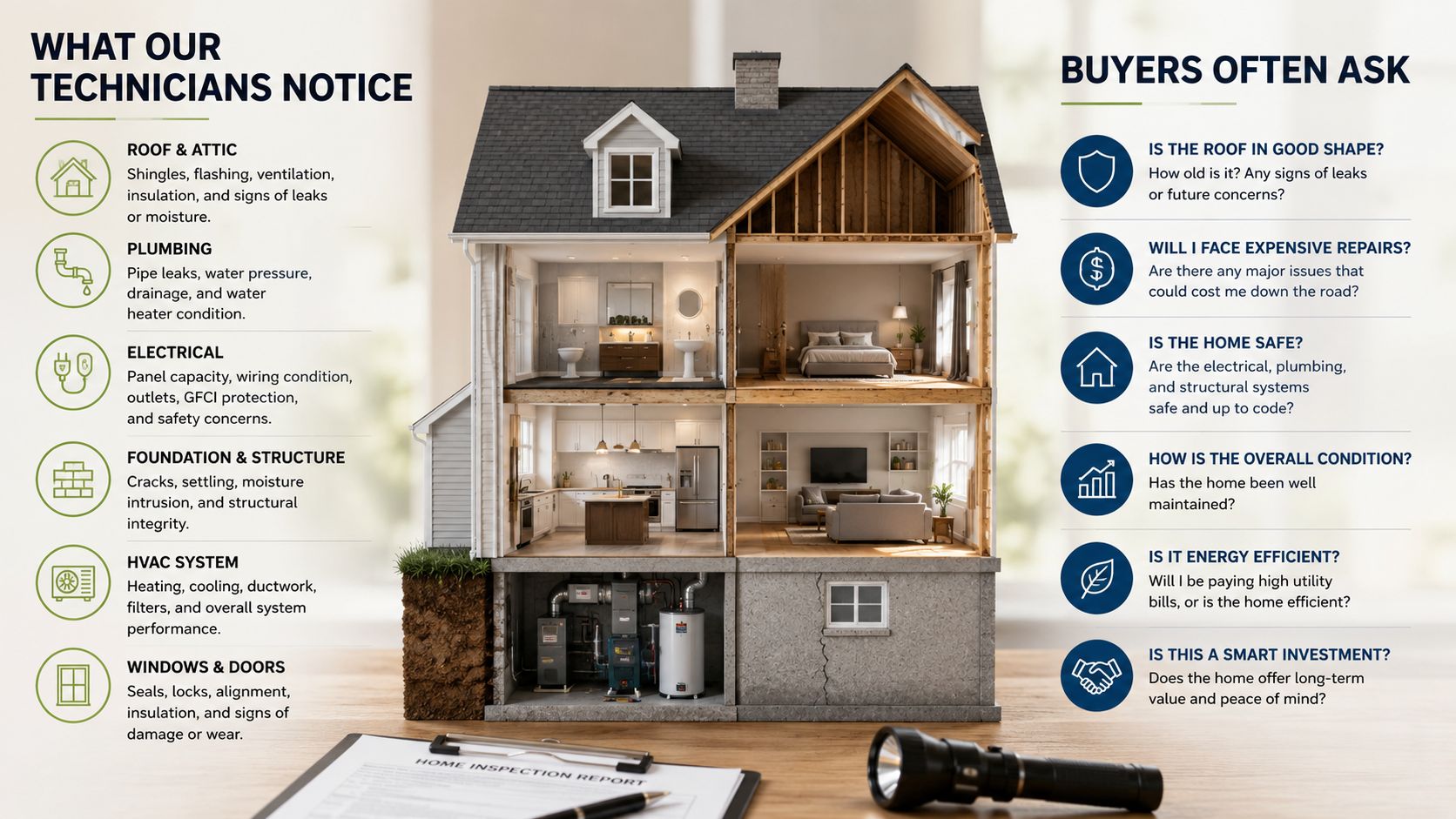
Our Experience Refurbishing This Model at Used Mobiles 4U
Storage affects how a phone arrives on the bench and how it feels when it leaves. One thing we regularly notice is that heavily used lower-storage iPhones often show the signs of a harder life. They’ve usually been more aggressively managed, more frequently plugged into computers, and more likely to be carrying years of app churn, failed backups and very full photo libraries.
Our technicians often see the same practical pattern. Phones that have been run close to full storage for long periods tend to belong to users who are also charging more often, deleting in a panic, and pushing the device harder day to day. That doesn’t prove storage alone caused battery wear, but it often lines up with a more stressed ownership pattern.
What we check before resale
- Battery health and charging behaviour
We check battery condition, charging stability and whether the phone behaves normally under load. - Face ID, cameras and speakers
These are basic but essential checks because a phone with lots of storage still isn’t a good buy if core functions aren’t right. - Storage recognition and system stability
We make sure the phone reports storage correctly, wipes properly and updates without issue. - Signs of heavy use
Charge-port wear, tired batteries, lens marks and frame knocks often tell us more about the previous owner than the cosmetic grade alone. - Grade differences
Like New, Very Good and Good mainly change the outer appearance. They shouldn’t change whether the phone is properly tested and reliable for daily use.
What buyers usually ask us
- “Can I upgrade the storage later?”
No. Internal storage is not a simple add-on repair. Choose carefully at the point of purchase. - “Is 128GB enough now?”
Sometimes, yes. If you’re even slightly unsure, 256GB is usually the safer call. - “Why does my computer show a different storage figure?”
This catches people out all the time.
There’s often a 5 to 6% discrepancy between storage shown in iOS and what third-party tools such as iTunes report, because iTunes relies on “guess work”. That’s one reason some trade-in customers think they’ve lost storage when they haven’t. The explanation discussed in this discussion on iPhone storage reporting matches what we regularly have to clear up at inspection time.
If the phone itself and a computer disagree slightly on storage, don’t panic. Check the reading on the iPhone first, then ask questions before assuming the device is faulty.
What usually affects value
- Higher storage versions
These usually stay attractive for longer because the next buyer can keep them longer without compromise. - Battery condition
A strong battery often matters just as much as storage in the final buying decision. - Model position
A slightly older iPhone with more storage can be the better buy than a newer one with less. - Repair versus replace logic
If the phone is otherwise sound and your only problem is space, replacing the whole device for a larger-capacity model often makes more sense than spending money on unrelated repairs and still being stuck with the same storage limit.
Final Verdict Which Storage Should You Buy in 2026
If you want the shortest possible answer on iPhone storage options, buy enough storage for the phone’s full life, not just for the first month. For most people, that means 256GB.
That’s the tier we’d recommend most often because it gives proper day-to-day comfort, stronger long-term value and fewer workarounds. It’s especially sensible in the refurbished market, where the jump from 128GB is often easier to justify than it is on a brand-new handset.
Choose 128GB if
- You’re a light user
You stream more than you download and don’t keep a huge photo or video library locally. - You want the best lower-cost route into a modern iPhone
For UK buyers looking under £500 in 2026, the iPhone 13 stands out because it offers 5G, Face ID and starts at 128GB, which makes it a strong everyday option, as noted in this look at the best refurbished iPhone under £500.
Choose 256GB if
- You want the safe recommendation
This is the right fit for most people buying a refurbished iPhone for normal daily use. - You keep phones for years
The extra headroom helps the phone stay easy to live with for longer. - You don’t want monthly workarounds
Less deleting, less offloading, less pressure to lean on cloud storage for every little thing.
Choose 512GB or more if
- You shoot a lot of video
Especially if the phone is part of your work. - You travel or commute with lots of offline media
Downloads add up quickly. - You already know 256GB won’t be enough
Some buyers genuinely do need the extra room, and they usually know why.
The wrong storage choice is one of the most common buying mistakes we see. The right one makes the whole phone feel better value. If you want a refurbished iPhone that stays practical, go bigger on storage before you go chasing cosmetic perfection or the newest badge on the back.
If you’re comparing models and storage tiers, Used Mobiles 4 U is worth a look for tested, SIM-free refurbished iPhones with clear grading, secure data wiping, UK support, fast Royal Mail delivery and a 12-month warranty. If you’re not sure which storage option suits your use, ask before you buy. That’s usually where the best value decision gets made.
Written by James Waterston, 24 years in the mobile phone industry from customer service through to Sales Director of a global repair and recycling company. Now running Used Mobiles 4U for over 8 years.
LinkedIn: James Waterston on LinkedIn
Meta description: iPhone storage options explained for UK buyers. Find out whether 128GB, 256GB or 512GB is best on a refurbished iPhone in 2026.
Looking for a refurbished phone?
Shop professionally tested refurbished iPhones and Samsung phones with 18 month warranty, 30 day returns and free UK delivery.
Browse Refurbished Phones






