Used iPhone 15 Review: Is Apple’s 2023 Flagship Still Worth Buying in 2025?
When the iPhone 15 arrived in 2023, it represented one of the biggest steps forward in Apple’s standard lineup for years. Today, in 2025, interest in the device continues to grow — particularly for anyone looking to buy a used iPhone 15 at a far more accessible price. At Used Mobiles 4 U, we’ve seen customers increasingly choosing refurbished models because they want flagship performance without the cost of buying new.
This review explores the design, performance, camera system, software experience and overall value of the iPhone 15, helping you decide whether a used iPhone 15 deserves to be your next upgrade.
A Fresh Design With Familiar Apple Quality
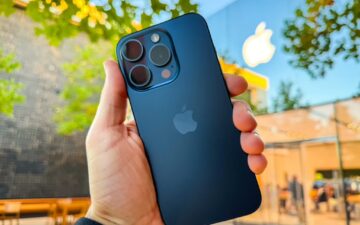
Apple refined the shape and feel of the iPhone 15, offering a slightly softer and more comfortable frame. The device feels noticeably lighter, and its curved edges make it easier to hold for long periods. These changes mean even a used iPhone 15 feels premium the moment you pick it up.
One of the most striking updates is the move to USB-C. After years of relying on the Lightning connector, Apple finally transitioned to a universal standard. This change alone made the iPhone 15 highly appealing for many buyers — especially those purchasing a used iPhone 15 and wanting compatibility with existing chargers.
The introduction of the Dynamic Island to the non-Pro models also brought a touch of modern sophistication. Notifications, live activities and music controls move smoothly within this small interactive space, making everyday interactions feel more fluid.
When you buy a used iPhone 15 from us, you also get access to a wide range of colours, from soft pastels to bolder tones, depending on availability.
A Stunning Super Retina XDR Display
The iPhone 15 features a 6.1-inch Super Retina XDR OLED display, which delivers incredible clarity, rich colours and deep blacks. Whether you’re watching films, browsing social media, or video calling friends and family, the screen feels lively and vivid.
Even though the standard model does not include the 120Hz refresh rate found on the Pro lineup, the display remains beautifully smooth thanks to Apple’s excellent optimisation. Many customers who choose a used iPhone 15 tell us they are shocked at how premium the screen feels compared to older iPhones.
The Dynamic Island blends naturally into the display too, adding convenience without disrupting whatever you’re viewing. From tracking your taxi ride to monitoring your next turn on Maps, it’s a feature that quickly becomes second nature.
Performance Powered by the A16 Bionic Chip
Inside the iPhone 15 is the A16 Bionic chip, previously exclusive to the iPhone 14 Pro range. This gives the device remarkable performance, even in 2025. Everyday tasks feel instant, apps load quickly, and multitasking is extremely smooth. Even more demanding activities like photo editing and gaming run effortlessly.
For buyers looking for a used iPhone 15, this level of performance is a major advantage. You get a smartphone with Pro-grade speed for a much lower cost. Many customers upgrading from older models — particularly the iPhone 11, iPhone 12 and iPhone 13 — report that the difference is immediately noticeable.
The A16 chip is also highly power-efficient, meaning your used iPhone 15 will maintain strong battery performance even after years of use.
A Major Camera Upgrade That Still Impresses
The iPhone 15 marked a major leap for Apple’s standard iPhone camera system, jumping from a 12MP lens to a 48MP main sensor. This upgrade brought enhanced detail, improved low-light photography and better flexibility for editing.
Here’s what makes the camera on a used iPhone 15 such a strong selling point:
Sharper Details
The 48MP sensor captures beautifully crisp photos, making everything from landscapes to portraits look richer and more textured.
Better Low-Light Performance
Night mode has been improved further, producing brighter images with much less noise.
Optical-Quality 2x Zoom
Using the central part of the sensor, the iPhone 15 offers a zoom level that looks remarkably close to true optical zoom.
Excellent Video Capabilities
With impressive stabilisation and 4K recording options, a used iPhone 15 remains one of the best choices for video at its price point.
Whether you’re capturing family moments or holiday scenes, the iPhone 15 delivers consistent, high-quality results.
Battery Life and Charging
Battery performance on the iPhone 15 is solid, with most users comfortably achieving a full day of use. The efficiency of the A16 chip helps ensure the battery drains more slowly during demanding tasks such as gaming or streaming.
Charging is faster and more convenient thanks to USB-C. This universal port means your used iPhone 15 can share chargers with your laptop, headphones and other devices, reducing clutter and saving money.
MagSafe charging and accessories also continue to work flawlessly, adding even more flexibility for daily use.
Software, iOS Experience and Long-Term Value
The iPhone 15 launched with iOS 17 and continues to receive major updates. Apple’s long software support is part of what makes choosing a used iPhone 15 such a smart decision. You get years of updates, new features and improved performance without paying full price for a brand-new phone.
iOS continues to offer:
Clean, intuitive navigation
Strong privacy tools
Improved messaging and FaceTime features
Useful enhancements to Maps, Photos and Notes
Because the software is so well-optimised, even a used iPhone 15 runs smoothly and feels modern.
Why the iPhone 15 Is a Brilliant Refurbished Choice
For customers at Used Mobiles 4 U, buying a used iPhone 15 offers the perfect combination of affordability, performance and sustainability. Here’s why it stands out:
1. Exceptional Camera Upgrades
The jump to 48MP is one of the biggest improvements ever seen in Apple’s standard iPhone lineup.
2. Pro-Level Processing Power
The A16 chip ensures your used iPhone 15 performs like a flagship for years.
3. USB-C Compatibility
A universal charging port makes the device far more convenient and future-proof.
4. Stunning Display and Modern Design
The lightweight feel, Dynamic Island and OLED screen make it a pleasure to use daily.
5. Outstanding Value
Buying a used iPhone 15 means premium features at a significantly reduced price.
Final Verdict: The iPhone 15 Remains an Exceptional Buy in 2025
After thorough testing and customer feedback, we believe the iPhone 15 remains one of the best smartphones you can buy today — especially when purchased refurbished. Its powerful processor, exceptional camera system, beautiful design and long-term software support combine to create a device that still feels modern and capable.
Choosing a used iPhone 15 from Used Mobiles 4 U lets you enjoy all these advantages while saving money and supporting a more sustainable way of shopping for tech.
Whether you’re upgrading from an older model or switching from another brand, a used iPhone 15 delivers everything you need in a premium smartphone without the premium price.
If you’re ready to upgrade or want to explore the best deals available, browse our selection ofused iPhone 15 models today.
Meta description: Refurbished iPhone checklist for day one: 15 quick tests to run for screen, battery, IMEI, cameras and locks, before the 30-day returns window closes.
Buying refurbished iPhones can feel like finding a nearly new car with sensible miles on the clock. You get the quality, you dodge the full price. Still, day one matters, because your return window won’t wait while you “see how it goes”.
This refurbished iphone checklist is built for real life in the UK: a quick set of checks you can run in under an hour, so you know whether your phone is a keeper. It’s just as useful for used iPhones, second-hand iPhones, and those “too-good-to-be-true” cheap iPhones listings you’ll spot when browsing iPhones for sale.
If you’ve bought from a retailer with a 30-day return policy, such as Used Mobiles 4 U, do these tests straight away and keep your evidence tidy. Their own guide on how to check the condition of a refurbished iPhone is a handy companion if you want a deeper look at grading and wear.
Before you start: set up a clean testing routine
Do the checks before you move everything across and get comfy. The goal is simple: confirm the phone is (1) yours to use, (2) healthy, and (3) working properly.
Here’s a simple kit that makes faults obvious:
Take a few photos of the device from all angles before you start. If you need to return it, you’ll be glad you did.
The day-one refurbished iPhone checklist (15 quick tests)
Check the model and storage match what you ordered
Go to Settings, General, About, confirm model name, capacity, and colour. Mistakes happen, and this is the easiest win.
Confirm it’s not Activation Locked (iCloud lock)
Restart the iPhone and make sure it gets to the Home Screen without asking for someone else’s Apple Account. Apple’s own guidance on buying pre-owned devices is worth a skim: If you want to buy a pre-owned iPhone.
Verify the IMEI and serial numbers look consistent
Check Settings, General, About and compare with the number on the SIM tray (or the back on older models). Any mismatch is a stop sign.
Run a quick network lock test
Put in your SIM and check you get signal within a minute. If you’re on a different network to the previous owner, a locked phone usually shows itself fast.
Make a real phone call and test the earpiece
Call a friend, then switch to speaker. If voices sound thin, crackly, or distant, don’t assume it will “settle in”.
Test microphones in two ways
Record a Voice Memo, then record a quick video selfie and play it back. This checks different mics, which can fail separately.
Inspect the screen for dead pixels and pressure marks
Open a plain white image, then a plain black one, turn brightness up, and look closely. A small bright dot can become a daily annoyance.
Check touch response edge-to-edge
Drag app icons around the screen and sweep your finger along the borders. If the edges miss touches, typing will feel like walking in shoes that don’t fit.
Test True Tone, brightness, and auto-brightness
Toggle True Tone in Display & Brightness (if supported). Then cover the front sensor briefly to see if brightness reacts, which helps flag sensor issues.
Try every physical button
Volume up/down, power, silent switch (if present), and the home button on older models. Sticky or inconsistent clicks can mean internal wear.
Check Face ID or Touch ID properly
Set it up, lock the phone, and unlock it ten times in a row. One lucky unlock doesn’t count, you want repeatable success.
Test cameras for focus, haze, and stabilisation
Take one photo in daylight, one indoors, then try 2x or 3x zoom if your model has it. Tap to focus on near and far objects, a struggling lens often “hunts”.
Check battery health and charging behaviour
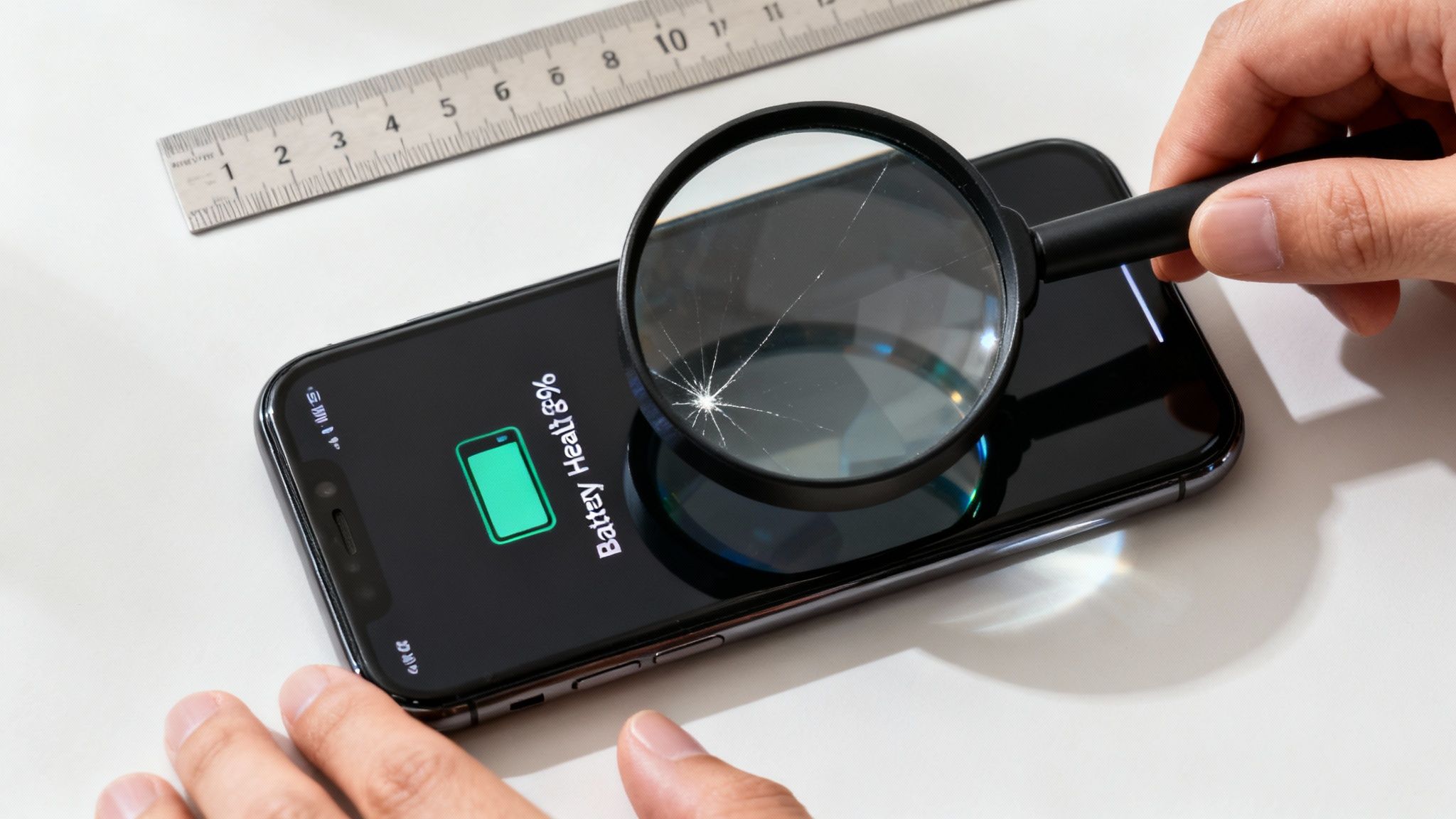
Settings, Battery, Battery Health & Charging, look at Maximum Capacity. For many buyers, anything around the mid to high 80s can be normal on refurbished stock, but rapid drain, random shutdowns, or a hot back are not. Charge from 20% to 50% and watch for sudden jumps.
Confirm Wi-Fi, Bluetooth, and AirDrop basics
Join Wi-Fi, stream a short video, then pair Bluetooth earbuds or a car kit. If Bluetooth drops out, it’s more than an annoyance, it’s a daily tax.
Run Apple Pay readiness and NFC basics (if you use it)
Add a card to Wallet (you can remove it later) and make sure the phone doesn’t throw errors. NFC faults are rare, but when they happen, they’re a hassle.
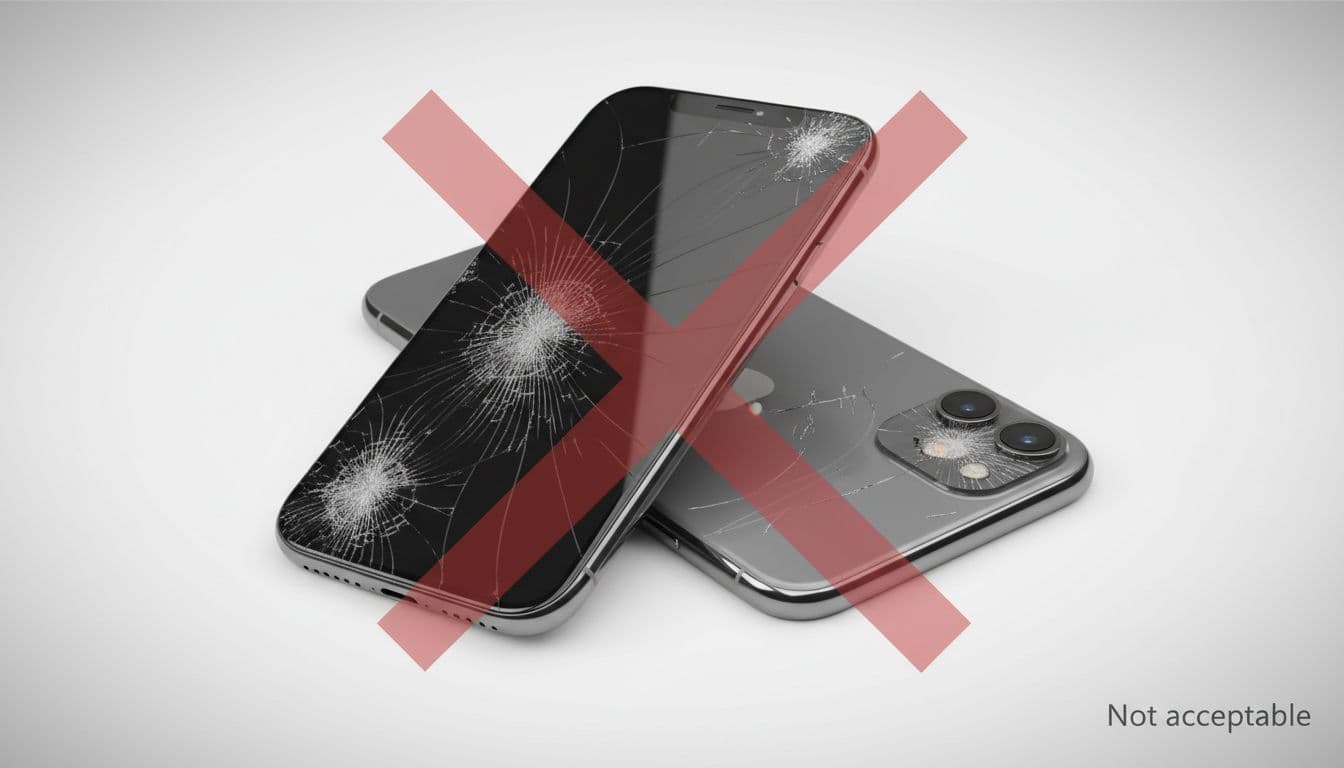
Some issues are cosmetic and expected with cheap iPhones or lower grades. Others should push you towards a return or exchange.
Watch for these patterns:
Intermittent faults: the screen only fails sometimes, the signal drops in the same spot, the camera refuses to focus after a few tries.
Security concerns: Activation Lock prompts, odd management profiles, or signs the phone isn’t fully wiped.
Hardware instability: overheating during light use, sudden battery drops, random restarts.
When you find a problem, capture it. A quick video showing the issue, plus a screenshot of About and Battery Health, saves a lot of back-and-forth.
If you’re keeping it, lock it down and plan your next upgrade
Once you’re happy, do the “make it yours” steps: update iOS, set a strong passcode, and enable Find My. It’s boring, but it’s the seatbelt you only appreciate when something goes wrong.
Also think one step ahead. Many people start with used iPhones and later move up through a trade-in iPhone deal. If you like to switch often, build a habit of keeping the box, noting battery health, and protecting the screen, it all helps when you sell old iPhone stock later.
And if you’re comparing platforms, it’s fine to cross-shop. Some buyers price up Cheap Android Phones or a used Samsung when they want a bigger screen for less. The smart move is the same either way: test early, keep proof, and use the return window if it’s not right.
If you’ve got an older handset in a drawer, don’t let it rot. You can sell your tech, trade-in my old phone, or recycle my old iPhone depending on its condition. Even a tired device can have value, and recycling is better than landfill.
Conclusion: do the checks now, relax later
A refurbished phone should feel dependable, not like a gamble. Run this refurbished iphone checklist on day one, keep notes, and don’t talk yourself out of an obvious fault just because the phone looks nice on the desk. If something doesn’t add up, use your 30-day return window while it’s simple to act.
FAQs
How long should I spend testing a refurbished iPhone?
Plan for 45 to 60 minutes on day one. That’s enough time to catch the big problems without turning it into a weekend project.
What battery health is “good” on refurbished iPhones?
It depends on how the device was graded and priced. Focus on real behaviour too, stable percentage drops, no overheating, and reliable charging matter as much as a number.
What if the iPhone is network locked?
Contact the retailer straight away and don’t keep trying to “make it work”. A locked device can be fine if sold as locked, but if you bought unlocked, it’s a clear mismatch.
Should I buy used iPhones from a private seller or a retailer?
Retailers usually give clearer returns and warranty terms. Private sales can be cheaper, but they carry more risk if something goes wrong after you’ve handed over cash.
Can I switch later and trade in my old iPhone?
Yes. If you keep the phone in good condition, you can trade-in my old phone later, or sell old iPhone models privately. Either way, your day-one tests help prove the device has been solid from the start.
Feeling the squeeze of a full iPhone? This guide offers a calm, practical walkthrough to help you understand and manage your mobile's storage. We'll show you exactly how to delete data from an iPhone, clearing out what you don't need while protecting what's important. Whether you're trying to speed up a sluggish device or preparing it for a new owner, we’ve got you covered.
Why Managing Your iPhone Storage Matters
It’s a scenario we see all the time. A customer—let's call him David from Bristol—buys a lovely refurbished iPhone 12. It feels like plenty of space at first, but after a few months of taking photos, downloading apps, and saving files in WhatsApp, he gets that dreaded “iPhone Storage Full” notification. His mobile starts to slow down, and he can’t even take a new photo.
How to Delete Data from an iPhone: A Practical Guide 13
This is more than just an annoyance; a full iPhone can lead to real performance problems. When the storage is nearly full, your device has less space for the temporary files it needs to run smoothly. This can cause apps to crash, the operating system to lag, and even prevent important software updates from installing.
Learning how to delete data from an iPhone isn't just about making room for more pictures. It’s about maintaining your mobile's health and ensuring it works as intended. In this guide, we'll walk you through the process step-by-step, using clear instructions and exact menu paths so you can follow along easily.
What This Guide Will Help You Do
Our goal is to give you the confidence to take control of your device's storage. We’ll cover several key areas to help you reclaim that valuable space and get your iPhone running smoothly again.
Identify what’s using your space: We'll start by showing you how to find the biggest culprits, from chunky apps to hidden system files.
Target specific data for removal: You’ll learn the best ways to clear out photos, messages, and app data without losing anything important.
Understand iCloud: We will clarify the difference between your mobile's storage and iCloud, and how to use them together effectively.
Securely wipe your iPhone: If you're selling or trading in your device, we’ll provide a checklist to ensure your personal information is completely and safely erased.
By the end of this guide, you’ll have a clear plan for managing your iPhone's storage for good.
Understanding What Is Using Your iPhone Storage
Before you can start deleting data and reclaiming precious space on your iPhone, you first need to figure out what’s taking it all up. Think of it like tidying a room; you wouldn’t just start chucking things out without seeing what's there first. Thankfully, your iPhone gives you a very clear, visual breakdown to help with this.
How to Delete Data from an iPhone: A Practical Guide 14
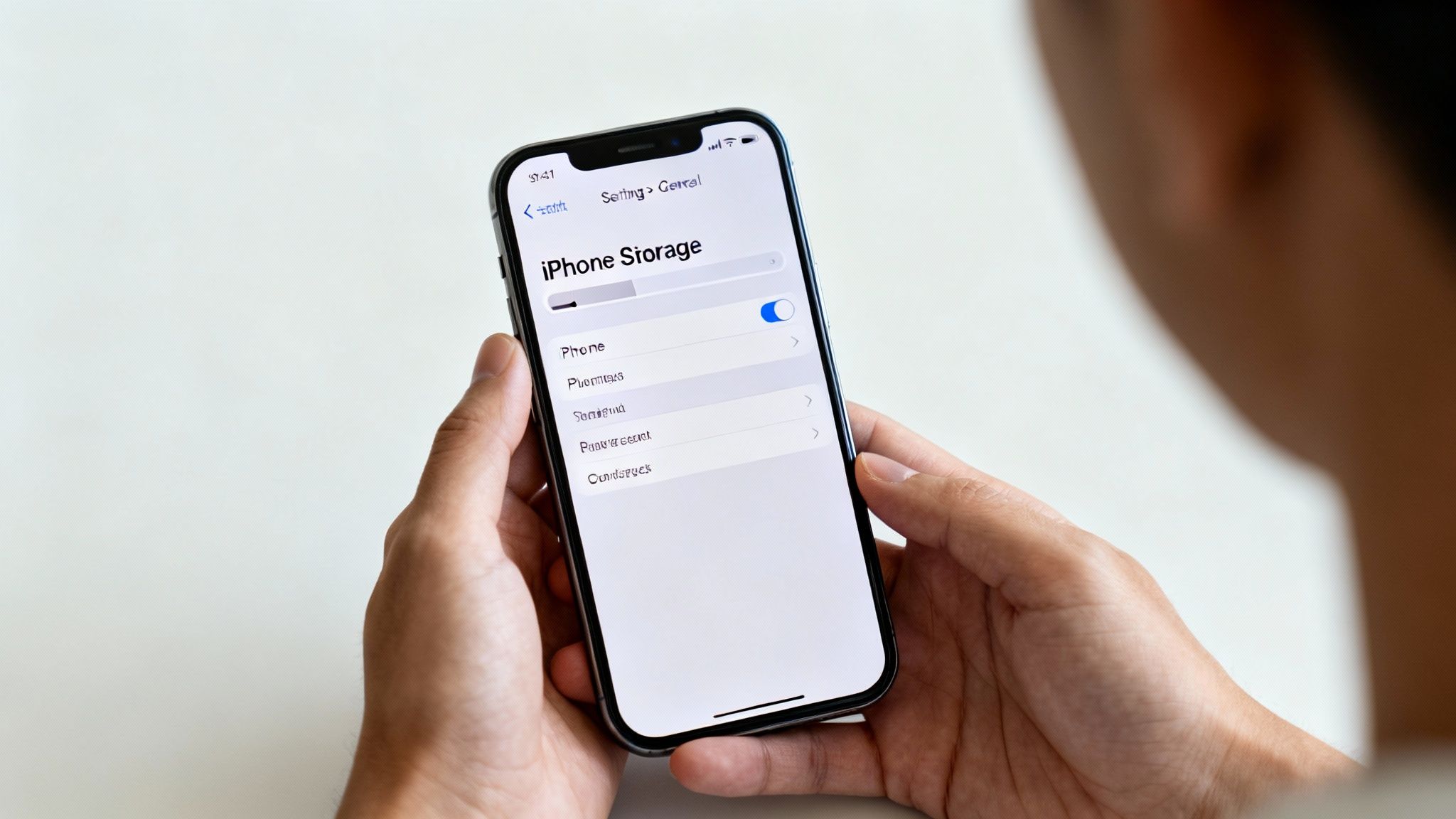
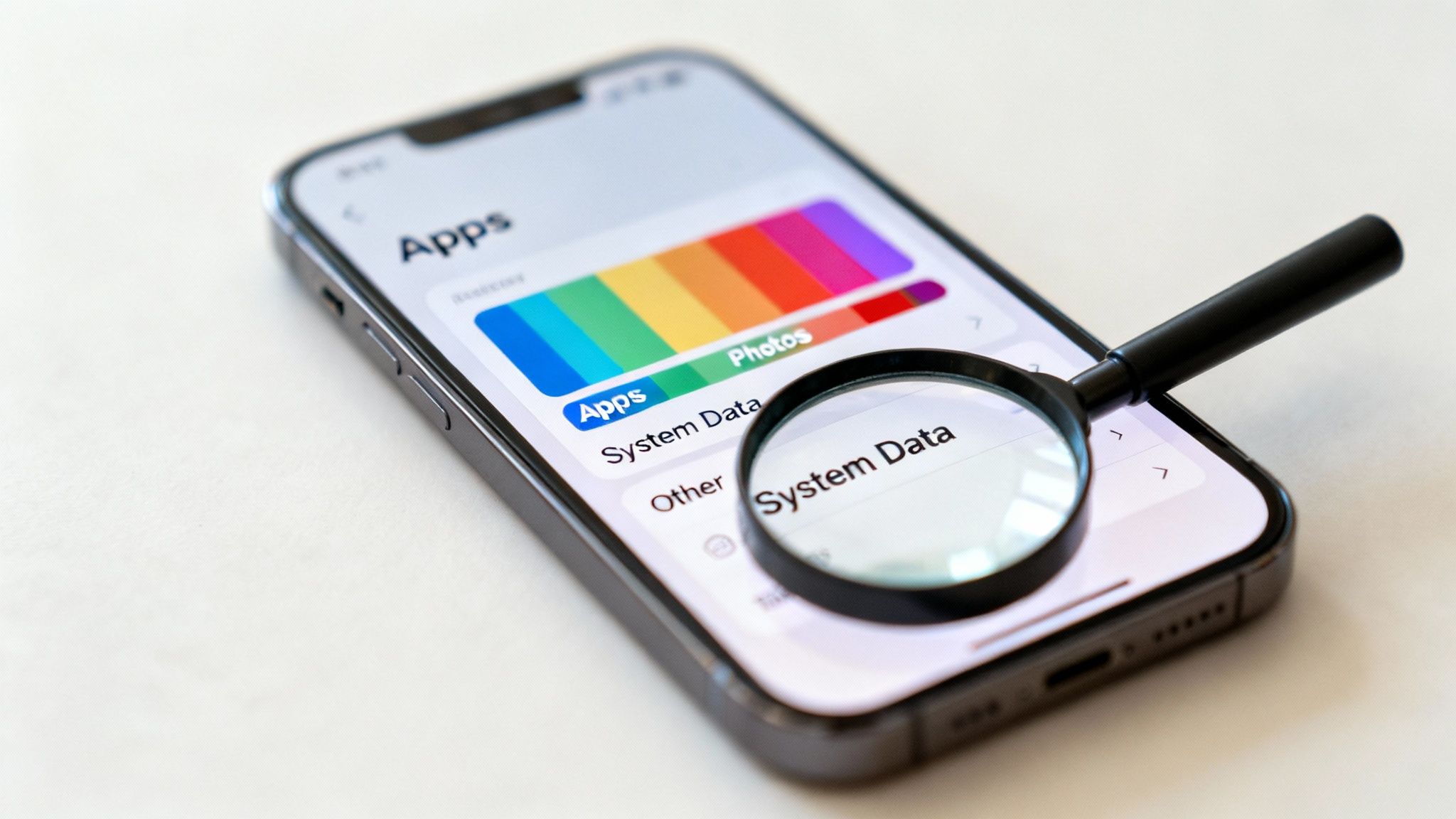
To get this overview, go to Settings > General > iPhone Storage. Give it a moment, and your mobile will show a colour-coded bar graph that lays out exactly how your storage is being used. This is your command centre for a targeted clear-out.
Decoding the Storage Bar
The bar graph might look simple, but it’s packed with useful information. Each coloured chunk represents a different category of data on your device.
Apps: This is the space taken up by the applications themselves, not including their data.
Photos: All your pictures and videos are bundled together here. For many people, this is the biggest culprit.
Media: This holds any music, films, podcasts, and TV shows you've downloaded to watch offline.
iOS: This is the space needed for the iPhone's operating system. You can’t do anything about this one.
System Data: A bit of a mysterious category, this is a catch-all for things like caches, logs, and other temporary system files. It can grow in size over time.
Scroll down below the bar, and you'll see a list of every single app on your mobile, conveniently sorted from the biggest space-hogger to the smallest. This immediately points you towards your main targets.
Why Does System Data Get So Big?
'System Data' can be a really frustrating one because it’s not always obvious what it contains or why it’s so large. It's basically the mobile's digital odds-and-ends drawer, holding things like:
Caches: Temporary files from apps and websites used to help them load faster next time.
Software Update Files: Downloaded iOS updates that haven't been installed yet.
Logs and Temporary Files: Data created by the system and your apps during normal use.
While you can't just tap a button to delete 'System Data' directly, things like restarting your mobile or clearing app caches (which we'll get to later) can often help shrink it back down.
Using Apple’s Recommendations
Just below the storage bar, Apple offers up a handy 'Recommendations' section. Think of it as your mobile’s own advice on how to quickly free up space. You'll often see suggestions like:
Offload Unused Apps: This removes the app itself but keeps its documents and data safe. If you reinstall it later, all your information pops right back in.
Review Large Attachments: This is a brilliant shortcut that takes you to a list of the biggest files clogging up your Messages app, letting you delete them one by one.
Enable iCloud Photos: This feature can store your full-resolution photos and videos in iCloud, leaving smaller, space-saving versions on your device instead.
These automated suggestions are an excellent first step. They make it easy to see where you can get the biggest wins when you're trying to figure out how to delete data from an iPhone. In the UK, where iPhones have a huge market share, managing this space is a common task for millions of us. For more on mobile trends, check out Uswitch's mobile statistics page.
Understanding your storage breakdown is the foundation of a successful clear-out, making sure you keep what matters and get rid of what doesn’t.
Targeting Apps, Messages, and Photos for Deletion
Right, you’ve figured out what’s eating up your iPhone’s storage. Now it’s time to take action. For most of us, the three biggest culprits are apps, messages, and photos. Clearing these out properly is the fastest way to reclaim a serious amount of space.
But before you start deleting, a quick word of warning.
Warning: Deleting apps, photos, and messages can be permanent. Always double-check that you have a recent backup of your iPhone, either on iCloud or a computer, before you begin. You don't want to accidentally erase a treasured memory or an important file.
With that crucial safety net in place, let's start with your applications.
How to Delete Data from an iPhone: A Practical Guide 15
Managing Your Apps: Offload vs Delete
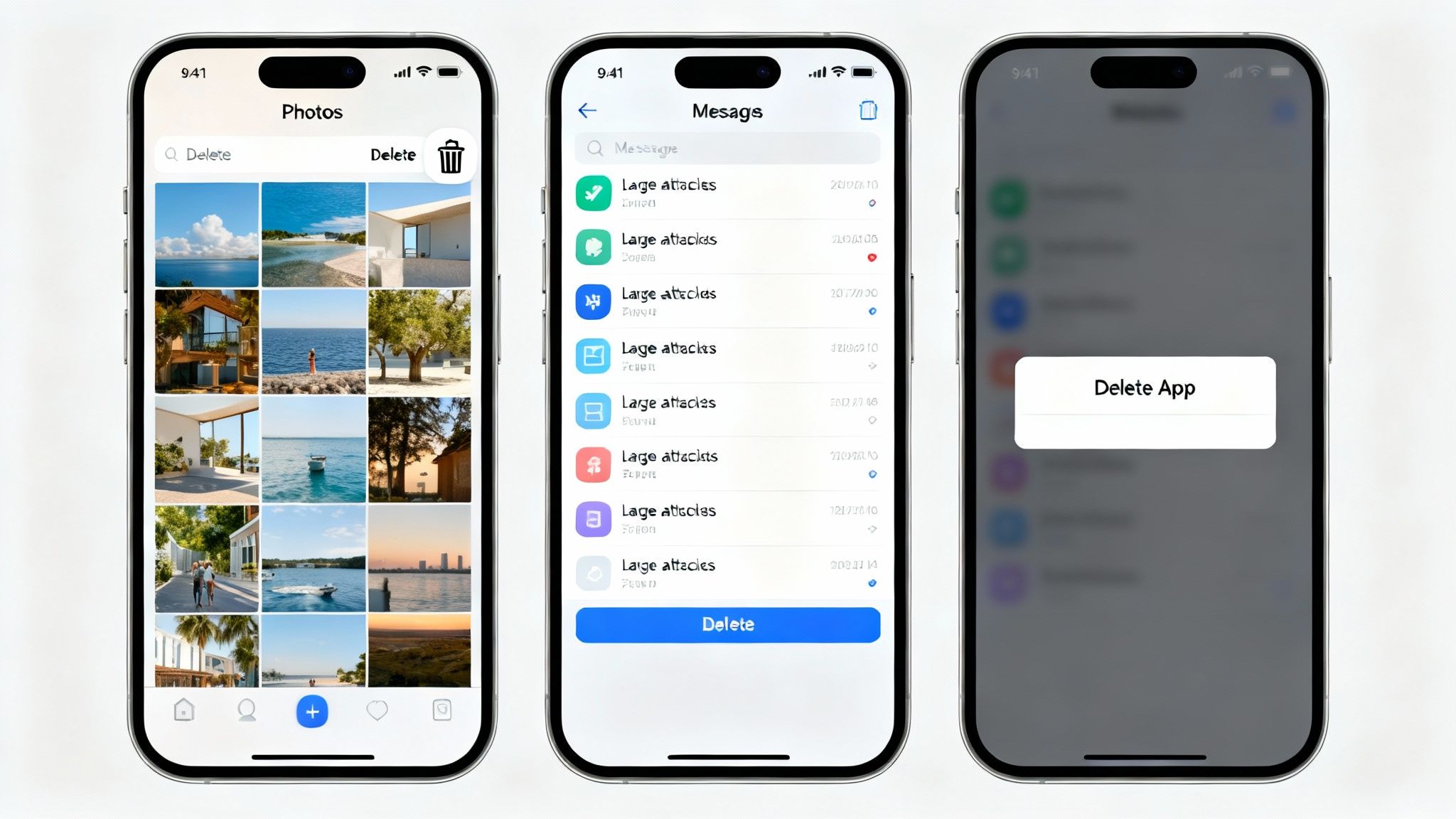
When you head into Settings > General > iPhone Storage and tap on an app, you’ll see two options: 'Offload App' and 'Delete App'. It’s important to know the difference, as picking the wrong one can lead to frustration or lost data.
Offload App: This is a clever space-saving feature from Apple. It removes the application itself but keeps all your personal data and documents safe on the device. The app icon stays on your Home Screen with a small cloud symbol next to it. Tap it, the app redownloads, and you can pick up exactly where you left off.
Delete App: This is the more permanent option. It completely removes the app and all of its related data from your iPhone. Once it's gone, the only way to get your data back is to restore it from an old backup.
To help you decide which path to take, here’s a quick comparison.
Offload vs Delete App: What's the Difference?
This table breaks down exactly what happens when you choose to either offload or delete an app, helping you make the right choice for your needs.
Ultimately, offloading is perfect for temporary space-saving, while deleting is for a permanent clear-out.
Clearing Your Photo Library
For most of us, the Photos app is the single biggest storage hog on our mobile. It’s packed with years of memories, videos, screenshots, and downloaded images. Tackling this head-on is a huge step in freeing up your iPhone.
Deleting photos is straightforward, but there’s a crucial extra step that catches many people out.
Open the Photos app.
Go to your Library and tap Select in the top-right corner.
Tap the photos and videos you want to get rid of, then hit the bin icon at the bottom.
A pop-up will ask you to confirm. Tap Delete Photos.
This doesn’t actually free up the space straight away. Apple moves the deleted items to a special album to give you a 30-day grace period in case you change your mind. To permanently remove them and get your storage back, you have to empty this album.
To finish the job, go to Photos > Albums, scroll right to the bottom, and tap on Recently Deleted. Here, you can tap Select, then Delete All to wipe them for good. Your iPhone will warn you that this action is permanent, and that’s when you’ll finally see those gigabytes returned to you.
Tackling Large Attachments in Messages
Your Messages app can be a silent storage killer. Every photo, video, and GIF you’ve ever sent or received is tucked away in your chat history, and it all adds up over time. Thankfully, iOS gives you an easy way to find and delete the biggest files.
Just go to Settings > General > iPhone Storage > Messages. You should see categories like 'Top Conversations', 'Photos', and 'Videos'. Tapping on one of these will show you a list of all the relevant files, neatly sorted by size.
From there, you can just swipe left on any massive video or photo collection to delete it, without having to scroll through years of conversation. It’s a much faster way to manage message data.
Don't Forget Your Browser Cache
Finally, another area that quietly collects data is your web browser, Safari. Over time, it saves website data, images, and files (known as a cache) to help pages load faster next time you visit. While this is helpful, the cache can build up and take up a surprising amount of space.
Clearing it out is simple:
Navigate to Settings > Safari.
Scroll down and tap on Clear History and Website Data.
Confirm your choice in the pop-up window.
This removes your browsing history, cookies, and other cached data, often freeing up a decent chunk of storage. It’s a quick and easy win. If you're still facing persistent storage issues after all this, a full iPhone reset can be a final resort, but always back up your data first.
Managing iCloud to Optimise Your iPhone Storage
One of the most common points of confusion we hear is the difference between your iPhone storage and your iCloud storage. The easiest way to think about it is this: your iPhone storage is the physical space inside your mobile, like a computer's hard drive. iCloud is a separate, online space—like a secure digital locker for your files.
How to Delete Data from an iPhone: A Practical Guide 16
Getting to grips with iCloud is a brilliant strategy for freeing up gigabytes on your device without actually losing your precious files. By moving things to the cloud, you can keep your iPhone feeling quick and responsive.
Checking Your iCloud Storage
First things first, let's see what your iCloud situation looks like. You can get a clear overview with just a few taps:
Go to Settings > [your name] > iCloud.
Here, you'll see a familiar-looking coloured bar, similar to the one for your iPhone's local storage. This breakdown shows you exactly what's taking up your cloud space, which is often dominated by Photos, Backups, and iCloud Drive files. Every Apple ID comes with a free 5GB of iCloud storage, but as you've probably discovered, that fills up surprisingly fast.
Using Optimise iPhone Storage for Photos
For most people, photos and videos are the biggest space-hoggers by far. This is where one of iCloud's best features comes into play: Optimise iPhone Storage. When you turn this on, your mobile keeps the full-resolution original of every photo and video safely stored in iCloud.
A much smaller, compressed version stays on your device, which still looks fantastic on the screen but uses a tiny fraction of the space. The moment you want to view, edit, or share an image, your iPhone pulls down the full-quality version from iCloud.
To switch this on:
Navigate to Settings > [your name] > iCloud > Photos.
Make sure that Sync this iPhone is toggled on.
Then, just select Optimise iPhone Storage.
This single change can free up a massive amount of local storage, especially if you have a huge photo library. It's a key part of any plan for clearing space on your iPhone.
Deleting Old iCloud Backups
Another great way to claw back iCloud space is by getting rid of old, unneeded backups. Every time you upgrade your iPhone, you might create a new backup, leaving the old one just sitting there in your iCloud account, taking up valuable gigabytes.
Let’s say you just bought a refurbished iPhone 14 to replace your old iPhone 11. After you've moved everything across, the backup from your old iPhone 11 is probably no longer needed. Deleting it can clear a good chunk from your iCloud account.
Warning: Before you delete any backup, be absolutely certain you don't need it anymore. This is permanent and cannot be undone. Always check that your current device is backing up correctly before you remove old ones.
To manage your backups:
Go to Settings > [your name] > iCloud > Manage Account Storage > Backups.
You’ll see a list of device backups stored in your account. Just tap on an old or redundant one and then select Delete & Turn Off Backup. This removes the data and stops that device from backing up again, clearing space for your current mobile.
While this doesn't directly free up your device storage, it makes sure you have enough iCloud space for features like Optimise Photos to work properly. When you're relying on the cloud, it's also wise to understand the ins and outs of cloud backup security to keep your data protected.
How to Securely Wipe Your iPhone for Sale or Trade-In
If you're selling your mobile, giving it away, or trading it in, a quick clean-up just won’t cut it. Simply deleting a few files might feel like you’re protecting your privacy, but it often leaves personal data recoverable. To truly safeguard your information, you need to perform a full, secure wipe that returns the device to its original factory state.
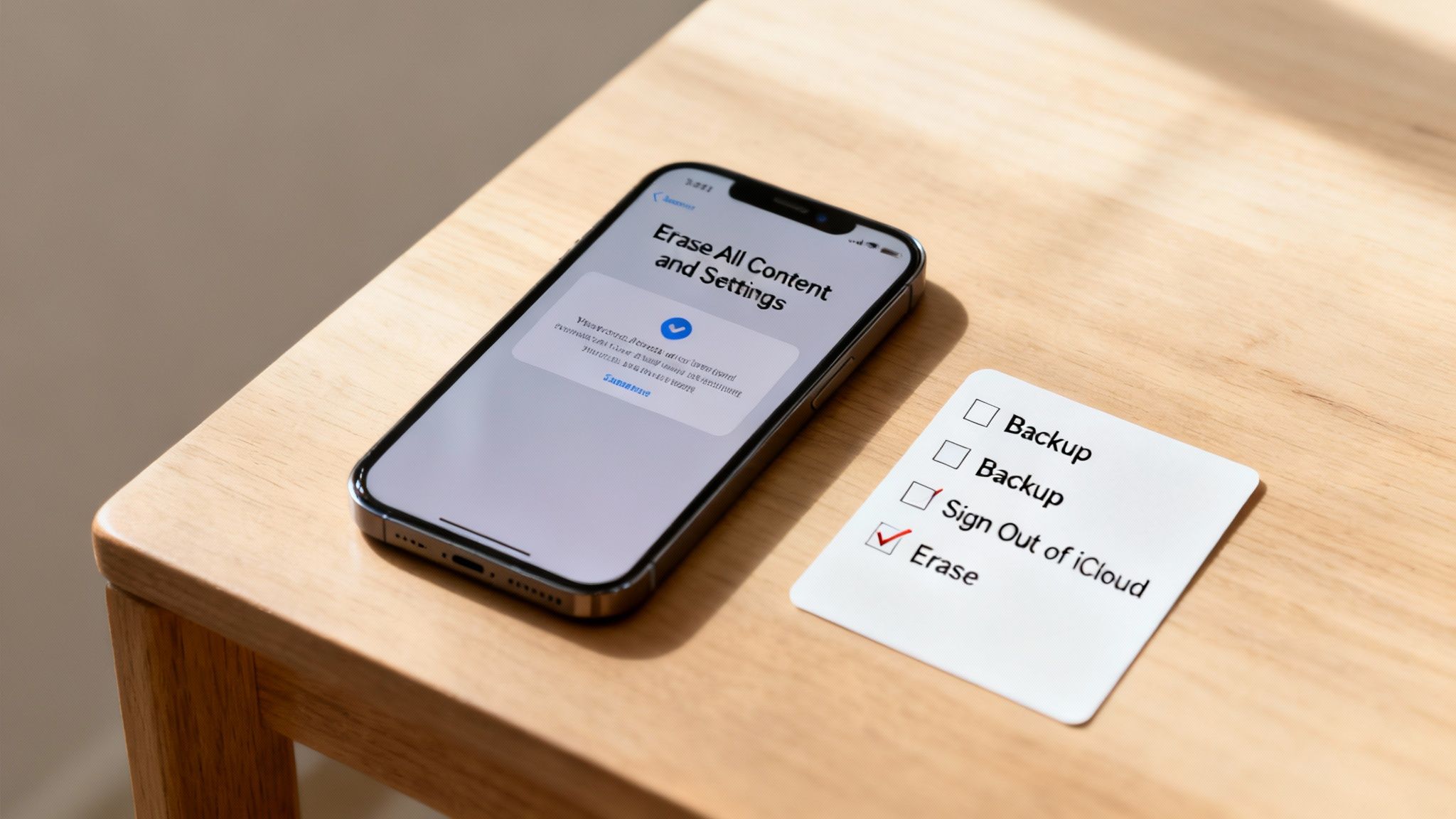
The process boils down to three critical stages: back up your data, sign out of your Apple account, and finally, erase everything. Following these steps in order ensures the new owner can set up the mobile as their own, with absolutely no trace of your personal life left behind.
The Pre-Wipe Checklist
Before you hit that final erase button, it’s vital to prep your iPhone properly. Skipping a step—especially signing out of your Apple ID—can cause massive headaches for the next owner. This is what’s known as Activation Lock, and it effectively turns the mobile into a useless brick for anyone else.
Here’s a simple checklist to follow in the correct order:
Create a final backup: Make sure you have an up-to-date copy of all your data. You can back up to iCloud by going to Settings > [your name] > iCloud > iCloud Backup and tapping Back Up Now. Alternatively, connect your mobile to a computer and use Finder or iTunes.
Sign out of your Apple ID: This is the most important step. It disconnects all your Apple services and, crucially, deactivates 'Find My', which removes the Activation Lock.
Erase the device: This is the final move that securely wipes all your content and settings from the iPhone itself.
Getting these steps right, in this sequence, guarantees a smooth and secure handover.
A Step-by-Step Guide to Wiping Your iPhone
Once you’re confident you have a secure backup, you can move on to wiping the device. The most crucial part of this is signing out of your account to ensure the mobile is no longer linked to you in any way.
Signing Out of iCloud and App Store
First things first, you need to remove your digital identity from the iPhone. This uncouples your photos, messages, contacts, and purchase history from the physical device.
Open the Settings app on your iPhone.
Tap on your name right at the top of the screen.
Scroll all the way down to the bottom and tap Sign Out.
You'll be asked for your Apple ID password to turn off 'Find My'. This is a vital security step.
You might be asked if you want to keep a copy of certain data (like calendars or contacts) on the mobile. Since you’re about to erase everything anyway, it doesn't matter what you choose here.
Tap Sign Out again to confirm.
Once you’ve successfully signed out, your name will disappear from the top of the Settings menu. The iPhone is now disconnected from your account and ready for the final wipe.
Erasing All Content and Settings
Now for the grand finale: the factory reset. This action securely deletes every bit of data on the iPhone's internal storage, returning it to the pristine state it was in when it first came out of the box.
Final Warning: This action is irreversible. Once you proceed, all data on the device will be gone for good. Double-check that your backup is complete and successful before you continue.
To perform the factory reset:
Navigate to Settings > General > Transfer or Reset iPhone.
Tap on Erase All Content and Settings.
You will see a summary screen explaining exactly what will be removed. Tap Continue.
Enter your device passcode to confirm it’s really you.
The iPhone will then kick off the erasure process, which usually takes a few minutes. When it’s done, the device will restart and display the "Hello" screen, ready for a new owner to set it up. For a more detailed walkthrough of this final stage, our guide on how to reset an iPhone to factory settings provides additional information. Properly completing this process is the best way to securely delete data from your iPhone before it changes hands.
Common Questions About Deleting iPhone Data
When it comes to managing your mobile, certain questions pop up time and time again. This section gives you quick, clear answers to the most common queries we hear from customers, helping you solve frequent problems without the fuss.
Why Is My iPhone Storage Full with Few Photos or Apps?
This is a really common issue, and the culprit is often the mysterious 'System Data' or large app caches. System Data includes temporary files, logs, and other bits your iPhone needs for its day-to-day running. A simple restart or syncing your mobile with a computer can sometimes shrink this category.
Also, have a look at apps like WhatsApp, Safari, or social media platforms. They can store enormous amounts of 'Documents & Data' over time. You can see this by going to Settings > General > iPhone Storage and tapping on an individual app. If the app has its own option to clear its cache, doing so can free up a surprising amount of space.
If I Delete Photos from My iPhone Are They Also Deleted from iCloud?
This depends entirely on your settings. If you have 'iCloud Photos' turned on (check this in Settings > [your name] > iCloud > Photos), then yes. Deleting a photo from your iPhone will also remove it from iCloud and any other device logged into that same Apple ID.
If your goal is to keep the photo safely in iCloud but get the large file off your mobile, you should use the Optimise iPhone Storage setting instead. This swaps the full-resolution image on your mobile for a much smaller version, saving local space. It’s always worth double-checking your settings before you start deleting precious memories.
Does Erase All Content and Settings Truly Delete My Data Permanently?
Yes, for all practical purposes, this action performs a secure and permanent wipe of your iPhone's data. Modern iPhones use file-based encryption. When you choose 'Erase All Content and Settings', the unique encryption key that locks all your data is destroyed. Without that key, the underlying information becomes a jumble of inaccessible code, unrecoverable by any standard method.
This is the official, secure method recommended by Apple before selling or giving away your device. Just remember to sign out of your Apple ID first to remove the Activation Lock. This is a crucial step in our guide on how to prepare your iPhone for sale.
For those curious about data retrieval after deletion, you can learn more about general methods on how to recover deleted files. However, Apple's encryption makes this extremely difficult on a properly wiped iPhone.
What Is the Safest Way to Back Up My iPhone Before Wiping It?
You have two excellent and reliable options for backing up your device before you delete data from an iPhone.
iCloud Backup: This is easily the most convenient method. Go to Settings > [your name] > iCloud > iCloud Backup and tap 'Back Up Now'. You'll need to be on a stable Wi-Fi network and have enough free iCloud storage for it to complete.
Computer Backup: This involves connecting your iPhone to a Mac (using Finder) or a Windows PC (using iTunes). Once it’s connected, select your device and click 'Back Up Now'. This way is often faster and has the added benefit of not using up your iCloud storage allowance.
For absolute peace of mind, especially if you have irreplaceable data, doing both is the safest bet. A local backup on your computer and a cloud backup with iCloud gives you two separate copies of all your important information.
Written by James Waterston — 24 years in the mobile phone industry from customer service to Sales Director of a global repair & recycling company; now running Used Mobiles 4 U for 8+ years. LinkedIn
Meta description: Learn how to confirm an unlocked iPhone UK before buying refurbished, using IMEI checks, iPhone Settings clues, SIM tests, and seller paperwork.
Buying refurbished iPhones can feel like picking up a bargain designer coat, same look, smaller price, but you still check the label and seams first. The big “label” in this case is whether the phone is unlocked or tied to one network.
If you’re shopping for used iPhones, second-hand iPhones, or scrolling endless “iPhones for sale” listings, a network lock can turn a great deal into a hassle. The good news is that you can usually spot it before you pay, as long as you know where to look.
This guide covers IMEI checks, iPhone Settings clues, and the paperwork that proves what a seller is really offering.
Unlocked vs network-locked iPhone in the UK: what’s the difference?
An unlocked iPhone accepts SIMs (and eSIMs) from any UK network, like EE, O2, Vodafone, Three, and most MVNOs. A network-locked iPhone only works on the original carrier (or sometimes a small group of related networks).
Here’s the practical difference when you actually live with the phone:
A lock isn’t “bad” by itself. If you’re staying with that network, a locked handset can be fine. The problem is paying an unlocked price for a locked phone.
Why the lock status matters more with refurbished and used phones
With a new iPhone, the seller is clear: it’s either SIM-free or it’s sold on a contract. With cheap iPhones on marketplaces, “unlocked” sometimes means “I think it is” rather than “I can prove it is”.
With used iPhones, the history matters. The phone might have been:
Bought on contract and never unlocked
Replaced under warranty (replacement units can have different status)
Imported, so the lock rules don’t match the UK listing
Previously reported lost or stolen (separate issue, but often spotted via IMEI checks)
The same logic applies if you’re comparing against Cheap Android Phones like a used Samsung. Lock status and blacklist checks matter on both sides, even if iPhone checks are usually more straightforward in Settings.
How to check if an iPhone is unlocked before you buy
1) Do an IMEI network check (before meeting, or while you’re there)
The IMEI is the phone’s unique ID. Ask the seller for it, then run a network check. One UK-friendly option is Mobile Unlocked’s Network check by IMEI, which is designed to show whether a phone is locked to a particular network.
If you can hold the phone, you can find the IMEI yourself:
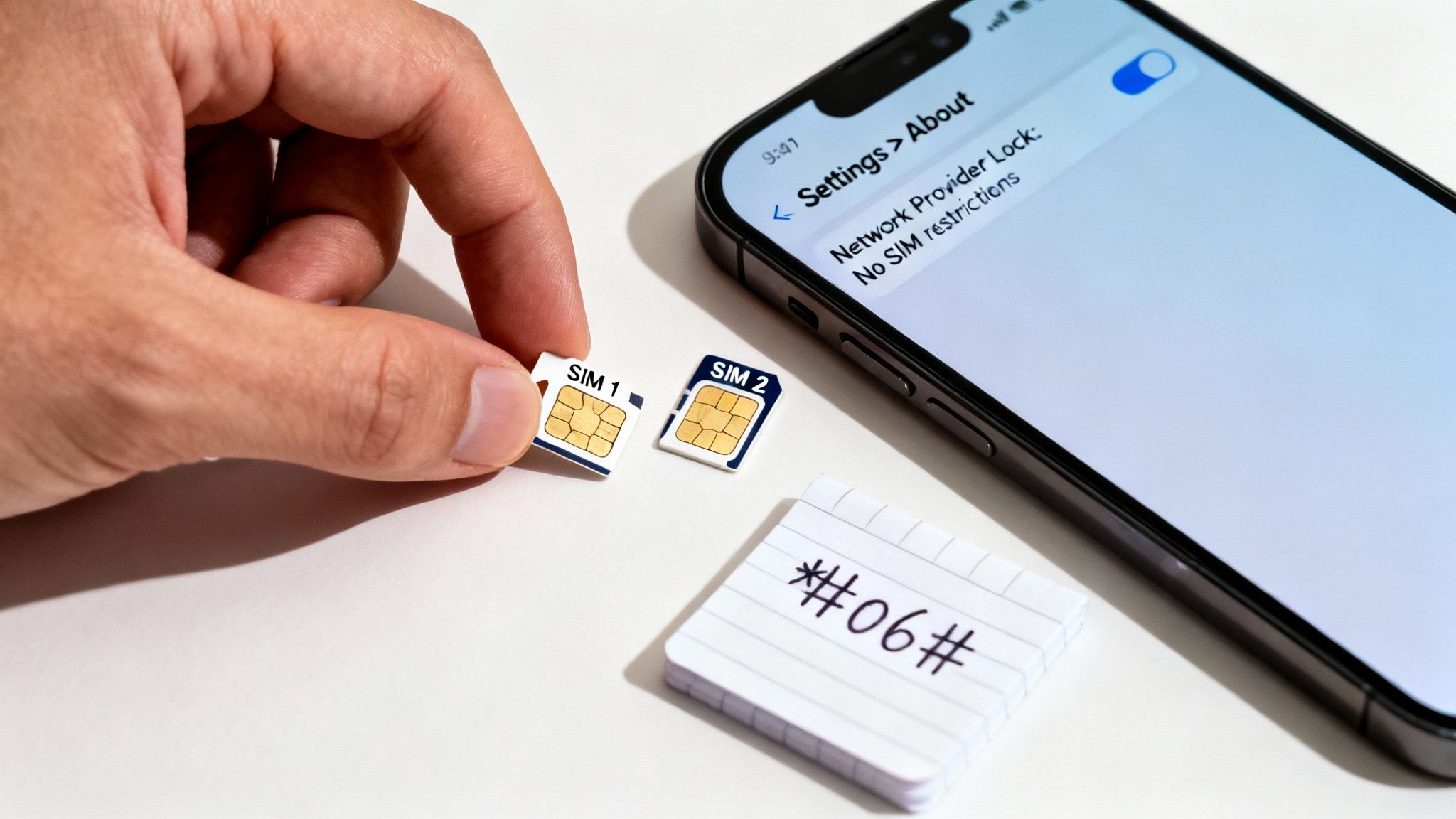
Dial *#06# in the Phone app
Or go to Settings, then General, then About
Tip: Make sure the IMEI on the handset matches any box label or receipt. Mismatches are a reason to walk away.
If you want a broader lookup (beyond just network lock), Mobile Unlocked also offers an IMEI Check that can reveal other useful flags depending on the service level you choose.
2) Check the iPhone Settings clue: “No SIM restrictions”
If the seller can unlock the phone in front of you, this is one of the fastest checks built into iOS.
Go to:
Settings, then General, then About
Then look for Carrier Lock (sometimes shown as “Network Provider Lock” depending on iOS version). If it says No SIM restrictions, that’s a strong sign the iPhone is unlocked.
If it names a carrier, or shows a restriction, treat it as locked until proven otherwise.
Real-world example: a buyer sees “No SIM restrictions” on the listing photos, but the seller “updated iOS” before collection and won’t show the About screen now. That’s not proof of anything, it’s just missing proof. Ask to see it again.
3) Do a quick SIM test (the most convincing “in-person” proof)
A live SIM test is hard to argue with. If you’re meeting in person, bring a SIM from a different network to the one the phone supposedly came from.
What you want to see:
The phone picks up signal within a minute or two
You can make a call, or at least connect to mobile data
What a lock often looks like:
“SIM Not Supported”
“Invalid SIM”
No signal, even after a restart
This is also a good moment to check basics you care about on refurbished iPhones and second-hand iPhones, like Face ID, speakers, charging, and cameras.
4) Don’t forget Activation Lock (it’s not a network lock, but it can stop the sale)
A phone can be unlocked and still unusable if it’s tied to someone else’s Apple ID. Before you hand over money, ask the seller to:
Sign out of iCloud
Turn off Find My
Erase the iPhone and show the “Hello” setup screen
If the phone ever asks for the previous owner’s Apple ID password during setup, it’s effectively bricked for you. That’s not a bargain, it’s a headache.
Seller paperwork: what to ask for (and what it should show)
Good sellers don’t get annoyed by reasonable checks. They expect them.
Useful paperwork includes:
Proof of purchase: Ideally a receipt or order confirmation that shows the handset details. If it includes the IMEI, even better.
Unlock confirmation: Some networks provide an email or account note confirming an unlock request. If a listing says “unlocked”, ask what they did to unlock it and when.
Warranty or refurb report: For refurbished stock, reputable UK sellers often provide grading notes and warranty terms. This matters because some people buy used iPhones described as “refurbished” when they’re really just wiped and resold.
If the seller can’t provide anything, you’re relying on your checks. That’s fine if the price reflects the risk, but don’t pay a premium.
Common red flags that cost buyers money
A few warning signs show up again and again with cheap iPhones listings:
“Unlocked to all networks” but no screenshots: Ask for a photo of Settings, then General, then About showing “No SIM restrictions”.
Won’t share the IMEI: They don’t need to hide it. The IMEI isn’t your bank card number. Refusal is suspicious.
Rushed sale language: “Need gone today” can be genuine, but it’s also used to stop you checking properly.
“It’s locked, but easy to unlock”: Sometimes true, sometimes not. Treat the phone as locked until you see proof, because you might end up paying for an unlock or waiting days.
Buying refurbished in the UK: what “safe” tends to look like
If you want less uncertainty, buy from a UK retailer that clearly states lock status, offers returns, and provides a warranty. Used Mobiles 4U, for example, focuses on tested devices, clear grading, warranty cover, and typically unlocked stock, which is exactly the sort of safety net many buyers want when choosing between refurbished iPhones and random listings.
If you’re also weighing up whether to switch ecosystems, the same buying rules apply to Cheap Android Phones and a used Samsung: confirm network status, check return terms, and get the device history where possible.
Conclusion (and quick FAQs)
Unlocked should mean freedom, not a guessing game. Before you buy an unlocked iPhone UK, use a mix of IMEI checks, iPhone Settings clues, and a simple SIM test, then back it up with seller paperwork where you can. If anything feels slippery, there will always be other iPhones for sale tomorrow.
If you’re funding your upgrade, you can sell your tech through reputable routes, or trade-in my old phone with a retailer. Some people choose to trade-in iPhone, others simply sell old iPhone, or even recycle my old iPhone if it’s past saving. The best option is the one that’s clear, tracked, and fits your timeline.
FAQs
How can I check if an iPhone is unlocked without a SIM?
Check Settings, then General, then About, and look for Carrier Lock. “No SIM restrictions” usually means unlocked. An IMEI network check can also help.
Is an IMEI check enough to confirm an iPhone is unlocked?
It’s a strong start, but the best proof is an IMEI check plus the Settings “No SIM restrictions” screen, or a real SIM test.
Can a refurbished iPhone be network-locked?
Yes. Refurbished describes condition and testing, not network status. Always confirm unlock status separately.
What’s the difference between network-locked and iCloud locked?
Network lock blocks other carriers’ SIMs. iCloud (Activation Lock) can block you from setting up the phone at all.
Will a network-locked iPhone work on a different UK network with eSIM?
Usually not. A carrier lock can restrict eSIM activation too, so treat it the same as a physical SIM restriction.
This guide explains what a SIM free mobile is, how to check if a phone is SIM free, and why it's often the best choice when buying a used or refurbished device.
What a SIM Free Phone Actually Is
In simple terms, a SIM free phone is a mobile sold without a SIM card or a contract tying it to a specific network. You buy the handset on its own.
Think of it like buying a car without being tied to one brand of petrol. You have the freedom to shop around, pick any UK network you like (such as O2, EE, or Vodafone), and choose a SIM-only plan that fits your budget and data needs.
What Does SIM Free Mean on Phones in the UK? 26
This flexibility puts you in control. When you get the phone, you just insert your own SIM card—whether it’s new or from your old mobile—and it works straight away. This is especially useful in the refurbished market, as it guarantees the device is ready for any user on any network.
Key Advantages for You
Choosing a SIM free mobile has several practical benefits:
Total Network Freedom: You can switch between providers like EE, O2, Vodafone, or Three whenever you find a better SIM-only deal.
No Long-Term Contracts: You avoid being locked into a lengthy and often expensive 24-month payment plan. You buy the phone, and you own it.
Greater Resale Value: A mobile that works on any network is more appealing to a wider range of buyers if you decide to sell it later.
So, what does SIM free mean on phones? It means you own the handset outright, with no strings attached, giving you maximum control over your mobile costs.
Decoding SIM-Free, Unlocked, and Locked Phones
When you’re looking at used or refurbished mobiles, you’ll see the terms ‘SIM-free’ and ‘unlocked’. They are often used to mean the same thing, but there is a small difference.
A SIM-free phone is a device sold from day one with no network ties. In contrast, an unlocked phone may have started its life locked to a specific network but was later freed from that restriction.
While both let you use any SIM card, a phone that has always been SIM-free has a cleaner history. It has never had any network-specific software or branding installed.
Locked Phones: The Most Restrictive Option
Locked phones are the opposite. These are mobiles you typically get with a long-term contract, and they are set up to work only with one network. If you try to put a SIM from another provider in, it simply won’t work.
This restriction usually stays for the entire contract. Although networks can unlock phones after the contract ends, a device advertised as ‘locked’ isn’t ready for you to use with your preferred network. To learn more, see why unlocked phones are a smart, flexible mobile choice.
What About eSIMs?
Modern phones increasingly use eSIMs – digital SIMs that you activate without a physical card. A SIM-free phone gives you freedom here too. You can easily add a second line for work or get a cheap local data plan when you’re on holiday.
The Real Benefits of Choosing a SIM Free Phone
Choosing a SIM free phone, especially a refurbished one, has practical advantages. The biggest is freedom. You are not tied to a long, expensive contract, which means you can switch to a better SIM-only deal as soon as one becomes available.
This flexibility is a major reason why many people are moving away from traditional contracts. The UK mobile market has changed as we all look for better value, and choosing a SIM free mobile puts you in control of your monthly bills. Find out more in our guide on choosing a refurbished iPhone with no contract.
More Than Just Flexibility
Beyond network freedom, there are other solid reasons why a SIM free device makes sense:
Better for the Planet: It’s a more sustainable choice that reduces e-waste by giving a perfectly good device a second life.
Higher Resale Value: If you sell your phone later, a device that works on any network will appeal to more people, helping you get a better price.
No Network 'Bloatware': SIM free phones come without the pre-installed network apps that can use up storage and slow your mobile down.
In real terms, what does SIM free mean on phones for you? It means a cleaner, more flexible, and more valuable mobile that works for you, not for a network. It’s about owning your tech on your own terms.
How to Confirm a Phone Is Genuinely SIM Free
It’s important to check that a used or refurbished phone is genuinely SIM-free. Thankfully, there are a few simple tests you can do to be sure.
What Does SIM Free Mean on Phones in the UK? 27
The quickest method is the SIM swap test. If you have access to SIM cards from two different UK networks—for example, an EE SIM and a Vodafone SIM—you can check the phone’s status in minutes.
Insert the first SIM card and turn the phone on.
Check that it connects to the network by trying to make a call.
Turn the phone off, switch to the second SIM card from the other network, and repeat the test.
If the phone connects to both networks, it’s unlocked and ready to use. If it only works with one or shows an error message with the other, it’s almost certainly still locked.
Checking on the Device Itself
You can also find the lock status in the phone’s settings menu. The steps vary slightly between iPhones and Android mobiles.
For iPhones: Go to Settings > General > About. Scroll down until you find ‘Network Provider Lock’. If the phone is unlocked, it will clearly state 'No SIM restrictions'.
For Android Phones: The path can differ depending on the manufacturer, but a common place to look is Settings > Network & internet > SIMs. Look for an option related to network or SIM lock status. If you don't find it there, use the search bar in settings and type "unlock" or "restrictions".
Every phone has a unique 15-digit serial number called an IMEI. You can find this instantly by dialling *#06# on the phone’s keypad.
Once you have this number, you can use a reputable online IMEI checking service to confirm its lock status and history. It’s a final way to verify you’ve got what you paid for.
A Real-World Scenario: Buying a SIM-Free Phone
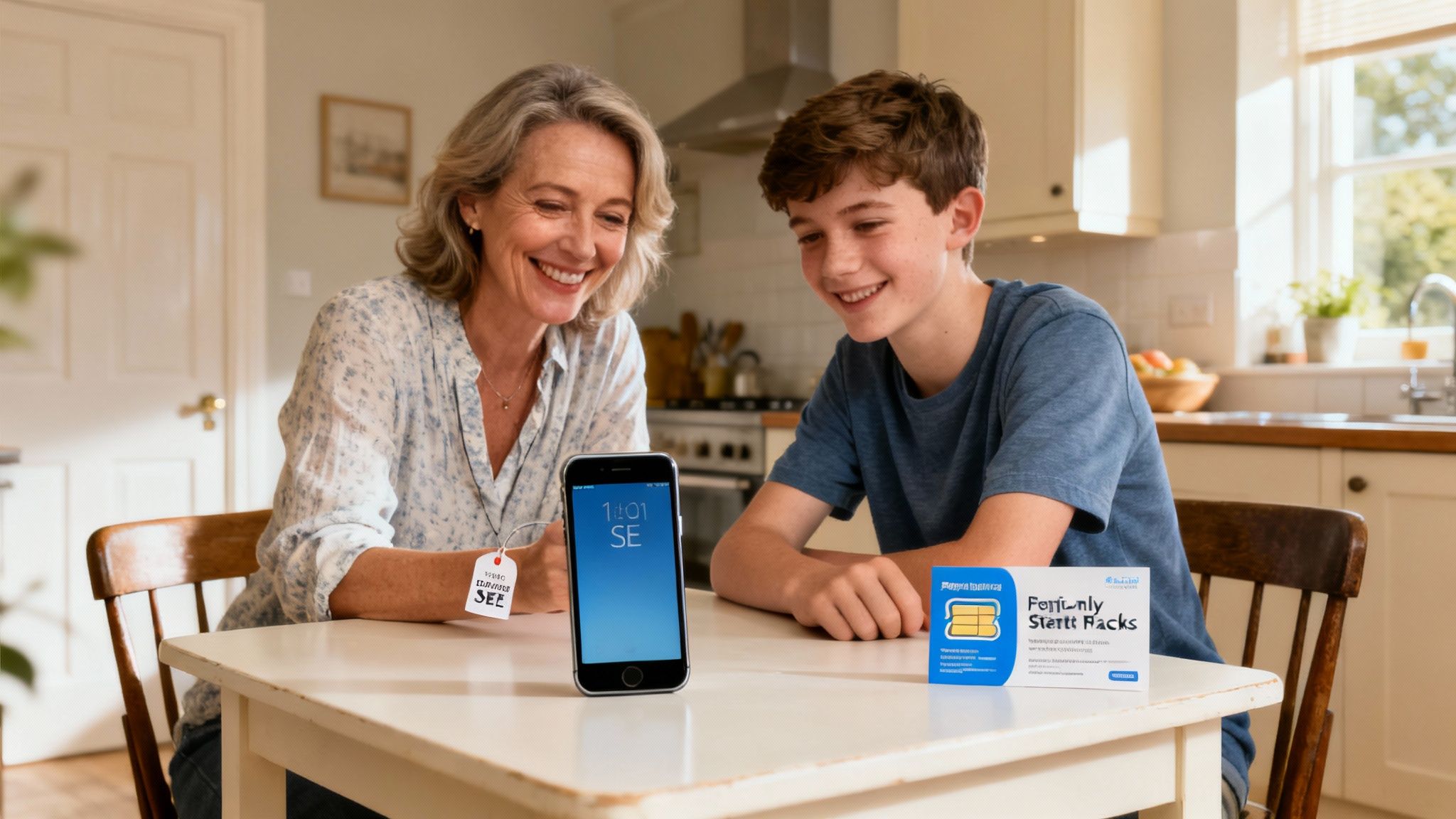
Let’s look at a realistic situation. Imagine Sarah, a parent looking to buy a first mobile for her teenager. She is considering an iPhone SE but is wary of getting locked into a pricey 24-month contract.
What Does SIM Free Mean on Phones in the UK? 28
Finding the Right Deal
Sarah decides to buy a refurbished, 'Good' condition iPhone SE from a trusted retailer that sells quality used phones in the UK. The device is SIM-free, so she isn't tied to any network.
This gives her the freedom to shop for the best value SIM-only deal. She finds a low-cost, 30-day rolling plan with just enough data for her son—a deal she can change or cancel at any time.
The Power of Flexibility
A few months later, her son mentions that a different network has better signal at his school. If the phone were locked, this would have been a problem.
Because Sarah’s phone is SIM-free, the fix is simple. She just orders a new SIM from the provider with better coverage. When it arrives, she pops it in, and the signal issue is sorted. This story shows the practical freedom that answers the question of what does SIM-free mean on phones for everyday users.
Your Guide to Common SIM Free Questions
Here are the answers to some of the most common queries UK buyers have about SIM free phones.
Can I Use a SIM Free Phone Abroad?
Yes, and this is one of the biggest benefits. Instead of paying high roaming fees, you can just buy a local SIM card when you arrive at your destination. Pop it into your phone, and you'll be connected to a local network, often at a much lower cost.
Do SIM Free Phones Get Software Updates?
Absolutely. SIM free phones get software updates, like new iOS or Android versions, directly from the manufacturer (e.g., Apple or Samsung). Sometimes this means you get updates faster than someone with a network-locked phone, as networks can sometimes delay updates for testing.
Is It Hard to Set Up a SIM Free Phone?
Not at all. Just insert an active SIM card into the phone's SIM tray, switch it on, and follow the on-screen instructions. It’s designed to be straightforward.
If you are moving from an old device, you will need to transfer your contacts, photos, and other information. It is always a good idea to back up your old phone before you start.
Warning: Always back up your old device before starting a data transfer to avoid losing important photos, contacts, or files. For help with this process, see our guide on how to transfer your data smoothly.
At Used Mobiles 4 U, we guarantee that every device we sell is SIM free, giving you total freedom from day one. You can browse our range of certified refurbished phones on our website. https://usedmobiles4u.co.uk
Written by James Waterston — 24 years in the mobile phone industry from customer service to Sales Director of a global repair & recycling company; now running Used Mobiles 4 U for 8+ years. LinkedIn
Meta description: Clear guide to refurbished iPhone grades (Like New, Excellent, Very Good, Good) and what you’ll get in the box when buying in the UK.
Buying a refurbished iPhone should feel like choosing a coat from a well-run charity shop, not rummaging through a mystery bin. But the words on listings can make it murky fast: refurbished iPhone grades, “Like New”, “Excellent”, “Very Good”, “Good”. They sound close, yet they can mean different things depending on who’s selling.
This guide breaks down what each grade usually means, what changes between grades (mostly cosmetic), and what you’ll actually receive in the box. If you’re comparing refurbished iPhones with used iPhones, or hunting cheap iPhones for a family upgrade, this will help you buy with your eyes open.
Refurbished iPhone grades: why they vary between sellers
Here’s the first truth that saves time: there’s no single UK-wide grading law for second-hand iPhones. Retailers set their own standards, then test, clean, and classify devices based on cosmetic wear.
That’s why it pays to read the store’s grading page before you buy. For example, Used Mobiles 4 U explains their approach in this guide to understanding refurbished iPhone grades, which is useful if you want to know what a specific seller means by each label.
A good grade system should tell you two things clearly:
Cosmetic condition (screen, frame, back, camera ring)
Functional condition (calls, cameras, Face ID, buttons, charging, speakers)
Function should be 100% across all grades. The grade mainly reflects how “fresh” it looks.
Like New vs Excellent vs Very Good vs Good: the practical differences
Think of grades like seating on a train. You’re still getting to the same destination (a fully working iPhone), you’re just paying more for fewer scuffs.
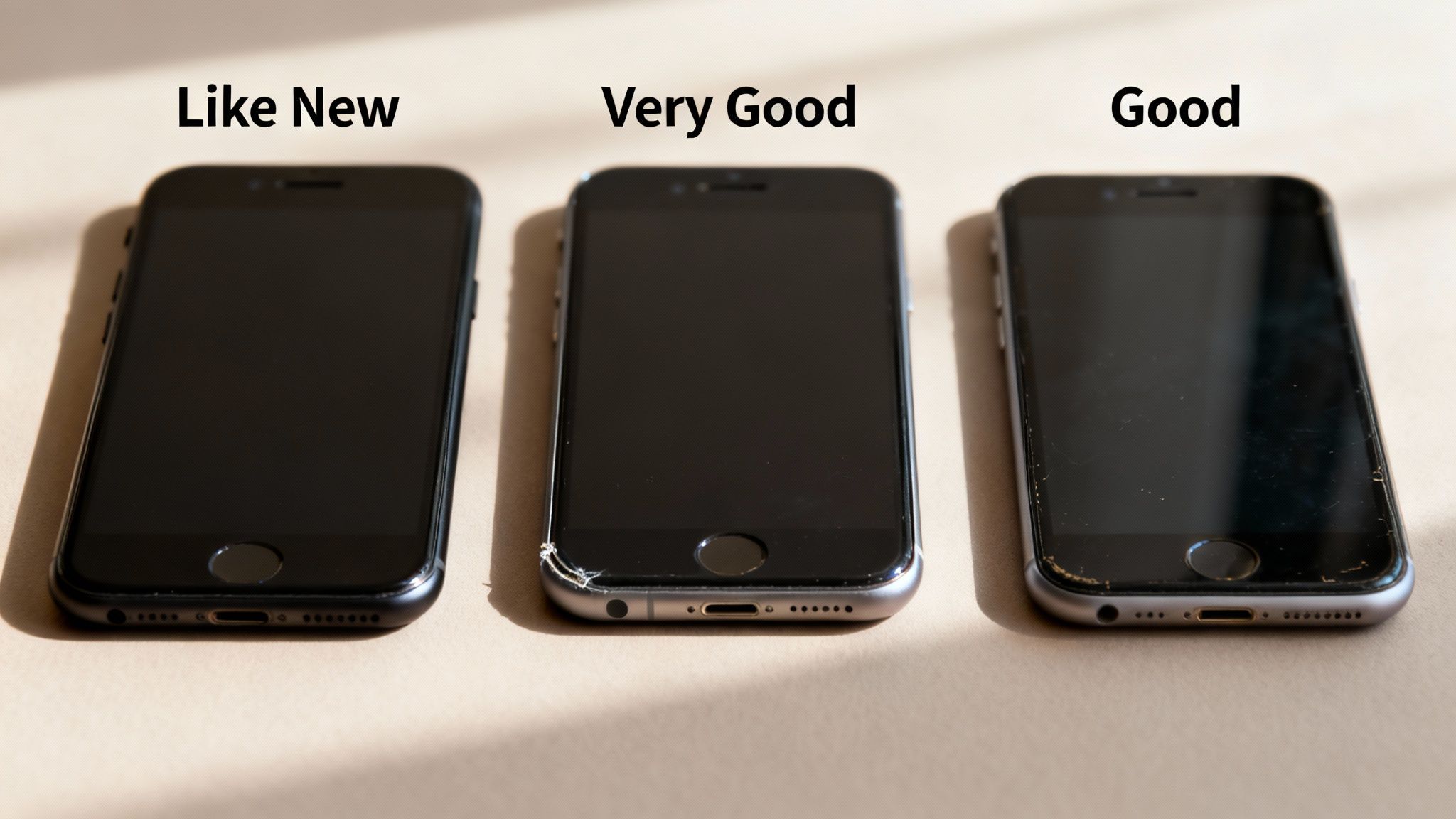
Like New (best cosmetic condition)
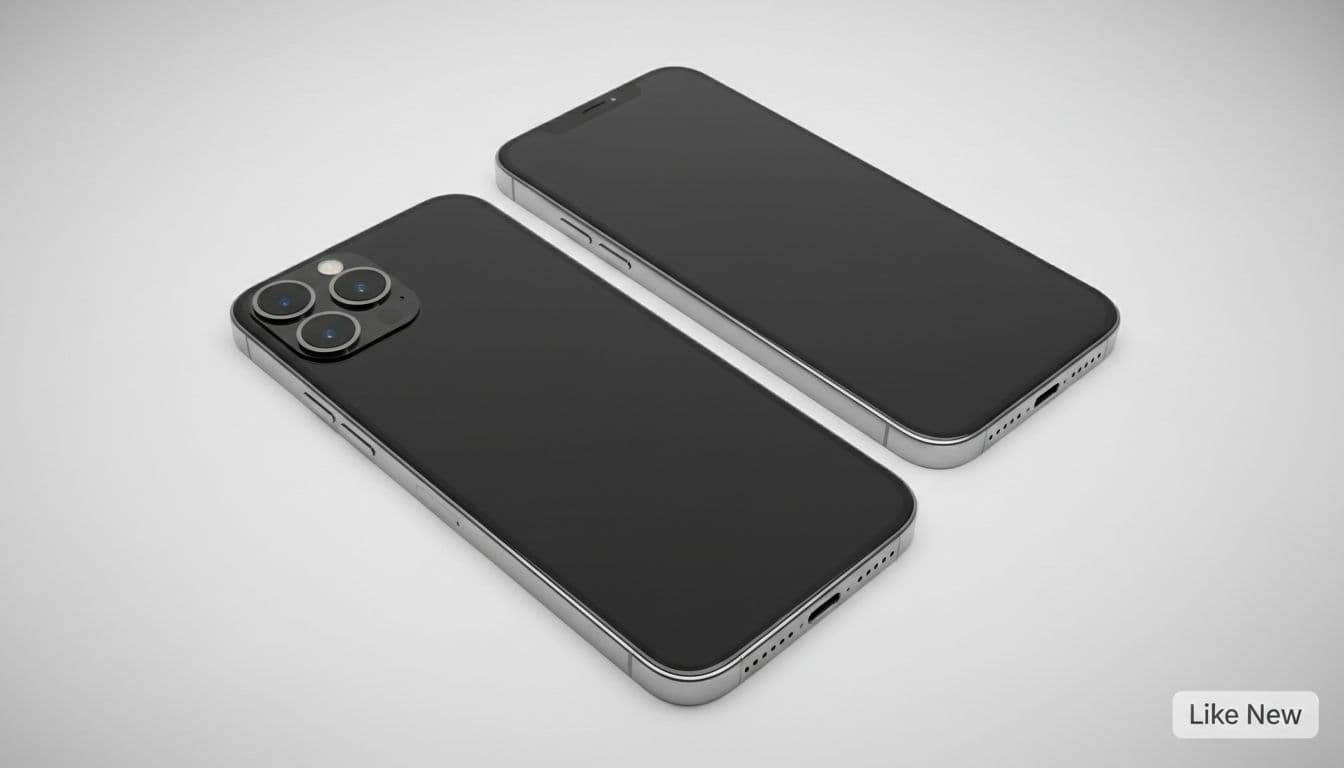
A Like New device should look close to straight-out-the-drawer. You’re aiming for minimal or no visible marks when the screen is on.
What you can usually expect:
Very clean screen and body
Little to no scuffing around edges
Often the best battery condition within that retailer’s stock (some retailers set a minimum threshold, so check the listing)
This is the grade people pick when they want iPhones for sale that don’t look “second-hand” at all, like a birthday upgrade.
Excellent (tiny wear, great everyday choice)
Excellent is the sweet spot for many buyers. In day-to-day use, it often looks almost the same as Like New unless you inspect under a bright lamp.
What you can usually expect:
Small marks that don’t jump out
Light scuffs on the frame possible
Screen should be free from deep scratches
If you want refurbished iPhones that feel premium without paying the top refurbished price, Excellent is often the most sensible buy.
Very Good (small marks, better savings)
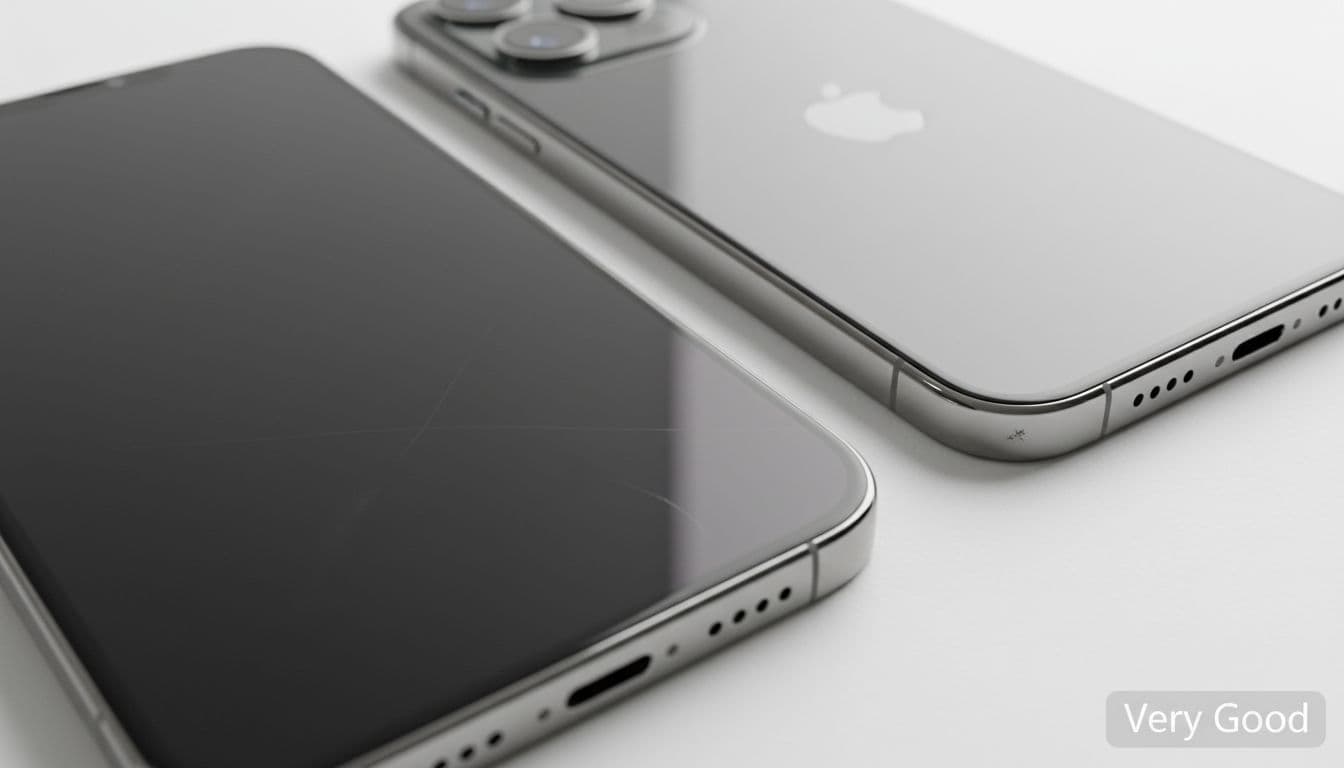
Very Good is where you’ll start to notice it’s been used, but not in a way that affects enjoyment. If you put it in a case, most wear disappears from view.
What you can usually expect:
Light scratches or scuffs visible on close inspection
More edge wear than Excellent
Screen marks may be present but not severe
This grade is popular with people who want cheap iPhones that still feel “nice” in the hand.
Good (heavier wear, same core performance)
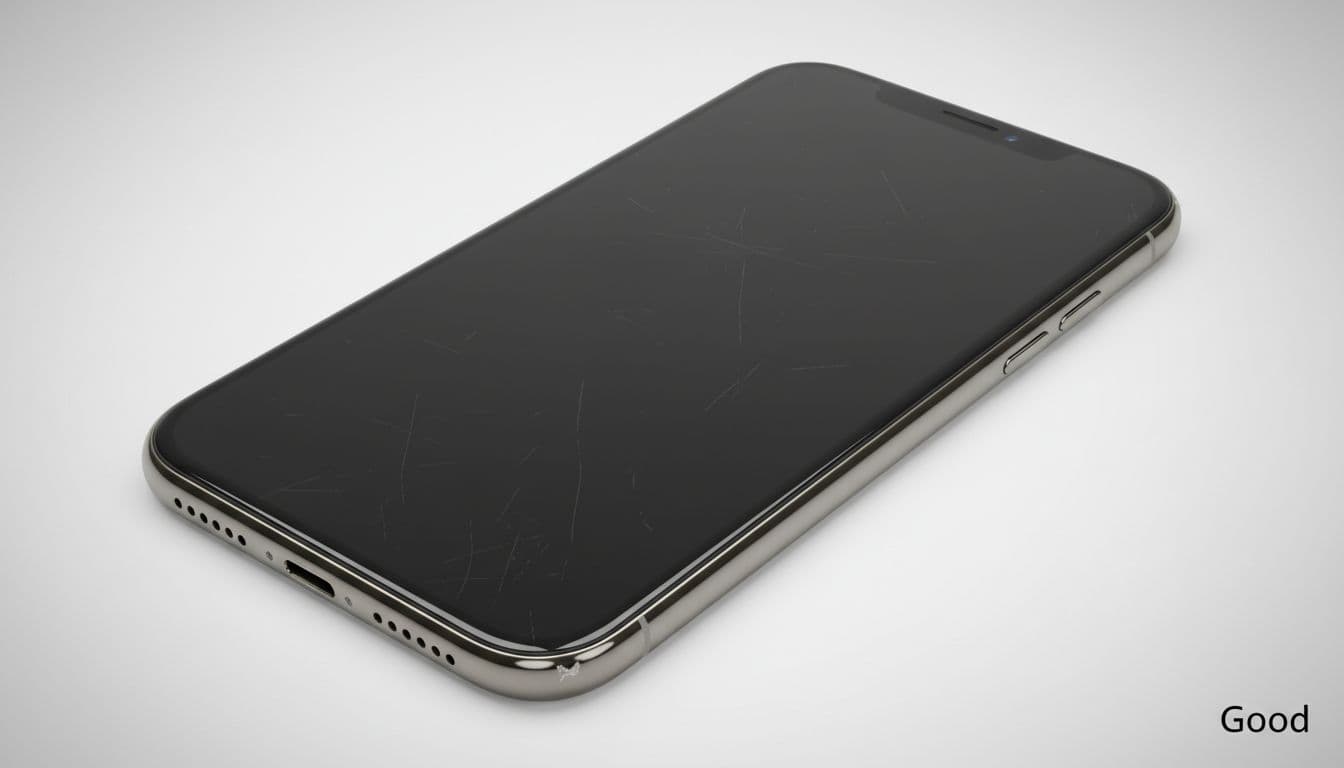
Good condition should still mean fully tested and working, but cosmetically it’s been through life: pockets, bags, keys, kitchen counters.
What you can usually expect:
Visible scratches and scuffs
More obvious wear on corners and edges
Cosmetic marks that you’ll see day-to-day (though a screen protector and case help a lot)
Good is ideal for a child’s first phone, a spare for travel, or anyone who treats a handset like a tool, not jewellery.
What you actually get in the box (and what you might not)
This is where expectations often drift. Many buyers picture the full Apple retail experience: glossy box, stickers, pristine accessories. Refurbished doesn’t always work like that.
In the UK, a refurbished iPhone commonly arrives with:
The handset (cleaned and tested)
A charging cable (often new, but may not be Apple-original)
Packaging (often a plain or retailer-branded box for safe transit)
Original Apple plug (many sellers don’t include one)
Earphones (often excluded for hygiene reasons)
Extras like cases or screen protectors
If you want certainty, check the retailer’s FAQs and product page wording before checkout. Used Mobiles 4 U sets expectations around delivery, returns, and support on their FAQs page, which is worth a quick look before you commit.
A simple rule: if an accessory matters to you (like a UK 3-pin plug), budget for it separately unless the listing confirms it’s included.
Don’t let grade distract you from the checks that matter
A tiny scratch is annoying. A weak battery is annoying every single day.
Before buying refurbished iPhones, focus on these practical checks, because they affect real use more than cosmetics:
Battery health and performance: Many reputable sellers set minimum battery standards per grade. If a seller mentions a minimum (for example, Like New devices with 85%+ battery health), that’s a meaningful signal.
Unlocked status: Most buyers want an unlocked handset so you can swap networks freely. Always confirm.
Warranty and returns: A solid warranty and a clear returns window take the stress out of buying second-hand iPhones.
Testing and refurbishment process: Look for signs the device has been properly checked, not just wiped and resold. You can compare grading language with other UK retailers’ public guides, like the Phone Grades Guide from 4gadgets, to get a feel for what “Good” or “Excellent” often covers.
Refurbished iPhones vs used iPhones (and even Cheap Android Phones)
If you’re choosing between refurbished iPhones and used iPhones sold privately, the difference is simple: refurbished usually means tested, graded, and backed by a warranty.
Private second-hand iPhones can be cheaper, but it’s also easier to end up with:
Hidden faults (microphone, Face ID, camera focus)
Battery wear that wasn’t mentioned
No comeback if something fails
And if your budget is tight, don’t ignore the Android side. Cheap Android Phones can be great value, especially if you’re open to a used Samsung. The key is the same: buy from a seller that tests properly and gives you a returns window.
Selling, trading in, and recycling: what to do with your old iPhone
If you’re upgrading, don’t leave your old handset in a drawer. You can sell your tech and put the money towards your next phone, or you can recycle it responsibly.
Depending on condition, you might:
sell old iPhone for cash
trade-in iPhone for credit
trade-in my old phone to reduce the upfront cost
recycle my old iPhone if it’s beyond economical repair
If you’re trying to judge your own device condition before you sell, this UK guide on mobile device grading is a helpful benchmark for what buyers tend to count as fair wear versus damage.
Conclusion: pick the grade that fits your life, not your pride
Refurbished iPhone grades aren’t about performance, they’re about appearance. Like New and Excellent suit anyone who wants a phone that looks sharp, while Very Good and Good can unlock properly cheap iPhones without giving up reliability if you buy from a trusted UK seller.
If you want to browse iPhones for sale by condition and budget, start with the Apple range at Used Mobiles 4 U, then match the grade to how you actually use your phone. The best deal is the one that won’t annoy you three days in.
FAQs
Are refurbished iPhones the same as used iPhones?
Not always. Used iPhones can mean anything from “barely touched” to “well worn”. Refurbished iPhones are typically tested, cleaned, and graded, often with warranty support.
Does “Good” mean the iPhone has faults?
It shouldn’t. “Good” usually refers to cosmetic wear. A reputable seller grades looks separately from function, so the phone should still work properly.
Will I get an original Apple box and plug?
Often no, unless the listing says so. Many retailers ship in protective packaging and may include a compatible cable. Always check what’s included before you buy.
Is Like New worth paying extra for?
It can be, especially for gifts or if visible marks bother you. If you use a case and screen protector, Excellent or Very Good often feels like the smarter value.
If you're wondering "refurbished phone, what does it mean?", you've come to the right place. This guide explains exactly what a refurbished mobile is, how the process works, and what to look for to ensure you get a great device you can trust.
A refurbished phone is a pre-owned mobile that has been professionally inspected, restored, and cleaned to make sure it works just like a new one. Unlike just buying a 'used' or 'second-hand' phone from a private seller, a refurbished device from a trusted retailer comes with a guarantee of quality and performance, usually including a warranty.
What Is a Refurbished Phone?
Refurbished Phone: What Does It Mean? A Clear UK Guide 41
A good way to think about a refurbished phone is like a certified pre-owned car. You wouldn’t buy a car from a stranger without a mechanic giving it a thorough check first. A refurbished mobile gets that same level of expert attention before it reaches you.
These are devices that have had a previous owner but have been returned, traded in, or sold to a specialist company like us. The phone then goes through a strict, multi-step process to bring it back to a fully working and reliable state.
Refurbished vs Second-Hand: What Is the Difference?
To make it clear, let's look at a quick comparison between a professionally refurbished phone and a typical second-hand mobile you might find on an online marketplace.
As you can see, the peace of mind you get with a refurbished phone is miles ahead of the gamble you take with a standard second-hand one.
What Does the Refurbishment Process Involve?
The journey a phone takes to become 'refurbished' involves several critical steps that a simple used phone sale completely skips. These stages are designed to give you total confidence in your purchase.
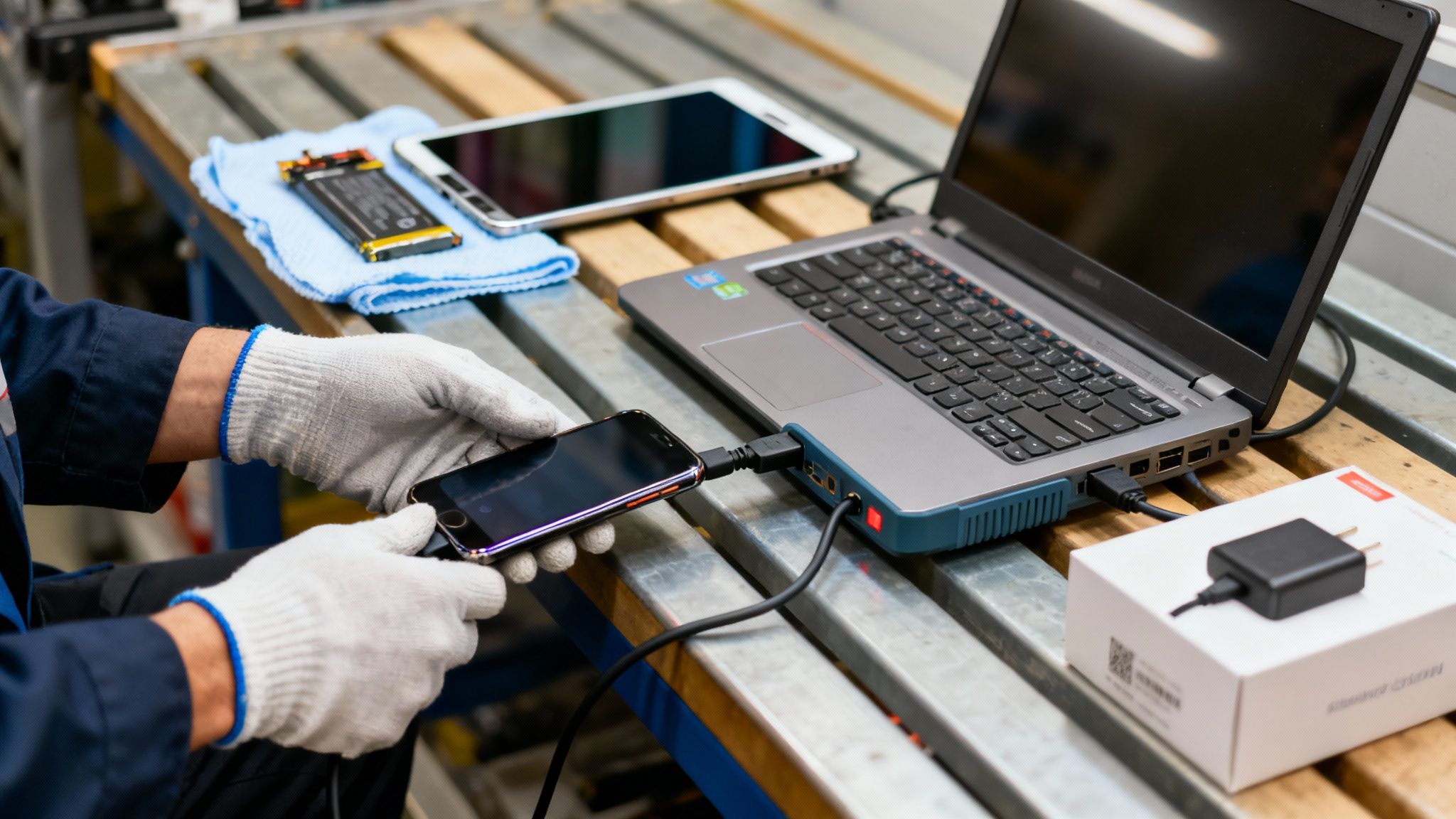
Full Diagnostic Testing: Our technicians run the phone through a battery of tests, checking dozens of hardware and software functions—from the battery health and camera quality to the speakers, microphone, and screen responsiveness.
Professional Repairs: If any part fails our tests, it gets properly repaired or replaced with a high-quality component. A worn-out battery? We replace it. A faulty charging port? It gets fixed.
Secure Data Wipe: This is a big one. We use specialist software to completely and securely erase all data from the previous owner. This protects everyone's privacy and gives you a fresh start.
Thorough Cleaning: Finally, the device is carefully sanitised and cleaned, so it looks and feels as fresh as possible when it arrives.
It's this rigorous, methodical process that allows a trusted retailer to offer a warranty. You’ll see other marketplaces use different terms for this. For instance, it's helpful to see what 'renewed' means on Amazon, as their programme follows similar principles of testing and quality assurance.
Ultimately, when you ask refurbished phone what does it mean, the answer is simple: it means getting a great phone that works perfectly, backed by a professional guarantee, all for a much better price.
The Journey of a Refurbished Phone: From Trade-In to New Owner
Ever wondered what actually happens to a phone before it gets the ‘refurbished’ stamp of approval? It’s a lot more involved than a quick polish. The journey from its previous life to your hands is a meticulous process designed to guarantee quality, security, and reliability.
Refurbished Phone: What Does It Mean? A Clear UK Guide 42
When a device first arrives with us, whether from a customer trade-in or a business upgrade, it doesn’t go straight up for sale. Instead, it enters a rigorous restoration cycle that kicks off with a deep diagnostic check. This is where the real meaning of a refurbished phone comes to life.
The Technical Inspection
The first stop is the technician’s bench. Here, every single function is put through its paces using specialised software. We’re not just checking if it turns on; our process involves a detailed examination of dozens of individual components.
This initial diagnostic phase covers:
Battery Health: We check that the battery can hold at least 80% of its original capacity. If it falls short, it’s replaced with a new one.
Screen and Display: The screen is tested for responsiveness, dead pixels, and any discolouration.
Cameras and Audio: Both front and rear cameras, along with microphones and speakers, are checked for clarity and flawless performance.
Connectivity: Wi-Fi, Bluetooth, and network signal strength are all verified to ensure you stay connected.
If any component fails these checks, our technicians repair or replace it with a high-quality part. This systematic approach is what truly separates a professionally refurbished phone from a simple second-hand sale. If you need to transfer data from an old iPhone to your new one, a fully working device is essential.
Data Security and Final Preparation
Once a phone is in perfect working order, the next critical step is ensuring the previous owner's data is gone for good. A simple factory reset isn't enough to guarantee complete privacy.
We use certified software to perform a secure data wipe. This process overwrites all existing data, making it completely irrecoverable and protecting the privacy of both the old and new owner.
After the secure wipe, the device gets a final, thorough clean and sanitisation. It's then cosmetically graded, so you know exactly what to expect. Finally, it's carefully repackaged with a charger, ready to head to its new home. You can learn more about this in our 10-step refurb check.
How to Understand Refurbished Phone Grades
Let's break down the grading system for refurbished phones. Understanding what each grade means is key to choosing the right mobile for your needs and budget, so there are no surprises when it arrives.
Refurbished Phone: What Does It Mean? A Clear UK Guide 43
When you see a grade like 'Pristine', 'Very Good', or 'Good', remember this crucial point: the grade refers only to the cosmetic appearance of the phone, not its performance. Every single device, no matter its grade, has passed the exact same functional tests to ensure it works perfectly.
The grading system is there to describe how the phone looks. This lets you decide what matters most. Are you after a device that looks untouched, or are you happy with a few minor signs of its past life to save some money?
What Each Grade Looks Like
While different sellers might use slightly different names for their grades, the core idea is usually the same. Here at Used Mobiles 4 U, we keep it simple so you know exactly what you’re getting.
Pristine (Grade A): This is the best you can get. The phone is in exceptional condition with virtually no signs of use. You'd have to look very closely to find any mark at all.
Very Good (Grade B): These phones show light, minimal signs of use. You might spot some minor, faint scratches on the screen or casing, but they won't be noticeable during day-to-day use. It’s a fantastic balance between appearance and value.
Good (Grade C): A phone in 'Good' condition will show more obvious signs of wear, like noticeable scratches or scuffs on the body. Crucially, the device is guaranteed to be 100% fully functional.
Getting to grips with the grades is a massive part of figuring out refurbished phone what does it mean in the real world. It’s all about giving you control over the trade-off between cost and cosmetics.
Choosing the Right Grade for You
Your choice of grade boils down to personal preference. For many people, saving money is the top priority, and they don't mind a few scuffs on a device that works flawlessly.
Consider this scenario: Sarah is buying a first phone for her teenage son. She opts for a 'Good' condition iPhone. She knows it’s going to get knocked about in a school bag, so paying extra for a 'Pristine' model doesn't make sense. The phone works perfectly, and the money she saved goes towards a tough case and a screen protector.
By understanding what each grade offers, you can make a choice you're happy with. For a detailed breakdown with photo examples, have a look at our complete guide to refurbished phone grades.
The Real Benefits of Choosing a Refurbished Mobile
Going for a refurbished mobile is about more than just saving cash. It's a smart decision with some powerful advantages: the savings, the reliability, and the positive impact on the planet.
Refurbished Phone: What Does It Mean? A Clear UK Guide 44
Stretch Your Budget Without Compromise
This is the one everyone notices first—the price. With a refurbished phone, you can get a high-spec model for what you might pay for a brand-new, mid-range device. You don't have to settle for a slower processor or a basic camera just to stick to your budget.
This way of thinking is catching on. According to Ofcom’s 2023 market report, nearly half of UK adults are now open to buying a refurbished smartphone. It's a practical way to manage costs without sacrificing quality.
Gain Reliability and Peace of Mind
Reliability is a huge part of the answer to "what does it mean when a phone is refurbished". This isn't like taking a gamble on a private sale from a marketplace, where you're buying "as is". A professionally refurbished phone comes with a guarantee.
Every single device we sell has been through extensive tests and is backed by our full 12‑month warranty. This is your assurance that the phone is 100% functional and protected against faults, giving you the same confidence you'd get from buying new.
Make a More Sustainable Choice
Choosing refurbished is a decision you can feel good about. Making a new smartphone is incredibly resource-intensive, from mining raw materials to the energy consumed during production and shipping.
By giving a phone a second life, you're directly helping to:
Reduce e-waste: Keeping perfectly good electronics out of landfill is one of the best things we can do to tackle the growing problem of electronic waste.
Lower carbon emissions: You avoid the carbon footprint that comes with manufacturing a brand-new device from scratch.
It makes buying refurbished a practical, affordable, and responsible choice.
Your Essential Pre-Purchase Checklist
Right, you’re ready to make a smart purchase. Going for a refurbished phone is a great way to get a top-tier device without the hefty price tag, but it pays to know what you’re looking for. Think of this as your final check before you commit.
Taking a few minutes to run through these points will give you peace of mind and help you sidestep potential headaches.
Key Seller Policies to Confirm
Before you add a phone to your basket, check the seller’s policies. These are your safety nets and a huge indicator of whether a business is reputable.
Here’s what you need to check:
Warranty Period: Does the phone come with a warranty? A reputable seller should offer at least a 12‑month warranty. This is your guarantee against unexpected hardware faults. Find out more about how phone warranties work.
Returns Policy: What happens if you get the phone and it’s not what you expected? Look for a clear returns policy that gives you a reasonable window to send the device back for a refund or exchange.
Grading System: A transparent seller will have a detailed guide explaining what terms like 'Pristine' and 'Good' mean, so you know the exact cosmetic condition of the phone you’re buying.
Device and Data Checks
Once you’re happy with the seller’s credentials, there are a couple of final checks to make. For a complete deep-dive, check out our guide on the top tips for buying a refurbished mobile phone.
It’s also vital to confirm the phone is unlocked. An unlocked device gives you the freedom to pop in a SIM card from any network. Finally, double-check what accessories are included. Most sellers will include a charging cable, but it's always good to be sure.
Warning: Always back up your current phone before you switch. This is the single most important step. Forgetting to back up your data can mean losing precious photos, contacts, and messages. On an iPhone, go to Settings > [your name] > iCloud > iCloud Backup and tap ‘Back Up Now’.
Got Questions About Refurbished Phones?
It’s completely normal for a few last-minute questions to pop up. To make things easy, we’ve put together some straight answers to the queries we hear the most.
This section gets right into the big three: battery life, returns, and data security.
Do Refurbished Phones Come with a New Battery?
This is easily one of our most common questions. The short answer is: not always, but it will always be a healthy one.
Every phone we receive undergoes a battery health check. We test each one to make sure it holds at least 80% of its original factory capacity. This is the industry standard, even recommended by Apple, to guarantee solid performance.
If a battery dips below that 80% mark during our tests, it gets swapped out for a brand-new one. This policy means that whether your phone has its original battery or a replacement, it’s got the power to keep up with you.
What if I Change My Mind? Can I Return It?
Absolutely. We believe that buying a refurbished phone should feel risk-free. That’s why our returns policy is simple. If your device turns up and it’s not quite what you were hoping for, or you just have a change of heart, you have a window to send it back for a full refund.
This gives you a chance to hold the phone, try it out, and be sure it’s the right fit. Our goal is for you to be 100% happy with your purchase.
Is My Personal Data Safe on a Refurbished Phone?
Yes, 100% safe. Data security isn’t just an afterthought; it’s a non-negotiable part of our process. Before any phone is listed for sale, it goes through a professional, certified data-wiping procedure.
We use specialist software that completely and permanently erases all information from the previous owner. A simple factory reset doesn't offer the same level of security. Our process ensures that no fragments of old data—photos, contacts, or accounts—can ever be recovered.
This means the device you receive is a complete blank slate, just like a new phone. You can set it up with your own accounts, knowing your privacy is totally protected. If you do run into issues, you can follow our guide to reset a used iPhone.
So, What's the Verdict?
Hopefully, you've now got a much clearer picture of what a refurbished phone is. It’s not just some second-hand device sold as-is. It’s a mobile that’s been professionally checked, restored, and guaranteed to work, giving you a smarter way to get the tech you want for less.
We've walked through the whole process, from the rigorous testing every phone goes through to the transparent grading system and the big wins you get—like saving money and making a choice that’s kinder to the planet. The most important takeaway? Buying from a trusted UK seller who provides a solid 18 Month Warranty is what turns a good deal into a great, worry-free purchase.
Time to Make a Smart Choice
With this insight, you're in a great position to make a savvy decision. You can get a fantastic phone at a fraction of its original price without sacrificing reliability. You're no longer just typing "refurbished phone what does it mean?" into a search bar; you're ready to act on the answer.
At the end of the day, it's simple: a professionally refurbished phone gives you the performance and peace of mind you'd expect from a new device, but with a much friendlier price tag and a lighter environmental footprint.
Ready to find your next mobile? At Used Mobiles 4 U, we have a huge range of expertly refurbished iPhones and Samsung devices, and every single one is backed by our full 18 Month Warranty.
Written by James Waterston — 24 years in the mobile phone industry from customer service to Sales Director of a global repair & recycling company; now running Used Mobiles 4 U for 8+ years. LinkedIn
This guide will walk you through how to sell your old phone safely and for a good price. We'll cover preparing your device, checking its condition, choosing where to sell it, and completing the sale without any stress.
Thinking about selling your old mobile? It's a smart move. Instead of letting a perfectly good phone gather dust in a drawer, you can get some cash back in your pocket. But if you’re wondering how to sell my old phone for the best possible price, it can feel a bit daunting.
Don’t worry, it breaks down into a few clear steps. It all starts with getting your phone ready—backing it up, wiping your data, and giving it an honest check-over. From there, you can figure out the best way to sell it, whether that’s a quick trade-in or a private sale for a bit more money.
Your Practical Guide to Selling an Old Mobile Phone
This guide is a practical walkthrough of the entire process here in the UK, designed to help you get a great price without the stress. A lot of the advice here comes from solid general sales principles, but it’s all been tailored specifically for selling mobile phones.
The market for used phones in the UK is large. With millions of us owning a mobile, there’s always strong demand for quality second-hand devices. iPhones and Samsung phones are especially sought-after. If you're interested, you can look at the latest UK mobile statistics to learn more.
To make things as straightforward as possible, we’ll cover everything you need to know:
Getting your phone ready: The essential first steps to protect your data and privacy.
Assessing its true value: How to check its condition honestly for an accurate quote.
Finding the best selling option: We'll compare trade-in services, online buyers, and marketplaces.
Securing a safe transaction: Tips on how to list, ship, and get paid without any hassle.
Getting Your Phone Ready for a Safe and Profitable Sale
Before you even think about snapping a photo for a listing, properly prepping your phone is the single most important part of the whole process. Getting this right protects your personal data, stops annoying delays later on, and can genuinely boost the final price you get.
It’s a straightforward process, but getting it wrong can cause major headaches. Forgetting to disable security features like 'Find My' is one of the most common reasons phones get rejected by recycling companies and trade-in services. Why? Because it makes the device completely unusable for the next person.
Let's walk through exactly what you need to do, making sure you get every penny your old phone is worth.
How to Sell My Old Phone for a Good Price in the UK 57
First Things First: Back Up Your Data
WARNING: The following steps will permanently erase all data from your phone. Always back up everything you want to keep before proceeding.
Your top priority is saving everything you care about. We’re talking photos, contacts, messages, and app data. All of it needs to be backed up so you can easily move it over to your new device. If you skip this, it's all gone for good once you wipe the phone. For help with this, see our guide on how to transfer data to a new iPhone.
Here’s a quick rundown for the most common devices:
For iPhone users: iCloud is the simplest option.
Connect to a Wi-Fi network.
Go to Settings > [your name] > iCloud.
Tap on iCloud Backup.
Make sure the toggle is switched on, then tap Back Up Now. Stay connected to Wi-Fi until it’s finished.
For Android users (Samsung, Google, etc.): Your Google Account can handle this.
Go to Settings > Google > Backup. (The exact path can differ slightly depending on the brand).
Check that 'Backup by Google One' is turned on.
Tap Back up now. This saves your app data, contacts, and settings to Google Drive. For photos and videos, double-check the Google Photos app is set to back them up automatically.
Sign Out of All Your Accounts
Once you're confident your backup is complete and safe, it's time to sign out. This is a crucial step. It deactivates security features tied to your identity, like Apple's 'Find My' or Google's 'Find My Device'. A phone with these features still active has zero resale value.
Here’s a real-world example: A customer, David, sent in his old Samsung phone to sell. He’d done a factory reset but forgot to sign out of his Google account first. This meant the phone was still locked by Factory Reset Protection (FRP). We had to contact him and walk him through logging in remotely to remove the device, which delayed his payment by a few days.
For iPhones: Go to Settings > [your name] and scroll all the way to the bottom. Tap Sign Out. It will ask for your Apple ID password to turn off 'Find My', which is exactly what you need to do.
For Androids: Go to Settings > Accounts and backup > Manage accounts. Select your Google account and tap Remove account.
With your data safe and your accounts unlinked, you can now wipe the phone clean. A factory reset erases all your personal content and settings, returning the software to its original state.
On an iPhone: Go to Settings > General > Transfer or Reset iPhone > Erase All Content and Settings.
On an Android: Navigate to Settings > General management > Reset > Factory data reset.
Once that's done, your information is gone for good and your privacy is protected. If you need more detailed instructions, you can follow our guide on how to reset an iPhone.
Give It a Good Clean
Last but not least, don't underestimate the power of a simple clean. A phone that looks like it's been well cared for will always fetch a better price and attract more buyers.
Grab a soft, lint-free microfibre cloth and gently wipe down the screen and body. If you’ve got some stubborn marks, you can slightly dampen the cloth with a tiny bit of water, but never spray liquid directly onto the phone. Pay a bit of attention to the camera lenses, charging port, and speaker grilles. This small effort makes your listing photos look much better.
How to Accurately Judge Your Phone’s Condition and Value
Getting a fair price for your old mobile starts with an honest, critical look at its condition. Before you can work out what it’s worth, you need to see the device through a buyer's eyes. This is where you put your sentimental attachment aside and get real about its flaws.
We'll walk you through checking everything that matters – from the screen and casing to the battery health and whether it's locked to a network. It’s these small details that make the difference between getting a top-tier price and a disappointing offer. A clear understanding of your phone's true condition is the first step to selling it for what it’s actually worth.
How to Sell My Old Phone for a Good Price in the UK 58
What Buyers Look For: The Physical Inspection
First things first. Find a well-lit area—near a window is perfect—and give your phone a proper look-over. Be brutally honest with yourself, because buyers will be. Hold it at different angles to let the light catch any faint scuffs that aren't immediately obvious.
Here’s a simple checklist of what to examine:
The Screen: Any scratches? There’s a big difference between light micro-scratches from daily use and deeper gouges you can feel with a fingernail. Don't forget to check for cracks, chips, or any dead pixels on the display.
The Casing: Look closely at the corners, edges, and back of the phone. Make a note of any scuffs, dents, or chips in the frame. Even what you consider minor wear and tear can affect the grade.
Buttons and Ports: Click every single button—volume, power, and the mute switch if it's an iPhone. Do they feel responsive? Plug in a charger to confirm the port isn't loose and works correctly.
Camera Lenses: Inspect the front and back camera lenses. A tiny scratch here can ruin photos and will knock a surprising amount off the phone's value.
Checking the All-Important Internals
A phone's cosmetic condition is only half the story. What’s going on inside is just as important, especially the battery and its network status. These two factors can massively influence the final offer you receive.
Assess Your Battery Health
A battery that can’t hold a decent charge is a major red flag for any potential buyer. Thankfully, it’s easy to check its health.
For an iPhone, the path is simple:
Go to Settings > Battery.
Tap on Battery Health & Charging.
Look for the 'Maximum Capacity' percentage. A figure above 85% is generally considered good, while anything below 80% suggests it might need replacing soon, which will lower its value.
For Android users, this can vary. Some Samsung phones have a battery health checker in the device care settings, but for other brands, you might need to install a trusted third-party app like AccuBattery to get an accurate reading.
Is Your Phone Unlocked?
An unlocked phone is one that can be used with a SIM card from any mobile network. This makes it far more appealing to a wider range of buyers and can increase its value. If you bought your phone directly from a manufacturer like Apple or Samsung, it’s almost certainly unlocked.
If you got it on contract from a network like EE, Vodafone, or O2, it might be locked. The easiest way to check is to borrow a friend's SIM card from a different network. Pop it in your phone—if it gets a signal and you can make a call, it’s unlocked.
If it is locked, don’t panic. Most networks will unlock it for you for free once your contract is finished. It’s well worth taking the time to do this before you try to sell.
Once you have a full picture of your phone's condition, you can compare it against official grading criteria. Our detailed guide to refurbished phone grades explains what 'Like New', 'Good', and 'Fair' really mean, helping you set a realistic price.
Choosing the Best Place to Sell Your Phone in the UK
With your phone backed up, wiped clean, and honestly assessed, you’re ready for the final piece of the puzzle: deciding where to actually sell it.
In the UK, you have plenty of options. They all offer a different balance of price, speed, convenience, and safety.
Choosing the right path depends on what you value most. Are you chasing the highest price and happy to put in the work? Or would you prefer a quick, guaranteed sale, even if it means accepting a slightly lower offer? There's no single "best" way, but understanding the pros and cons of each will help you make a smart decision.
Let's break down the main routes you can take to turn that old mobile into cash.
Specialist Online Buyers and Trade-In Programmes
This is often the simplest and most reliable way to sell your old mobile. Companies like us at Used Mobiles 4 U, along with network providers and even Apple themselves, offer to buy your phone directly.
The process is usually very simple: you get an instant quote online, they send you a free postage pack, and you get paid once they've received and checked the device.
The main benefits here are speed and security. You're dealing with an established business, which removes the risk of dealing with scammers or time-wasters. It’s a clean transaction with no comebacks after the sale.
Pros: Fast, convenient, and safe. You get a guaranteed price and payment is usually processed quickly.
Cons: The price might be slightly lower than what you could get from a private sale, as the company needs to factor in its own costs.
Peer-to-Peer Online Marketplaces
Platforms like eBay, Facebook Marketplace, and Gumtree are where you’ll often achieve the highest selling price. This is because you're cutting out the middleman and selling directly to the end-user. You set the price, create the listing, and manage the sale yourself.
However, this higher potential reward comes with more effort and risk. You'll need to write a compelling description, take excellent photos, and be prepared to answer lots of questions from potential buyers.
More importantly, you have to be vigilant about scams. Dealing with dishonest buyers, payment disputes, or people claiming the phone never arrived can be a real headache. You must be prepared to package the phone securely and always use a fully tracked and insured postal service.
For a deeper dive into your options, our comparison of where to sell your phone can offer more specific advice.
High Street Retailers
Some high street shops, like CeX, also buy used electronics. The big advantage here is immediacy. You can walk in with your old phone and, assuming they're happy with its condition, walk out with cash or store credit the same day.
This is a great option if you need money in a hurry. However, that convenience often comes at a cost. The prices offered are frequently lower than those from specialist online buyers, as these stores have the overheads of a physical location to cover. It’s worth getting a quote, but be sure to compare it with online offers before you commit.
Comparing Phone Selling Options in the UK
To help you decide, here’s a simple breakdown of how the main options stack up. Each route has its place, depending on whether you prioritise getting the most money, the fastest sale, or the least hassle.
Ultimately, figuring out the best way to sell your old phone comes down to your personal priorities.
If you want a quick, safe, and fair sale without any fuss, a specialist buyer is an excellent choice. If you're willing to put in the work and navigate the risks for a potentially higher return, a marketplace could be for you.
Creating a Listing That Sells and Avoiding Scams
If you've decided to go down the marketplace route with somewhere like eBay or Facebook Marketplace, your listing is everything. This is your chance to make your old phone stand out and convince a serious buyer to click "buy". It's also where you need to be careful to avoid scammers.
Let's break down how to put together a listing that gets attention and, just as crucially, how to handle the sale safely from start to finish. A bit of effort here really does pay off.
How to Sell My Old Phone for a Good Price in the UK 59
Crafting a Compelling and Honest Listing
A good listing does two things: it grabs a buyer's attention and it builds their trust. Honesty isn't just good practice; it's your best defence against disputes and returns later on. A standout listing comes down to two things: brilliant photos and a description that leaves nothing out.
Take Excellent Photographs
Your phone's camera is perfectly fine for this, but you need to put some thought into it. Good photos are often the single biggest reason people click on one ad over another.
Find some natural light: Set up near a window. Avoid harsh spotlights that create glare and deep shadows.
Show every single angle: This means the front, back, all four sides, and close-ups of the corners.
Be honest about flaws: If there's a scuff or a scratch, don't try to hide it. Take a clear, close-up photo of any damage. Buyers respect this transparency.
Show it's working: Snap a picture of the phone while it's turned on to prove the screen is perfect. If you're including the original box or a charger, get them in a group shot too.
Write a Detailed Description
Your description should answer every question a potential buyer might have. The more information you include, the fewer messages you'll have to deal with.
Make sure you cover these key details:
Exact Model: "iPhone 12 Pro," not just "an iPhone."
Storage Capacity: 128GB, 256GB, etc.
Colour: Pacific Blue, Midnight Green, or whatever it is.
Network Status: Be crystal clear. State if it's "Unlocked" or locked to a provider (e.g., "Locked to EE network").
Condition: Describe it honestly, referring to your photos. Don't forget to mention the battery health percentage you checked earlier.
What's Included: List every single thing the buyer will get—the phone, original box, charging cable, a case, etc.
Staying Safe and Avoiding Common Scams
While marketplaces can fetch you a good price, they're also a place for scammers. Staying safe is all about spotting the red flags and sticking to the rules. Knowing how to sell my old phone securely is just as vital as getting a good price for it.
A Classic Scam to Watch For: A buyer messages you, asking to take the conversation off the platform to WhatsApp or email. They'll often offer to pay you a little extra and ask for your bank or PayPal details directly. This is a common trick to get you to ship the phone without a secure payment, leaving you out of pocket.
Here’s how to protect yourself:
Keep all chat on the platform: Always use the marketplace’s own messaging system. This gives you an official record of every conversation.
Only use approved payment methods: Stick to the platform's official system, like eBay Managed Payments or PayPal Goods & Services. Never agree to a direct bank transfer.
Watch out for overpayment offers: Anyone offering you more than your asking price is almost certainly trying to scam you. No legitimate buyer does this.
Shipping Your Phone Securely
Once you have the money, it's your job to get the phone to its new owner safely. This is not the time to cut corners on postage.
Package it properly: Wrap the phone generously in bubble wrap and put it in a sturdy, small box. Fill any gaps with more packaging so it can't rattle around.
Use a tracked and insured service: This is non-negotiable. Use a service like Royal Mail Special Delivery, which gives you full tracking and insures your item for its true value.
Keep your proof of postage: Don't throw the receipt away. Hold onto it until the buyer confirms they’ve received the phone and everything is okay. It's your only proof that you sent the item.
Following these steps will help you get a better price and ensure the whole process is smooth and free of surprises.
Finalising the Sale for Total Peace of Mind
How to Sell My Old Phone for a Good Price in the UK 60
Just because you’ve posted the phone doesn’t mean the job is done, especially if you sold it on a marketplace. For your own protection, it’s vital to keep all your documents until you know the buyer is completely happy.
Always hold onto your proof of postage and the tracking number. It’s the only evidence you have if a buyer claims the phone never showed up. Keeping an eye on the tracking yourself offers reassurance, and it can be helpful to understand what different delivery statuses mean, like understanding what 'out for delivery' means.
Selling on a marketplace can sometimes lead to disputes, where a buyer might claim the phone isn’t in the condition you described. This is where you see the value of selling to a trusted business, which offers a clean, final end to the whole process.
The Simplicity of Selling to a Trusted Retailer
This is where knowing how to sell my old phone with minimum fuss makes all the difference. When you sell to a specialist retailer like Used Mobiles 4 U, the process is wrapped up as soon as we receive and check the device.
We inspect the phone to confirm it matches the description you provided, and then we send your payment straight over. No post-sale questions, no risk of a dispute, and no chance of the buyer changing their mind weeks down the line. It's about total peace of mind.
Once the sale is finalised, your next thought might be setting up your new phone. But if you have any lingering doubts about whether you properly wiped your old one, our guide on how to wipe your data when trading in your phone offers that extra layer of reassurance.
Your Questions About Selling Your Phone, Answered
Got a few lingering questions before you sell your old mobile? You're not the only one. Here are the answers to some of the most common queries we hear from people looking to cash in on their old tech.
Is It Better to Sell My Phone or Trade It In?
This really comes down to what you value more: getting the highest price or having the easiest experience. Selling privately on a marketplace like eBay will almost always get you the most money, but it's a trade-off. You'll need to create a listing, deal with buyers, and navigate the risks of potential scams or disputes.
Trading in with a network or retailer is quick and simple, but you'll likely be offered a lower value for that convenience.
Selling to a specialist online buyer like us strikes a great balance. You get a competitive, fair price without the hassle or risk that comes with a private sale. It's a popular option for anyone wondering how to sell my old phone with minimum fuss and maximum confidence.
What If My Phone Has a Cracked Screen?
You can still sell a phone with a cracked screen or other damage, but its value will be lower. The golden rule here is complete honesty – be upfront about every single fault in your description to avoid any issues later on.
Plenty of specialist buyers, including our team here at Used Mobiles 4 U, purchase faulty phones. We either refurbish them or use their working components for parts. Just describe the damage accurately, and you’ll get a specific quote based on the type and severity of the issue.
How Long Does It Take to Get Paid?
This timeline varies depending on which route you take.
Marketplaces: Payment usually comes through once the buyer receives the phone and confirms they're happy with it. This can sometimes involve a holding period.
Trade-in/Specialist Buyers: This is where you get your money fast. Once your device is received and inspected, payment is usually processed right away. We typically send a direct bank transfer within one or two business days.
Ready to get a fast, fair, and secure price for your old mobile? The Used Mobiles 4 USell Your Tech programme gives you an instant quote, free tracked postage, and quick payment, taking all the stress out of the process.
Written by James Waterston — 24 years in the mobile phone industry from customer service to Sales Director of a global repair & recycling company; now running Used Mobiles 4 U for 8+ years. LinkedIn
Meta description: See what Like New, Very Good and Good refurbished iPhone grades look like with photo examples, plus UK tips to avoid surprises when buying.
Ever bought a phone that looked spotless online, then the light hit it and suddenly you could see every mark? That’s why refurbished iPhone grades matter.
Grades aren’t about speed, storage, or whether Face ID works. They’re about the cosmetic story the phone tells when you hold it in your hand. Below, you’ll see realistic photo examples of what “Like New”, “Very Good”, and “Good” typically look like, so you can choose with confidence (and avoid that sinking feeling at unboxing time).
What refurbished iPhone grades actually describe (and what they don’t)
A grade is mainly a cosmetic condition label. Think of it like buying a car: the engine can be perfect, but the paintwork still has a few chips.
With refurbished iPhones, sellers usually test key functions, clean the device, and then assign a condition grade based on visible wear. It’s different from used iPhones or second-hand iPhones sold privately, where you often get whatever condition turns up, with no consistent checks.
One more thing: the grade doesn’t replace the basics. Always check what you’re getting on warranty, returns, and delivery terms. For example, Used Mobiles 4 U FAQs outline practical details like delivery and support.
Like New refurbished iPhone: what it looks like in real life
Illustrative AI-created example of a Like New cosmetic grade iPhone with clean edges and an unmarked screen.
“Like New” is the phone you’d happily place on a café table without a case. Under normal indoor light, you shouldn’t notice marks at all.
What you’ll usually see (or not see):
The screen looks clean when it’s off, even when tilted.
The frame edges look sharp, with no shiny rub marks.
Camera rings and lenses look clear and tidy.
In practice, Like New is often the right pick if you’re buying a gift, or if you’re the sort of person who spots a scratch the way you spot a stain on a white shirt. Many retailers also set higher expectations here, for example battery health targets on top grades (Used Mobiles 4 U states 85%+ battery health on Like New devices).
Very Good refurbished iPhone: tiny wear you notice only under light
Illustrative AI-created example of a Very Good grade iPhone with a faint hairline screen mark and a small frame scuff.
“Very Good” is the sweet spot for loads of buyers. It’s the phone that looks mint at arm’s length, then shows a little history when you angle it under a lamp.
Typical signs:
1 to 2 hairline scratches on the screen that only show in glare.
A small scuff on a corner of the frame, often where it’s been in and out of pockets.
Back glass that looks clean, with the odd faint mark.
If you want cheap iPhones without the “what on earth happened to this?” look, Very Good is often the safest bet. It’s also the grade where a case and screen protector can make the phone look close to top grade in day-to-day use.
Good refurbished iPhone: visible marks, still perfectly usable
Illustrative AI-created example of a Good grade iPhone with light scratches and scuffed edges, with no cracks.
“Good” means you’ll see wear without trying. The phone has lived a life, but it shouldn’t look damaged.
What “Good” often includes:
Several light scratches on the screen (you’ll notice them when the screen is off).
Scuffs on the frame, especially around charging ports and corners.
Marks on the back that catch the light.
Good is a smart choice if your priority is value and you’re browsing iPhones for sale with a strict budget. Many people buying for teens, work use, or as a spare phone go straight for Good and pop it into a case on day one.
What’s not acceptable (even for “Good”)
Illustrative AI-created example showing damage that typically falls outside standard cosmetic grades.
Scratches and scuffs are one thing. Cracks, bends, and deep gouges are another.
Most reputable refurb sellers won’t call a phone “Good” if it has:
A cracked screen or back glass
A bent frame
A cracked camera lens
If you see damage like that, treat it like buying a bike with a twisted wheel. It might roll, but it’s not the deal you hoped for.
How to pick the right grade (and avoid that “oh no” moment)
When you’re choosing between Like New, Very Good, and Good, use this simple mindset: you’re paying to remove surprises.
A few practical checks that help:
Picture your everyday lighting. If you use your phone outdoors a lot, screen marks are easier to see. If you’re mostly indoors, Very Good may feel “new enough”.
Decide if you’ll use a case. A case hides frame scuffs almost completely, but it won’t hide screen scratches. If you can’t stand seeing marks on the screen, prioritise a higher grade.
Read the seller’s returns policy before you buy. The best time to learn what “Good” means shouldn’t be after you’ve thrown the box away.
Ask about battery expectations. Some sellers state targets for certain grades. If you rely on all-day battery, check what’s promised, not what’s hoped for.
Also, don’t forget the bigger choice. If you’re comparing refurbished iPhones to Cheap Android Phones, you might find a used Samsung gives you a larger screen for the money, while an iPhone often holds value better and gets long software support.
For extra context on what “refurbished” usually includes (testing, cleaning, and checks), this UK guide from Zextons is a helpful read: Is a refurbished phone basically new?.
Upgrading soon? Sell, trade-in, or recycle the old one
If you’re buying refurbished, you’re already making a more sustainable choice. The next step is handling your old device well.
Depending on condition, you can:
sell your tech to put money towards your next handset
sell old iPhone privately if it’s in good shape
trade-in iPhone through a trade-in programme if you want less hassle
search “trade-in my old phone” for UK options that suit your model
if it’s beyond saving, you can recycle my old iPhone rather than leaving it in a drawer
Even battered phones often have parts value, and recycling helps cut e-waste.
Conclusion and FAQs
Choosing between Like New, Very Good, and Good isn’t about chasing perfection, it’s about matching a grade to how you actually live with a phone. If you want fewer cosmetic surprises, move up a grade. If price wins and you’ll use a case anyway, Good can be a solid deal on refurbished iPhones.
FAQs
Are refurbished iPhone grades the same everywhere?
No. Most sellers use similar ideas, but the fine details vary. Always read the grading page and returns policy for the site you’re buying from.
Will a “Good” refurbished iPhone have scratches you can feel?
It shouldn’t have deep damage, but you may feel light scuffs on the frame. Screen scratches are usually light, but visible when the display is off.
Are refurbished iPhones better than second-hand iPhones from private sellers?
Often, yes. Refurbished stock is normally tested and sold with a warranty and returns window, while second-hand purchases can be a gamble.
Which grade should I buy if I want the best value?
Very Good is often the value sweet spot, it looks clean day-to-day, without the top-grade price. If you’re buying the lowest-cost used iPhones, Good makes sense if you can live with visible wear.
Apple Used iPhone 13 Series: A Complete Guide for Buyers in 2025
Whenever Apple releases a new iPhone, it creates a ripple across the entire smartphone market — and the iPhone 13 range was no exception. Even years after its original launch, the iPhone 13 series continues to be one of the most popular and best-balanced line-ups Apple has ever produced. This is particularly true for anyone considering a used iPhone 13, where value and performance meet perfectly.
At Used Mobiles 4 U, we continue to see strong demand for the iPhone 13 range. That’s because a used iPhone 13 delivers modern performance, excellent cameras, strong battery life and long-term reliability — all without the premium price tag attached to Apple’s newest releases.
In this guide, we’ll explore everything you need to know about the iPhone 13 series, why a used iPhone 13 remains such a smart buy in today’s market, and which model may suit your needs best.
When Was the iPhone 13 Released?
Apple officially unveiled the iPhone 13 series in September 2021. While newer models have since entered the market, this has not diminished the appeal of a used iPhone 13, particularly due to Apple’s long-term software support.
Each iPhone 13 model launched with iOS 15 and continues to receive major iOS updates, ensuring the phone remains secure, functional and compatible with the latest apps well into the future.
The iPhone 13 Line-Up Explained
The iPhone 13 family consists of four models:
iPhone 13 mini
iPhone 13
iPhone 13 Pro
iPhone 13 Pro Max
All four devices share the same core performance foundation, making any used iPhone 13 a reliable and capable option. The differences mainly come down to screen size, camera features and battery capacity.
Design and Build Quality
Premium Design That Lasts
Apple retained its flat-edge design for the iPhone 13 series, using aluminium frames on standard models and stainless steel on the Pro range. Combined with toughened glass on both the front and back, the result is a phone that feels solid and durable — ideal when buying a used iPhone 13.
Smaller Notch, More Screen
The front notch was made slightly smaller, giving the display a more refined look while retaining Face ID functionality. It may be a subtle change, but it helps the iPhone 13 range feel modern even years later.
Water and Dust Resistance
All models carry an IP68 rating, which adds peace of mind when choosing a used iPhone 13, as the devices are well-equipped to handle everyday accidents such as spills or rain.
Display Quality Across the Range
Apple’s displays remain one of the biggest selling points of the iPhone 13 series.
Screen Sizes
iPhone 13 mini: 5.4-inch OLED
iPhone 13 and 13 Pro: 6.1-inch OLED
iPhone 13 Pro Max: 6.7-inch OLED
Each used iPhone 13 benefits from Apple’s Super Retina XDR OLED technology, delivering excellent brightness, sharp text and accurate colours.
ProMotion on Pro Models
The iPhone 13 Pro and Pro Max introduce ProMotion technology, allowing refresh rates up to 120Hz. This results in smoother scrolling and a noticeably more fluid user experience.
For users who value display quality, opting for a used iPhone 13 Pro can feel like a major upgrade without the cost of a brand-new handset.
Performance: Still Fast Today
All models run on the A15 Bionic chip, which remains highly capable even by modern standards. Everyday tasks such as browsing, messaging, gaming and photography are handled effortlessly.
This level of performance is one of the key reasons a used iPhone 13 continues to hold its value — it doesn’t feel slow or outdated, even years after release.
Battery Life Improvements
Battery life was a major focus with the iPhone 13 generation, and improvements were made across all models.
iPhone 13 mini: Suitable for light to moderate usage
iPhone 13: Reliable all-day performance
iPhone 13 Pro: Strong endurance even with ProMotion enabled
iPhone 13 Pro Max: Exceptional battery life
When buying a used iPhone 13, battery health is often a concern. At Used Mobiles 4 U, devices are tested to ensure they meet high standards, helping customers buy with confidence.
Camera Capabilities
Standard Models
The iPhone 13 and 13 mini feature a dual-camera system with a larger sensor, allowing significantly more light to be captured. This results in better low-light photography and sharper images.
For many buyers, this makes a used iPhone 13 more than capable of handling everyday photography needs.
Pro Models
The Pro and Pro Max models add a third telephoto lens, macro photography and improved optical zoom. These features are particularly appealing to users interested in photography or video creation.
Cinematic Mode and Video
Cinematic Mode introduced a new level of video recording, allowing automatic focus shifts and background blur. While not perfect in every scenario, it adds creative flexibility that remains impressive today.
This feature helps position the used iPhone 13 as a strong option for video recording, social media and content creation.
Storage Options
Apple increased base storage for the iPhone 13 series, with most models starting at 128GB. Pro models were also available with much higher capacities, which are especially desirable on the second-hand market.
Choosing a used iPhone 13 with higher storage can represent excellent value compared to newer models.
Long-Term Software Support
One of the strongest arguments for buying a used iPhone 13 is Apple’s commitment to long-term updates. Regular iOS releases ensure the phone stays secure and feature-rich.
This makes the iPhone 13 range a safer long-term investment than many alternatives.
Which iPhone 13 Is Right for You?
iPhone 13 mini: Best for compact phone lovers
iPhone 13: Ideal all-rounder
iPhone 13 Pro: Great for photography and smooth performance
iPhone 13 Pro Max: Best battery life and largest screen
No matter which model you choose, a used iPhone 13 delivers strong performance and excellent usability.
Why Buy From Used Mobiles 4 U?
At Used Mobiles 4 U, every used iPhone 13 is carefully tested, graded and prepared before sale. This ensures reliability, performance and great value compared to buying new.
Purchasing a used iPhone 13 not only saves money but also makes practical sense for users who want premium features without unnecessary expense.
Final Verdict: Is the iPhone 13 Still Worth Buying?
Without question, yes. A used iPhone 13 remains one of the smartest smartphone purchases available today. It combines performance, camera quality, battery life and longevity in a way few other devices manage.
For anyone looking to upgrade without overspending, choosing a used iPhone 13 from a trusted retailer like Used Mobiles 4 U is a decision that continues to make sense in 2025 and beyond.
This guide will help you choose a great mobile that doesn't cost a fortune, focusing on why professionally refurbished models from top brands like Apple and Samsung often offer the best value. We'll cover the key features to look for, recommend specific models, and explain what you need to know about warranties and refurbished grades to buy with confidence.
How to Find the Best Phones Under 300 Pounds in the UK 77
Your Guide to Great Phones on a Budget
The sub-£300 mobile market has become a really interesting place over the last few years. Thanks to fierce competition and the yearly upgrade cycle, last year's premium models from big names drop in price surprisingly quickly, especially on the refurbished market.
We’ve put this guide together to give you some practical, real-world advice. Our goal is to show you why a professionally refurbished phone often beats a brand-new, budget-built model in terms of performance and features.
What This Guide Covers
We're going to cut through the jargon and focus on what really counts in day-to-day use. By the time you're done reading, you'll have a clear, simple path to finding a reliable and affordable mobile that’s a perfect fit for you.
Here’s a quick look at what we'll get into:
Key Features: We'll talk about what actually matters—from battery health and camera quality to making sure you get software support for years to come.
Top Models: You'll get specific, no-nonsense recommendations for some of the best phones under £300 available right now.
Buying Smart: We’ll explain refurbished grades and warranties, so you know exactly what you’re getting and can buy with total confidence.
By homing in on these key areas, you can sidestep the usual traps and pick a device that delivers brilliant performance and value for your money.
Why a Refurbished Phone Is Your Smartest Choice
When you’re hunting for the best phones under £300, it’s tempting to look at the shiny new entry-level models on the shelves. However, more often than not, a professionally refurbished premium phone is a much savvier investment, getting you far better technology for your money.
How to Find the Best Phones Under 300 Pounds in the UK 78
This route opens the door to flagship features you just won’t find in a brand-new budget handset. We’re talking about a top-tier camera system, a much faster processor, and a screen that’s sharper and more vibrant than its budget counterparts.
Getting More for Your Money
Let's look at a realistic example. Sarah needs a reliable first mobile for her teenager. A new budget Android seems like an option, but instead, she finds a refurbished iPhone SE for under £200. She ends up with a device she’s familiar with, which will get years of security updates straight from Apple and performs much better than a new phone at the same price.
The logic is sound, and it's a trend that's picking up steam across the UK. Market analysis shows that our perception of premium brands is shifting. Mintel's research found that 31% of smartphone owners now describe Apple as "overrated," which naturally pushes savvy buyers toward older, better-value flagships. You can see more details in their UK Smartphones Market Report.
The Environmental and Performance Benefits
Beyond the savings, choosing a refurbished mobile is a responsible decision for the planet. You’re extending the life of a perfectly good device, which means less electronic waste in landfills and a smaller carbon footprint from manufacturing new phones.
And this eco-friendly choice doesn't mean you're compromising. A refurbished premium phone usually offers:
Better build quality: Think sturdy glass and aluminium instead of plastic.
Superior camera: Advanced sensors and image processing for photos that impress.
Faster performance: A more powerful chip means apps open instantly and everything feels smooth.
Long-term software support: Flagship models are supported with updates for far longer.
In essence, you’re buying a high-end phone that has been expertly checked, tested, and restored—complete with a warranty—for the price of a low-end new one. It’s a practical way to get top-tier tech without the top-tier price tag. You can learn more about why choosing refurbished phones is a smart choice in our detailed guide.
By going refurbished, you get a device that not only performs better day-to-day but also holds its value much longer than a new budget alternative.
What to Look for in a Phone Under £300
Getting great value means looking beyond the price tag. When you're picking from the best phones under £300, a few key details separate a good deal from a great one. Understanding these will help you choose a mobile that not only feels brilliant on day one but stays reliable for years to come.
How to Find the Best Phones Under 300 Pounds in the UK 79
Let's break down the essentials into a practical checklist, covering everything from the battery and camera to long-term software support. This will give you the confidence to compare your options and find a device that’s a perfect fit for you.
Battery Health and Performance
For any phone, new or used, the battery is its lifeblood. When you’re buying a refurbished mobile, battery health is a critical number to check. It tells you the battery's maximum capacity compared to when it was brand new.
A solid benchmark to aim for is 80% or higher. A battery at this level should comfortably get you through a full day of typical use, meaning you won’t be hunting for a charger by mid-afternoon. On an iPhone, you can check this by going to Settings > Battery > Battery Health & Charging.
Camera Quality Over Megapixels
It's easy to get drawn in by massive megapixel counts, but they don't tell the whole story. A phone camera's quality has far more to do with its sensor, lens, and the software that processes the image. This is where premium refurbished models have the edge.
A two-year-old flagship like an iPhone 12 or Samsung Galaxy S21 will almost always take better, more vibrant photos than a brand-new budget phone. Look out for features like:
Optical Image Stabilisation (OIS): Reduces blur from shaky hands for sharper photos and smoother videos.
Larger Sensors: Capture more light, which is crucial for getting better photos in low light.
Advanced Software: Things like Night Mode and Portrait Mode rely on powerful processing, which is often superior on older high-end devices.
Long-Term Software Support
This is one of the most important things for both safety and longevity. Software updates don't just deliver new features; they provide crucial security patches that protect your personal data. Without regular updates, your phone can become vulnerable.
Apple is very good at this, providing updates for its iPhones for six to eight years. Samsung and Google now promise up to seven years of security updates for many of their newer devices. This means even a model that's a few years old still has a long, secure life ahead of it.
This long-term support is a massive reason why a refurbished flagship is often a much smarter choice than a brand new budget phone. To learn more about what to expect, have a read of our guide to refurbished phone grades, which explains how we prepare phones for resale.
Our Top Recommended Phones Under £300
Right, you now know what to look for. Let’s look at a few real-world examples. We’ve handpicked some of the best phones under £300 you can find on the refurbished market, sticking to reliable models from brands we know and trust in the UK.
How to Find the Best Phones Under 300 Pounds in the UK 80
When searching for affordable mobiles, you’ll see a few big names pop up time and again. According to Statcounter data, Apple and Samsung dominate the UK mobile market. This means the best value is nearly always found in refurbished models from these major brands. You can see the latest figures from UK mobile market trends on Statcounter.
For the Apple Enthusiast: iPhone SE (2022)
The iPhone SE (3rd generation) is a fantastic choice if you want the smooth, secure iOS experience without a hefty price tag. It packs the same powerful A15 Bionic chip found in the iPhone 13, making it incredibly fast for its size.
Best for: Anyone who loves a compact phone, wants years of software updates from Apple, and values speed over a massive screen.
Keep in mind: The design is based on the older iPhone 8, so it has a smaller screen and larger bezels. The battery life is decent, but it won’t last as long as larger, pricier iPhones.
For the Android Power User: Samsung Galaxy A-Series
Samsung's Galaxy A-series consistently hits the mark for value, and refurbished models make the deal even sweeter. Phones like the Galaxy A53 or A54 often come with large, vibrant AMOLED screens that are brilliant for watching videos or scrolling through social media. They also tend to feature versatile camera systems and batteries that will easily see you through a full day.
For many people, the A-series is the sweet spot between performance, features, and price. They deliver a reliable, well-rounded experience with all the flexibility of Android.
For the Photography Fan: Google Pixel 6a
If your number one priority is taking incredible photos, then the Google Pixel 6a is tough to beat at this price. It uses Google’s computational photography software to produce stunning images that often rival phones costing twice as much, especially in tricky lighting.
Best for: People who want point-and-shoot simplicity but demand outstanding photo quality.
Keep in mind: The performance is smooth for everyday tasks, but its battery life and screen quality are solid rather than spectacular.
Detailed Comparison of Top Refurbished Phones Under £300
To make things even clearer, here’s a side-by-side comparison of our recommended models. This should help you decide based on the features that matter most to you.
Ultimately, choosing between these comes down to what you personally value most. Whether it’s the seamless world of an iPhone, the beautiful display of a Samsung, or the incredible camera of a Pixel, you can find a brilliant device without breaking the bank by going refurbished.
Cracking the Code on Refurbished Grades and Warranties
Stepping into the world of refurbished mobiles is a great way to find one of the best phones under £300, but it helps to know the lingo. Let's break down the grading system sellers use and, just as importantly, explain why a solid warranty is essential.
Getting your head around these two things is the secret to buying with total confidence. It means the phone that arrives is exactly what you expected, and you’re covered if any issues pop up later on.
What Do Refurbished Grades Actually Mean?
When you see a phone listed as 'Pristine', 'Excellent', or 'Good', this refers to its cosmetic condition—how it looks on the outside. Every device should still be thoroughly tested to be 100% functional, regardless of its grade.
So, what’s the real difference between them?
Pristine (or Like New): This is the top grade. The phone will look pretty much untouched, with no visible scratches or marks on the screen or body.
Excellent (or Very Good): You might find a few faint, minor scratches, but you would have to look closely to see them. These are tiny imperfections that you'll likely never notice in day-to-day use.
Good: This grade offers the biggest savings. The phone will show more obvious signs of use, like noticeable scratches or small dinks on the casing. The screen will be in good shape, and the phone will work perfectly.
Think of it like buying a used car. A few cosmetic scuffs on the paintwork don’t change how well the engine runs. Opting for a 'Good' grade is a practical way to lower the price even further.
Why a Rock-Solid Warranty is Non-Negotiable
While grading tells you about a phone's appearance, the warranty is about its performance. A strong warranty is your guarantee that the seller is confident in their refurbishment process.
A 18 Month Warranty is what you should be looking for as a minimum. This covers you if the device develops a fault that isn't your fault, like problems with the battery, screen, or other internal components. It gives you the same peace of mind you’d have buying new. To get a better idea of what's typically included, check out our detailed guide to refurbished phone warranties.
By understanding both the grading and the warranty, you’re in control. You can decide whether you want a flawless-looking phone or prefer to pocket the extra savings, all while knowing your device is protected.
Making a Smart Purchase
Right, you’ve picked a model and you’re just about ready to buy. Before you part with your cash, running through a few final checks will make sure everything goes smoothly. These simple steps help you avoid common problems and get your new mobile up and running the moment it arrives.
Your Pre-Purchase Checklist
First, make sure the mobile is unlocked. An unlocked phone means you can use it with any UK network provider you like—O2, EE, Vodafone, Three, you name it. This gives you freedom to shop around for the best SIM-only deals.
Next, take a minute to read the seller's return policy. Knowing you have a clear window to send the device back if it’s not what you expected offers valuable peace of mind. When hunting for deals online, it pays to be cautious. You can learn how to spot a fake website and stick to legitimate retailers.
Warning: Risk of Data Loss. Before setting up your new phone, always back up your current one. It is the only way to guarantee you won’t lose your photos, contacts, and messages. For an iPhone, go to Settings > [your name] > iCloud > iCloud Backup and tap Back Up Now.
Once your new phone arrives, the next job is getting all your stuff moved over. We’ve put together a guide on how to transfer your data that takes you through the process. If you’re upgrading from an old iPhone, you’ll also want to know how to reset your old iPhone correctly to wipe your personal data securely.
Your Questions Answered
We get a lot of questions about finding great phones for under £300, so let's tackle some of the most common ones.
Is Buying a Refurbished Phone Safe?
Absolutely, as long as you buy from a reputable UK seller. A trustworthy refurbished phone has been through professional, rigorous testing. Every function is checked, the device is securely wiped of all previous data, and it's given a professional clean. Most importantly, it should always come with a warranty.
Will the Battery Be Any Good on a Used Phone?
This is a fair question. When a phone is professionally refurbished, its battery health is a crucial part of the quality check. Reputable sellers will make sure the battery meets a minimum standard, typically guaranteeing at least 80% of its original capacity. This means the battery is certified to hold enough charge for a full day of normal use.
Can I Get a 5G Phone for Under £300?
Yes, you certainly can. The market for the best phones under 300 pounds now includes plenty of refurbished models with 5G capability. As new models come out, last year’s mid-range and flagship phones from brands like Samsung, Google, and Apple drop into this price bracket, giving you access to the fastest mobile network speeds on a sensible budget.
At Used Mobiles 4 U, we make it simple to find a high-quality, reliable refurbished phone that fits your budget. All our devices are professionally tested and come with a 18 Month Warranty for complete peace of mind.
Written by James Waterston — 24 years in the mobile phone industry from customer service to Sales Director of a global repair & recycling company; now running Used Mobiles 4 U for 8+ years. LinkedIn
Apple Used iPhone 13 (512GB, Midnight) Review – Is a Used iPhone 13 Still Worth Buying?
At Used Mobiles 4 U, we are often asked whether buying a slightly older iPhone still makes sense, particularly when newer models continue to push prices higher. One device that remains especially popular is the used iPhone 13, particularly in the larger 512GB storage option and the understated Midnight colour.
Despite being several generations old, the iPhone 13 continues to perform at a level that easily meets the needs of most users. When purchased second-hand, it delivers excellent value, strong performance and long-term reliability, which explains why the used iPhone 13 remains one of the most searched-for models on the refurbished market.
In this in-depth review, we explore the design, performance, camera quality, battery life and overall usability of the iPhone 13, while also explaining why buying it used remains a sensible and cost-effective choice.
Design and Build Quality
Apple is known for designing devices that age well, and the iPhone 13 is no exception. Even today, the phone still looks and feels premium in daily use.
The Midnight finish offers a subtle, near-black appearance that resists fingerprints and minor marks, making it an excellent choice when buying a used iPhone 13. The aluminium frame feels solid, while the glass back supports wireless charging and MagSafe accessories.
The 6.1-inch design strikes an ideal balance between screen size and comfort. It fits well in the hand and works comfortably for one-handed use, which continues to appeal to users upgrading from older models.
Display Quality That Still Impresses
The iPhone 13 features a 6.1-inch Super Retina XDR OLED display, which remains impressive even by today’s standards.
Colours are vivid, blacks are deep and text appears crisp and sharp. Whether you are watching videos, browsing the web or using social media, the display consistently delivers a premium experience. This is one of the reasons many buyers continue to look for a used iPhone 13 rather than opting for cheaper alternatives with lower-quality screens.
Outdoor brightness is strong, making the phone easy to use in daylight, while Apple’s colour accuracy ensures images and videos look natural rather than over-saturated.
Why 512GB Storage Is a Big Advantage
Storage capacity has become increasingly important as apps, photos and videos continue to grow in size. Choosing the 512GB version of the iPhone 13 offers significant long-term benefits.
With 512GB of storage, users can comfortably store thousands of photos, record large amounts of 4K video and download apps, music and films without worrying about space. This makes a used iPhone 13 with higher storage particularly appealing to content creators, frequent travellers and users who prefer not to rely heavily on cloud storage.
When buying used, higher storage models often represent better value over time, as they remain practical for longer than lower-capacity versions.
Performance and the A15 Bionic Chip
The iPhone 13 is powered by Apple’s A15 Bionic chip, which continues to deliver excellent performance years after release.
Everyday tasks such as messaging, browsing, streaming and email feel fast and responsive. Multitasking is smooth, and even demanding applications such as video editing or mobile gaming run reliably. For most users, there is little noticeable difference between a used iPhone 13 and much newer iPhone models in daily use.
Apple’s tight integration between hardware and software plays a key role here. iOS is highly optimised, allowing the phone to maintain performance over time, which is particularly important when buying second-hand.
Camera Performance That Still Delivers
The dual-camera system on the iPhone 13 remains one of its strongest features.
With two 12MP rear cameras, including a wide and ultra-wide lens, the phone produces consistently sharp and well-balanced images. Photos benefit from Apple’s image processing, delivering natural colours and reliable detail in a wide range of lighting conditions.
Night Mode works well, and video stabilisation helps ensure smoother recordings. Cinematic Mode adds an extra creative option for video content, making the used iPhone 13 a popular choice for social media users and casual content creators.
The front-facing camera also performs well, offering clear selfies and reliable Face ID performance even on refurbished devices.
Battery Life and Real-World Use
Battery life is one of the main concerns when purchasing a used phone, but the iPhone 13 performs well in this area.
In normal daily use, the phone comfortably lasts a full day for most users, handling tasks such as calls, messaging, browsing and streaming without issue. Apple also improved energy efficiency with the A15 chip, helping extend battery performance over time.
When purchasing a used iPhone 13 from Used Mobiles 4 U, battery health is always assessed. This ensures the phone remains reliable and suitable for everyday use, offering peace of mind for buyers.
Software Support and Longevity
One of the biggest reasons the used iPhone 13 remains such a strong option is Apple’s long-term software support.
The device continues to receive regular iOS updates, including security patches and new features. This means the phone stays compatible with modern apps and services, extending its usable life well beyond many comparable devices.
For buyers looking for a phone they can rely on for several years, this ongoing support adds significant value.
Connectivity and Features
The iPhone 13 supports a wide range of modern features that remain relevant today.
It offers 5G connectivity, Wi-Fi 6, Bluetooth support, Face ID and MagSafe compatibility. Dual SIM functionality also makes it suitable for users managing work and personal numbers on one device.
All of these features remain fully usable when purchasing a properly tested and refurbished used iPhone 13.
Is Buying a Used iPhone 13 a Smart Choice?
For many people, the answer is a clear yes.
A used iPhone 13 offers excellent performance, strong cameras, a high-quality display and ongoing software support, all at a significantly lower price than buying new. It avoids the steep depreciation associated with brand-new phones while still delivering a premium experience.
At Used Mobiles 4 U, the used iPhone 13 remains one of the most popular choices, especially for buyers who want reliability without overspending.
Who Should Consider This Model?
The iPhone 13 suits a wide range of users, from students and professionals to families and casual users. A used iPhone 13 is particularly well suited to those upgrading from older models such as the iPhone X, XR or iPhone 11.
The 512GB version is ideal for users who store large amounts of media, apps and files directly on their device, offering flexibility and peace of mind.
Final Thoughts
The Apple iPhone 13 (512GB, Midnight) continues to stand out as one of the best-value options on the refurbished market.
With its strong performance, reliable cameras, excellent display and long-term software support, the used iPhone 13 remains a practical and sensible choice for buyers who want quality without paying flagship prices.
At Used Mobiles 4 U, we believe this model strikes the perfect balance between modern features and affordability, making it a smart investment for anyone looking to upgrade their phone responsibly.
This website uses cookies to improve your experience while you navigate through the website. Out of these, the cookies that are categorized as necessary are stored on your browser as they are essential for the working of basic functionalities of the website. We also use third-party cookies that help us analyze and understand how you use this website. These cookies will be stored in your browser only with your consent. You also have the option to opt-out of these cookies. But opting out of some of these cookies may affect your browsing experience.
Necessary cookies are absolutely essential for the website to function properly. These cookies ensure basic functionalities and security features of the website, anonymously.
Cookie
Duration
Description
cookielawinfo-checkbox-analytics
11 months
This cookie is set by GDPR Cookie Consent plugin. The cookie is used to store the user consent for the cookies in the category "Analytics".
cookielawinfo-checkbox-functional
11 months
The cookie is set by GDPR cookie consent to record the user consent for the cookies in the category "Functional".
cookielawinfo-checkbox-necessary
11 months
This cookie is set by GDPR Cookie Consent plugin. The cookies is used to store the user consent for the cookies in the category "Necessary".
cookielawinfo-checkbox-others
11 months
This cookie is set by GDPR Cookie Consent plugin. The cookie is used to store the user consent for the cookies in the category "Other.
cookielawinfo-checkbox-performance
11 months
This cookie is set by GDPR Cookie Consent plugin. The cookie is used to store the user consent for the cookies in the category "Performance".
viewed_cookie_policy
11 months
The cookie is set by the GDPR Cookie Consent plugin and is used to store whether or not user has consented to the use of cookies. It does not store any personal data.
Functional cookies help to perform certain functionalities like sharing the content of the website on social media platforms, collect feedbacks, and other third-party features.
Performance cookies are used to understand and analyze the key performance indexes of the website which helps in delivering a better user experience for the visitors.
Analytical cookies are used to understand how visitors interact with the website. These cookies help provide information on metrics the number of visitors, bounce rate, traffic source, etc.
Advertisement cookies are used to provide visitors with relevant ads and marketing campaigns. These cookies track visitors across websites and collect information to provide customized ads.