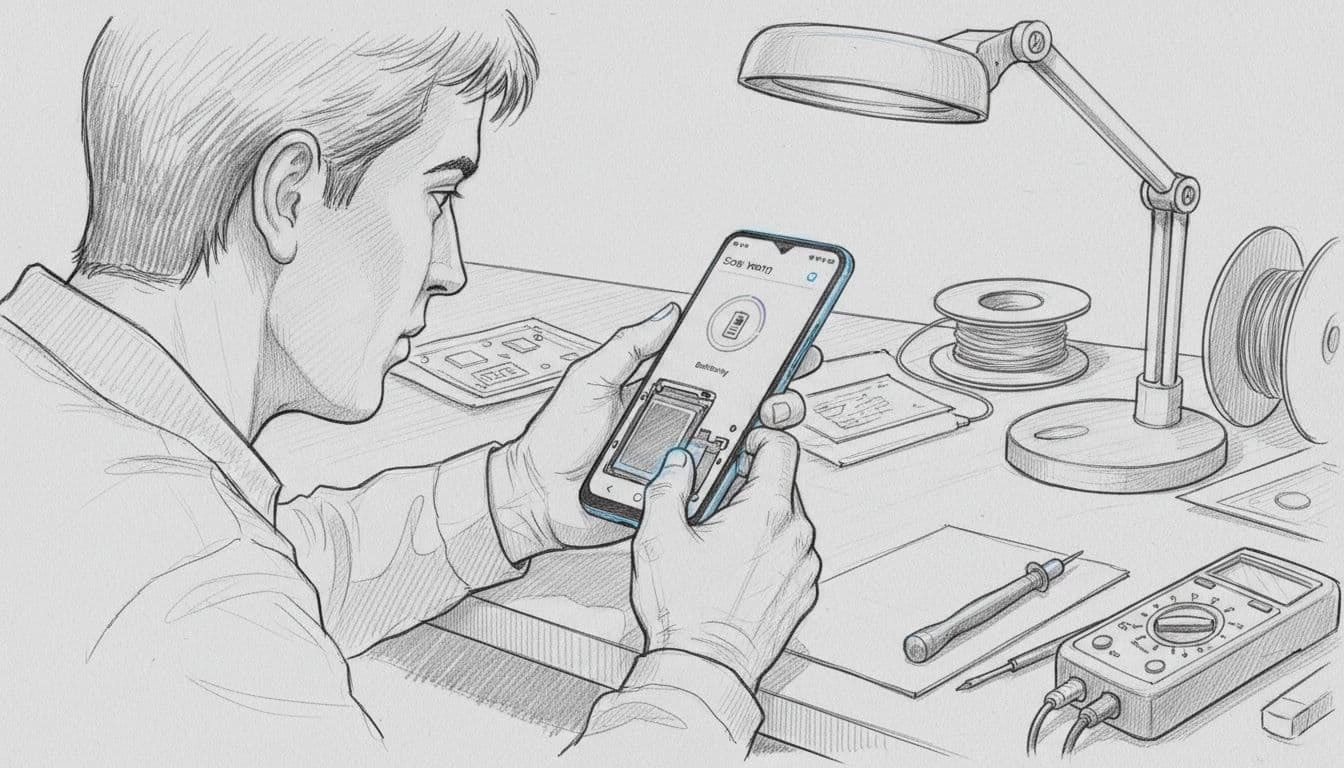
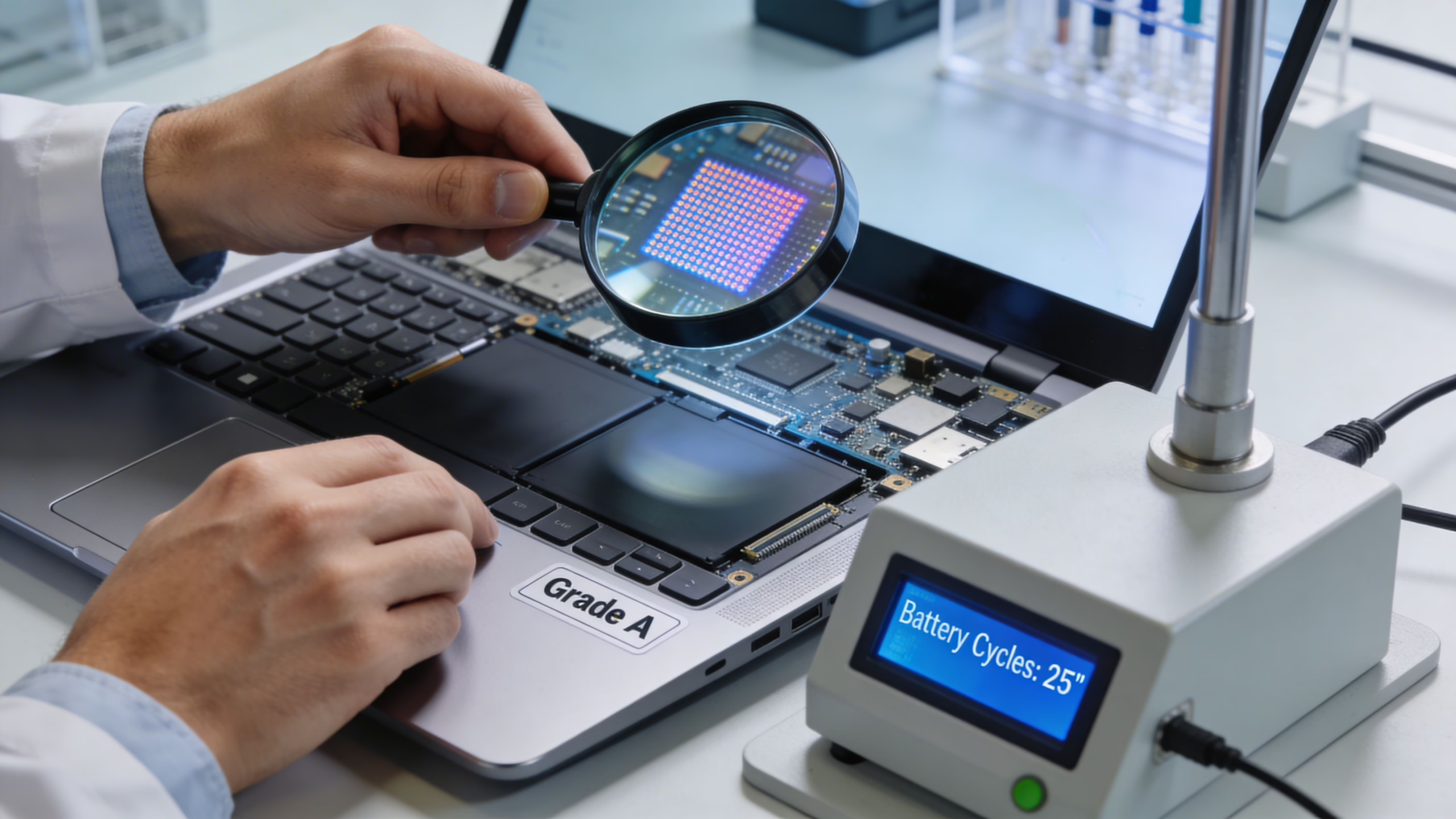
We’d still buy a refurbished Galaxy S21 FE in the UK in 2026 if the price matches the grade and the seller is clear about battery health, warranty and returns. It remains a strong value phone, but weak batteries and vague grading can turn a bargain into a hassle.
Quick verdict
Best for buyers who want a bright screen, good cameras and Samsung flagship feel without paying new-phone money.
Not ideal for heavy users who dislike evening top-ups, or anyone chasing the newest model for longer-term peace of mind.
Typical UK refurbished price range is about £123 to £206, based on May 2026 UK listings.
A better alternative can be the standard S21 5G if we want to spend less, or the S22 if the gap is small.
The main risk is a tired battery, a worn USB-C port, or cosmetic grading that looks better in photos than in hand.
Our practical recommendation is to buy an Excellent grade, SIM-free unit from a UK refurbisher with a clear battery policy and at least a 18 Month Warranty.
Quick Comparison
Best overall value: Galaxy S21 FE (Excellent grade)
Cheapest alternative: Galaxy S21 5G
Best upgrade option: Galaxy S22 (if price gap is small)
Marketplace bargains can be rougher than they look, and a current eBay refurbished listing is a useful reminder that “refurbished” can mean very different things.
What to check on a refurbished Galaxy S21 FE before we buy
Price matters, but the seller’s standards matter more. In May 2026, UK asking prices generally sit between £123 and £206, and Smartphone Checker’s refurbished S21 FE deals page shows how much that can shift by grade.
We check three things first, battery policy, warranty length and return window. A proper refurbisher should also state whether the phone is unlocked, whether all cameras and biometric features work, and how its cosmetic grades are defined.
If a seller won’t state battery standards, grading rules and warranty in plain English, we move on.
After that, we look for the faults that affect daily use. Screen burn-in, uneven speakers, weak vibration, loose charging fit and poor-quality replacement screens all matter. None of those faults makes the phone worthless, but each one should change the price.
This is also where the S21 FE can lose its value edge. If a premium-grade unit gets too close to S22 money, it stops being the smart middle ground.
Our Experience Refurbishing This Model at Used Mobiles 4U
At Used Mobiles 4U, this model usually arrives in better shape than many cheaper Samsungs, but it still has clear patterns. Most stock we keep sits above 85% battery health, and the cleaner examples are often in the high-80s or low-90s.
Our technicians often see worn USB-C ports on devices that have spent years charging in one spot. We also see scuffed frames, tired batteries, scratched camera rings and the odd display with faint image retention. Batteries and rear glass are among the parts we replace most often.
One thing we regularly notice is that grade gaps matter more on the FE than buyers expect. A Good grade can be a strong buy if the screen is clean and the battery is sound. An Excellent or Like New unit feels much better in hand because the frame picks up wear quickly, and that wear makes the phone look older than it performs.
Once the charging port, battery and display are right, reliability is generally good. Touch response, cameras and everyday speed tend to hold up well.
Real-world usage in 2026
In daily use, the S21 FE still feels quick. Messages, banking, maps, streaming, video calls and social apps run smoothly, and the 120Hz screen still helps the whole phone feel sharp.
Battery life depends more on health than age alone. With a healthy cell, most of us still get through a full day of mixed use. Heavy 5G, bright-screen video or long camera sessions can still mean a top-up by evening, so battery condition is not a box-ticking detail here.
The camera remains one of its best reasons to buy. Daylight photos are still crisp, skin tones are usually pleasing, and video is steadier than many cheap alternatives. Low-light shots show the phone’s age, yet it still beats plenty of budget Android models.
If we buy well now, a couple of comfortable years of use is a fair aim for most people.
Choose the S21 FE, S21, S22 or an iPhone
Choose the Galaxy S21 FE if we want the best balance of screen quality, camera quality and price.
Choose the standard S21 if we want a lower-cost flagship feel and can give up the FE’s value sweet spot.
Choose an iPhone if we prefer iOS, iMessage or stronger resale value. When we’re weighing refurbished iPhone vs Samsung under £300 UK, plus refurbished iPhones, used iPhones UK listings and other refurbished smartphones UK stock, Apple can be the safer fit.
Stay with Samsung if we’re also browsing cheap refurbished iPhones, refurbished iPhone deals UK shops promote, or second hand iPhones UK marketplaces, but we still want a smoother display and flexible camera setup.
If we were about to buy refurbished iPhone stock only because it feels familiar, the S21 FE is worth a proper side-by-side look first.
Final thoughts
The S21 FE still earns its place in 2026 because it gets the basics right, screen, camera and everyday speed. The catch is simple: we need to buy on condition, not headline price.
For most UK buyers, an Excellent grade unit from a seller with a clear battery standard is the safest choice. If you’re unsure whether the FE, a plain S21 or an iPhone makes more sense, we’re always happy to help.
You’re probably here because a new laptop feels too expensive, but a cheap used one also feels risky. That’s a sensible concern. A second hand laptop can be a very good buy in the UK if you check the right things before paying, especially battery health, grading, warranty cover, and whether the seller has tested the machine rather than just wiped it and listed it.
Yes, second hand laptops for sale can be worth buying. They suit home working, school use, small business setup, browsing, admin, and even lighter creative jobs if the spec is right. The trick is not buying on headline price alone. A laptop with the wrong battery, worn hinges, poor screen, or no proper returns process can become expensive very quickly.
A customer I dealt with recently wanted a budget machine for emails, spreadsheets, and video calls. They nearly bought the cheapest listing they saw online. On paper it looked fine. In reality, the battery was tired, the keyboard had intermittent keys, and there was no clear warranty wording. A slightly better graded machine would have been the safer buy.
Introduction to Buying Second Hand Laptops
A lot of buyers start in the same place. They need something reliable for work, study, or the kids, and they type second hand laptops for sale into Google hoping there’s a simple answer. Usually what they find is a jumble of grades, mixed specs, and listings that tell you very little about the actual condition.
That’s where most mistakes happen. People focus on processor name and storage size, but miss the parts that affect daily use. Battery wear, hinge stiffness, screen condition, webcam quality, charger authenticity, and return terms matter just as much.
If you’re comparing old and new tech more broadly, it helps to read an honest comparison before you buy. The product category is different, but the buying logic is very similar. Specs don’t tell the whole story. Real condition and intended use do.
For UK buyers, the market has become much easier to shop because there’s now more stock and more specialist refurbishers. If you want a sense of what good listings should look like, this guide to refurbished laptops in the UK is a useful benchmark for clear grading and realistic buying criteria.
What a good used laptop should do
A worthwhile used laptop should:
Start quickly: It shouldn’t crawl through boot-up or freeze during sign-in.
Hold charge sensibly: You shouldn’t be tied to the charger within a short session.
Run cool enough: Some fan noise is normal, but constant heat under light work isn’t.
Feel solid in the hand: Loose hinges and flexing chassis often point to harder previous use.
Buy for the job you need done, not for the longest spec sheet. A clean, well-tested business laptop often outlasts a flashy consumer model that’s been heavily used.
How Grading and Testing Work for Refurbished Devices
Not all refurbished laptops are equal, and not all grading labels mean the same thing from seller to seller. That’s why buyers get confused by terms like Grade A, Excellent, Very Good, or Good. Some businesses grade strictly. Others are far more generous.
The broader market is clearly moving this way. The UK refurbished laptop market grew 25% year-over-year in 2024, with refurbished devices accounting for 18% of all UK laptop sales, driven by budget and eco priorities, according to this refurbished computers and laptops market report.
Second Hand Laptops for Sale UK Buyer's Guide 9
What grade labels usually mean in practice
A Grade A machine should normally show light or minimal wear. That means small cosmetic marks at most, with a clean screen, tidy palm rest, and keys that don’t look shiny or heavily polished from use.
A Grade B model often has more visible signs of life. Expect scratches on the lid, some wear on edges, and maybe a little shine on common keys. That can still be a very sensible buy if the testing is good.
A lower grade can still be fine for workshop use, a student room, or a kitchen desk. Cosmetic wear doesn’t automatically mean poor reliability. But cosmetic wear and poor testing together is where trouble starts.
What proper testing should include
A listing isn’t reassuring just because it says “tested”. Ask what was checked.
A proper refurb process should cover:
Battery condition: Capacity, charging behaviour, and whether the battery drains abnormally.
Storage health: SSD or hard drive checks for warning signs and failures.
Display inspection: Dead pixels, pressure marks, backlight issues, and uneven colour.
Input testing: Every key, trackpad click, webcam, speakers, and microphone.
Port testing: USB, HDMI, headphone jack, charging port, and card reader where fitted.
Thermal behaviour: Whether the machine overheats or throttles under a basic stress check.
Why two Grade A laptops can feel different
This is the part many buyers don’t realise. A laptop can look excellent from the outside and still be a poor buy internally. I’ve seen tidy machines with tired batteries, flaky SSDs, and fans full of dust. I’ve also seen scuffed business laptops that run beautifully because the internals were checked properly.
Practical rule: Grading tells you how a laptop looks. Testing tells you whether it’s likely to behave.
If the seller can’t explain what they tested, treat the grade as cosmetic only.
Inspection Checklist When Shopping
Once the laptop is in front of you, or has just arrived by post, do a calm inspection before you move all your files over. Don’t wait a week and then discover the battery drops suddenly or the webcam doesn’t work. A short check on day one saves arguments later.
One of the most useful battery rules comes from Lenovo’s guidance on second-hand computers. Experts recommend refurbished laptop batteries maintain at least 80% original capacity to ensure 5-7 hour runtimes, as anything below can halve your usable time and trigger performance throttling, as noted in Lenovo’s guide to buying a secondhand computer.
If you’re specifically considering Apple hardware, it helps to compare examples of a cheap MacBook Air with full condition notes rather than relying on a marketplace title.
Start with the basics
Before you even sign in to your accounts, check the physical condition.
Look closely at:
The lid and corners: Dents around corners can point to drops, not just wear.
The hinge movement: Open and close it slowly. It should feel firm and even, not loose or creaky.
The screen surface: Tilt it under light to catch scratches, pressure spots, or coating wear.
The charger: Make sure it fits properly and doesn’t feel loose or damaged near the cable ends.
A customer once bought a used laptop that looked clean in photos, but the hinge had started separating from the chassis. The machine still turned on, but every open-close cycle made the damage worse. That’s the sort of issue you want to catch immediately.
Check the actual spec in the operating system
Don’t trust the box or listing alone. Confirm what’s inside.
On Windows, click: Settings > System > About
Then check the processor and installed RAM.
For storage on Windows, click: Settings > System > Storage
On a Mac, click: Apple menu > About This Mac
Confirm memory, chip, and storage details there.
Upgrades and substitutions happen. A laptop might be sold under the right model name but with a lower memory configuration than you expected.
Test the battery before you settle in
Battery condition is one of the biggest real-world differences between a decent refurb and a frustrating one.
You’re looking for signs like:
Fast percentage drops: A battery that falls quickly from a full charge needs closer checking.
Heat during simple tasks: Browsing and email shouldn’t make the machine uncomfortably hot.
Unexpected shutdowns: If it powers off with charge still showing, the battery may be unreliable.
On many Windows laptops, you can generate a battery report using built-in tools, or use a utility such as BatteryInfoView to inspect health details. On a Mac, click: Apple menu > System Settings > Battery
If the machine offers only short unplugged use, you need to factor in battery replacement or walk away.
A used laptop with a weak battery often feels slower than it should. People assume the processor is old. Quite often the battery is part of the problem.
Run a quick working test
You don’t need lab equipment. You need a sensible routine.
Open multiple browser tabs. Play a video. Type a paragraph. Adjust brightness. Plug in a USB device if you have one. Connect to Wi-Fi. Open the webcam app. Listen to the speakers.
What you’re checking is whether the machine stays stable while doing ordinary jobs. Lag, freezing, or surging fan noise under simple use is a warning sign.
Screen, keyboard, and ports
These are easy to miss if you focus too much on processor generation.
Screen faults that matter
A minor lid scratch is cosmetic. A patchy screen isn’t.
Watch for:
Dead pixels: Single dots that remain fixed.
Pressure marks: Brighter areas, often caused by impact or pressure in storage.
Uneven backlight: Corners brighter than the rest, especially visible on a dark background.
Keyboard and trackpad feel
Tap every key. Don’t just try the letters in your password.
Pay attention to:
Sticky keys
Double typing
Trackpad drag or missed clicks
A worn space bar or enter key
Heavy keyboard wear can suggest very high previous use, especially on ex-office machines.
Ports and wireless connections
Test at least one USB port, the audio socket if present, charging, and Wi-Fi. If the laptop has HDMI, try it if you can.
Some older devices pass all the obvious checks but have one unreliable port that cuts in and out. That’s annoying if you’re docking to a monitor every day.
Do this before moving your files
Don’t rush straight into setup.
Use this short pass-or-fail list:
If a machine fails more than one of those checks, return it while you still can.
Price Guide by Model and Age
Price is where many buyers get caught out, because a laptop can look cheap until you compare it with its age, grade, battery condition, and whether it’s a consumer model or a business model. Business laptops such as ThinkPads, EliteBooks, and Latitude machines often hold value because they’re built to survive heavier daily use. MacBooks tend to hold value because demand stays strong and software support matters to buyers.
The danger isn’t only overpaying. Very low prices can also mean incomplete testing, poor batteries, missing chargers, or locked-down corporate machines that weren’t prepared properly before resale.
The table below uses the verified figures available and practical market logic rather than made-up price bands. Where precise market-wide pricing isn’t verified, it’s better to work with relative buying ranges.
Price Ranges by Model and Age
For gaming-focused buyers, it’s worth checking broader expectations around refurbished gaming laptops because the pricing logic changes once you add stronger graphics, cooling demands, and heavier battery wear.
What pushes the price up
A higher price can be justified when the machine has:
Better battery condition
A cleaner grade
More RAM or SSD storage
A newer processor generation
A proper warranty and clear returns terms
That last point matters more than people think. A cheap listing with vague testing can stop being cheap the moment you need a battery, keyboard, or charging repair.
When paying more makes sense
Stretch the budget when the laptop will be used every day for work, school, or portable use away from a charger. That’s where battery quality, screen condition, and keyboard wear become daily annoyances if they’re poor.
Paying more also makes sense if the machine is likely to stay in service for a while. Verified data indicates battery replacement can extend device life by 2-3 years, so a slightly dearer laptop with a sound battery or straightforward replacement path can be the smarter buy than a bargain machine that needs immediate work.
If two laptops have similar specs, buy the one with the better condition notes and clearer test detail. That usually saves money later.
Listings that deserve extra caution
Be wary when a listing is light on detail but heavy on broad claims.
That includes:
No battery information at all
Only one photo of the closed lid
No mention of charger type
No note on screen marks or keyboard wear
No returns wording you can understand
If the seller can’t tell you what you’re buying beyond brand and storage, move on.
Warranty Returns and Data Security
A warranty isn’t a marketing extra on a refurbished laptop. It’s one of the main reasons to buy from a proper refurbisher instead of taking a gamble on an auction listing. Laptops can pass a quick startup test and still develop faults once they heat up, charge repeatedly, or go through a few sleep-wake cycles.
A useful minimum is 12 months of warranty cover. That gives enough time for hidden issues to show themselves in normal use. Shorter cover can still be workable, but you need to read the exclusions carefully.
What to check in the warranty wording
Look for plain answers to these points:
Battery cover: Is the battery included, and if so, under what conditions?
Screen cover: Are panel faults covered, or only complete failures?
Motherboard or logic board faults: These are expensive issues if they appear later.
Return process: Do you know who pays return postage and how faults are assessed?
If the wording is vague, ask before buying. A decent seller should answer clearly.
Returns are easiest when you act quickly
When a fault appears, don’t keep troubleshooting for weeks and accidentally drift past the return window. Test early and document what you find.
A sensible routine is:
Check the laptop fully on arrival
Take photos of any cosmetic issue not shown in the listing
Record any fault clearly
Contact the seller through their official support channel
Keep the original packaging until you’re happy with the machine. It makes a return much easier.
Data security matters both ways
People usually think about data security when selling an old laptop, but it matters just as much when buying one. The previous owner’s data should already be removed properly, and the machine should be ready for a clean setup.
Before you use the laptop seriously, it’s worth doing your own fresh start if needed.
On Windows, click: Settings > System > Recovery > Reset this PC
On a Mac, the reset path depends on model and macOS version, so it’s sensible to check Apple’s official support guidance for your exact machine before erasing it.
If you’ve got valuable files on a failing laptop before trade-in or replacement, specialist help can be the safer route. A service such as professional data recovery services can make sense when the data matters more than the device.
Don’t hand over or return any old laptop until you’re sure your own files are backed up. If there’s any risk of data loss, back up first.
Signs the seller takes security seriously
You won’t always see formal certifications on every listing, but good practice usually shows up in how the machine is presented. A proper refurbisher should be able to tell you the laptop has been data-wiped, reinstalled, and checked for normal setup use.
If they can’t explain that process, confidence drops quickly.
Trade In and Bulk Purchase Strategies
Buying one laptop and sourcing a batch for a small team are two different jobs. The first is about fit and condition. The second is about consistency, support, and total cost across the whole order.
This is also where the market still leaves gaps. Only 5% of UK listings detail bulk purchase or trade-in options, yet SMEs adopting refurbished tech rose 15% in 2025, with volume deals offering up to 60% savings per device, according to this overview of refurbished laptop buying patterns.
If you’re clearing old equipment before replacing it, a practical starting point is to check where to sell laptops so you understand what information is usually needed for valuation.
Trade-in for individual buyers
Trade-in works well when you’ve got one older device and want to reduce the cost of the next one. It’s straightforward if the laptop still powers on, has no account lock issues, and includes the charger.
Trade-in is less attractive when:
The laptop has major damage
The battery is badly worn
It’s a very low-spec model with limited resale demand
In those cases, the value may be modest, but it can still be worthwhile for convenience and responsible disposal.
Bulk buying for SMEs
A small business usually needs consistency more than bargain hunting. Ten random laptops from ten different sellers might look cheaper at first, but they create setup headaches, charger mismatches, uneven battery health, and support problems later.
Bulk buying works better when the supplier can provide:
Matching or closely matched models
Consistent grades
Clear invoice and warranty terms
A single point of support if faults show up
That makes device rollout much smoother for remote staff and office teams.
Which route makes more sense
Here’s the practical comparison:
A lot of businesses miss the true cost of buying piecemeal. If one laptop needs a battery, another needs a charger, and a third has a different dock requirement, admin time starts eating the savings.
One practical route in the UK is a retailer that offers both refurbished stock and a trade-in path. Used Mobiles 4 U does that through its Sell Your Tech programme and also handles corporate quote requests, which is useful if you want one place to deal with both outgoing and incoming devices.
Budget and Eco Benefits of Refurbished Laptops
Some buyers still assume refurbished means compromised. In practice, the better way to look at it is selective spending. You’re paying for the parts and performance you need, without taking the biggest depreciation hit of buying new.
That’s one reason the category keeps growing. Buyers want value, but they also want less waste. Refurbishment can do both if the device has been checked properly.
Second Hand Laptops for Sale UK Buyer's Guide 10
The battery question changes everything
A lot of hesitation around used tech comes back to battery life, and with good reason. 68% of UK consumers cite battery life as their top concern when buying used electronics, yet only 12% of refurbishers disclose capacity tests, according to this used electronics and laptop buying page.
That concern is sensible, not fussy. A laptop can look tidy and still disappoint if it spends half its life plugged in because the battery wasn’t tested.
Why refurbished can be the smarter environmental choice
Keeping a capable laptop in use for longer reduces pressure to manufacture and ship a replacement unit. For buyers, that means one less machine discarded early and one more device used closer to its full service life.
This matters for families as much as businesses. Parents buying a first study laptop often don’t need the newest release. They need something dependable, affordable, and easy to replace or repair if needed.
Common assumptions that don’t always hold up
People often assume:
Used means unreliable
Older means too slow
Refurbished means rough condition
Cheap means good value
Only the last one regularly causes trouble. A very cheap laptop with poor battery health or hidden faults isn’t good value at all.
A sound refurbished business laptop often feels better to use than a low-end new machine. Better keyboard. Better hinge design. Better serviceability. Less flex. That’s especially true for buyers doing office work, browser-based systems, admin, email, and video calls.
The greenest laptop is often the one that’s already been made, tested properly, and matched to the right user.
Why Choose Used Mobiles 4 U for Refurbished Laptops
When you’re buying second hand laptops for sale, the safest option is usually the seller who tells you clearly what condition means, what testing was done, and what happens if something goes wrong. That’s more valuable than polished wording or a long spec list.
Used Mobiles 4 U is set up around that practical approach. The business offers certified refurbished laptops alongside phones and tablets, with grading from Like New to Good, factory-standard testing, data wiping, and a 18 Month Warranty. For buyers, that combination matters because it covers the parts of the process that usually create uncertainty.
What makes the buying process easier
The useful parts are straightforward:
Clear grading: You can choose condition and budget with fewer surprises.
UK-based support: It’s easier to sort questions or faults without chasing a faceless marketplace seller.
Royal Mail delivery: Fast dispatch helps if you need a device quickly.
Trade-in and bulk enquiry options: Helpful for both individual upgraders and business buyers.
If you’re comparing several sellers, look for that same mix of proper testing, transparent condition notes, and plain-English returns terms. Those are the protections that make refurbished laptops a sensible buy rather than a gamble.
If you’re still unsure which second hand laptop suits your work, study, or home setup, you can browse the current range or ask the team at Used Mobiles 4 U for practical advice.
Written by James Waterston, 24 years in the mobile phone industry from customer service through to Sales Director of a global repair and recycling company. Now running Used Mobiles 4 U for over 8 years.
This website uses cookies to improve your experience while you navigate through the website. Out of these, the cookies that are categorized as necessary are stored on your browser as they are essential for the working of basic functionalities of the website. We also use third-party cookies that help us analyze and understand how you use this website. These cookies will be stored in your browser only with your consent. You also have the option to opt-out of these cookies. But opting out of some of these cookies may affect your browsing experience.
Necessary cookies are absolutely essential for the website to function properly. These cookies ensure basic functionalities and security features of the website, anonymously.
Cookie
Duration
Description
cookielawinfo-checkbox-analytics
11 months
This cookie is set by GDPR Cookie Consent plugin. The cookie is used to store the user consent for the cookies in the category "Analytics".
cookielawinfo-checkbox-functional
11 months
The cookie is set by GDPR cookie consent to record the user consent for the cookies in the category "Functional".
cookielawinfo-checkbox-necessary
11 months
This cookie is set by GDPR Cookie Consent plugin. The cookies is used to store the user consent for the cookies in the category "Necessary".
cookielawinfo-checkbox-others
11 months
This cookie is set by GDPR Cookie Consent plugin. The cookie is used to store the user consent for the cookies in the category "Other.
cookielawinfo-checkbox-performance
11 months
This cookie is set by GDPR Cookie Consent plugin. The cookie is used to store the user consent for the cookies in the category "Performance".
viewed_cookie_policy
11 months
The cookie is set by the GDPR Cookie Consent plugin and is used to store whether or not user has consented to the use of cookies. It does not store any personal data.
Functional cookies help to perform certain functionalities like sharing the content of the website on social media platforms, collect feedbacks, and other third-party features.
Performance cookies are used to understand and analyze the key performance indexes of the website which helps in delivering a better user experience for the visitors.
Analytical cookies are used to understand how visitors interact with the website. These cookies help provide information on metrics the number of visitors, bounce rate, traffic source, etc.
Advertisement cookies are used to provide visitors with relevant ads and marketing campaigns. These cookies track visitors across websites and collect information to provide customized ads.